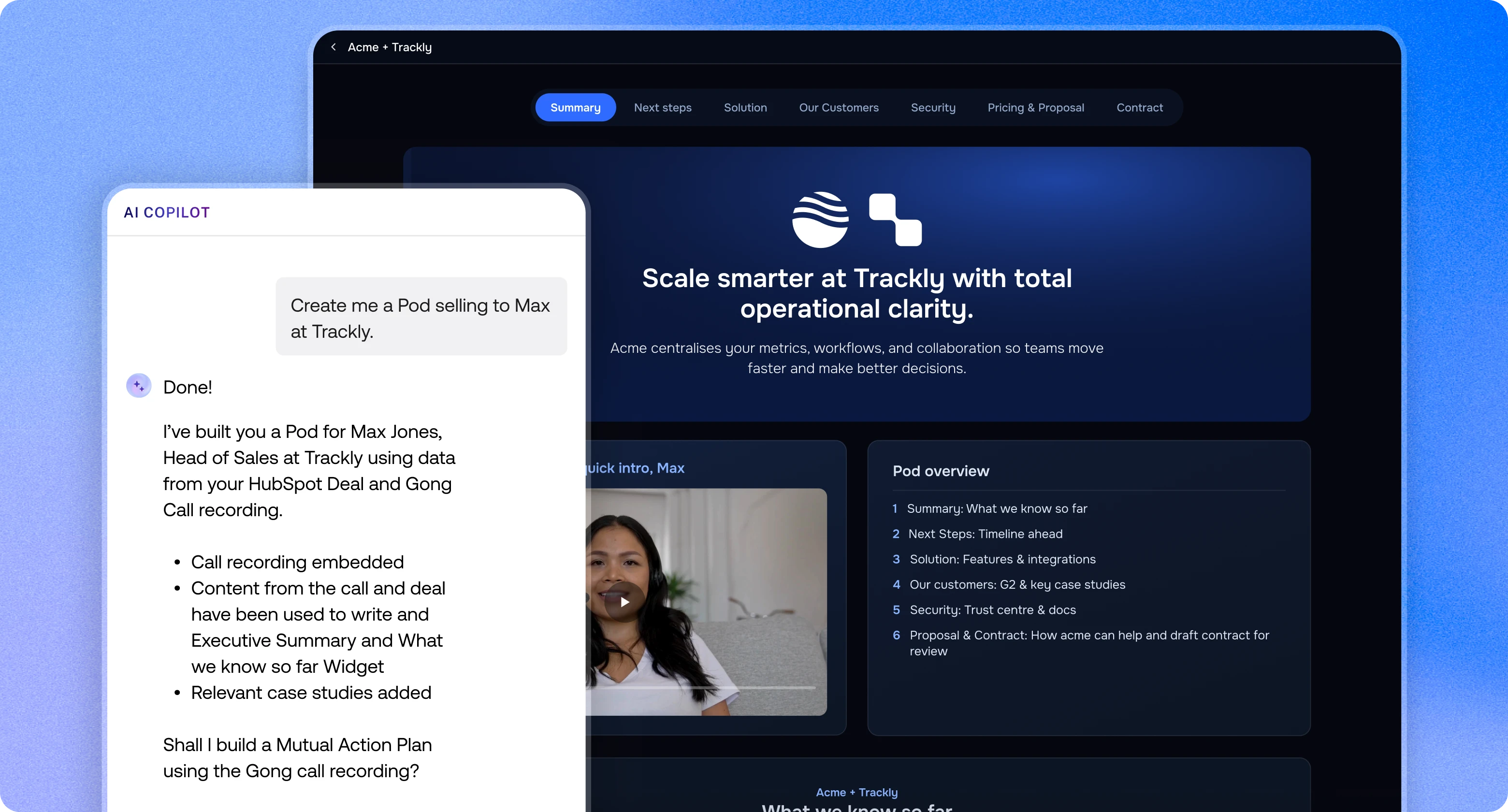
Create Pods from HubSpot records, see buyer engagement on every deal, and keep fields, stages and Mutual Action Plans in sync both ways.
The HubSpot integration connects trumpet to your deals, companies, contacts and custom objects. Reps create and personalise Pods from HubSpot data, and every view, comment and download comes back to the record. Managers get engagement and MAP progress right where they review pipeline.
Connect HubSpot to Copilot through the MCP client and pull live deal context into a Pod with one prompt. Ask Copilot for a "where we're at" summary for the buyer's execs covering deal value, timeline and next steps, or combine HubSpot data with call notes from Granola or Sybill in the same prompt.
Link a Pod to a deal, company, contact or custom object. Turn on auto-create and every new HubSpot deal gets a Pod built from the template you choose.
Contact name, company name and URL, deal name and deal value fill in automatically. Pull in any other HubSpot field as a custom variable.
Use HubSpot deal data to fill in trumpet Proposals & Quotes, or drop a HubSpot Quote straight into the Pod.
Add your HubSpot meetings link to a Pod so buyers book time without leaving it.
Map the buying group before everyone has opened the Pod. Search your HubSpot contacts from the Pod's org chart, add them, and assign roles such as Decision Maker or Economic Buyer. Buying roles you set sync back to the HubSpot contact.
The trumpet tab, an insights sidebar, a Pod preview and a MAPs card sit on Companies, Contacts, Deals and Services. Reps see views, hidden stakeholders, signals, engagement score and a stakeholder table without switching tabs.
No Pod linked yet? The card shows a Create Pod button that opens your templates with the deal already selected.
See MAP progress and overdue steps on the deal, tick steps off in HubSpot, and the Pod updates too.
Pod activity is logged on the record, and optionally as notes. People who view the Pod are added and enriched as contacts, and senior viewers (Head, Director, VP, C-suite) are flagged as key personas.
Full guide: How to set up the HubSpot integration and Set up the new trumpet App Cards.
Create Pods from HubSpot records, see buyer engagement on every deal, and keep fields, stages and Mutual Action Plans in sync both ways.

Yes. Trumpet has a two-way HubSpot integration that creates Pods from HubSpot deals, companies, contacts and custom objects. Buyer activity in the Pod, such as views, comments, downloads and Mutual Action Plan progress, is sent back to the HubSpot record.
Deals, companies, contacts and custom objects come into trumpet. Pod activity, deal title, value and stage, buying roles, mapped custom fields and new Pod viewers go back to HubSpot. You choose whether each mapped field syncs one way or both ways.
Yes. Trumpet adds four App Cards to HubSpot companies, contacts, deals and services. Reps see Pod views, signals, engagement score, stakeholders and Mutual Action Plan progress on the record, and can update Mutual Action Plan steps there.
Yes. Turn on "New deals create new Pods" in the trumpet HubSpot settings and choose a template. Each new HubSpot deal then gets its own trumpet Pod.
A trumpet admin connects HubSpot once for the whole account. A HubSpot Super Admin then places the trumpet App Cards on record pages, which takes about two minutes and needs no reinstall.
Every plan, including the free plan, which gives you Scale plan features for up to 10 Pods. Paid plans start with Pro at $45 per user per month.