

Updated 15 September 2026
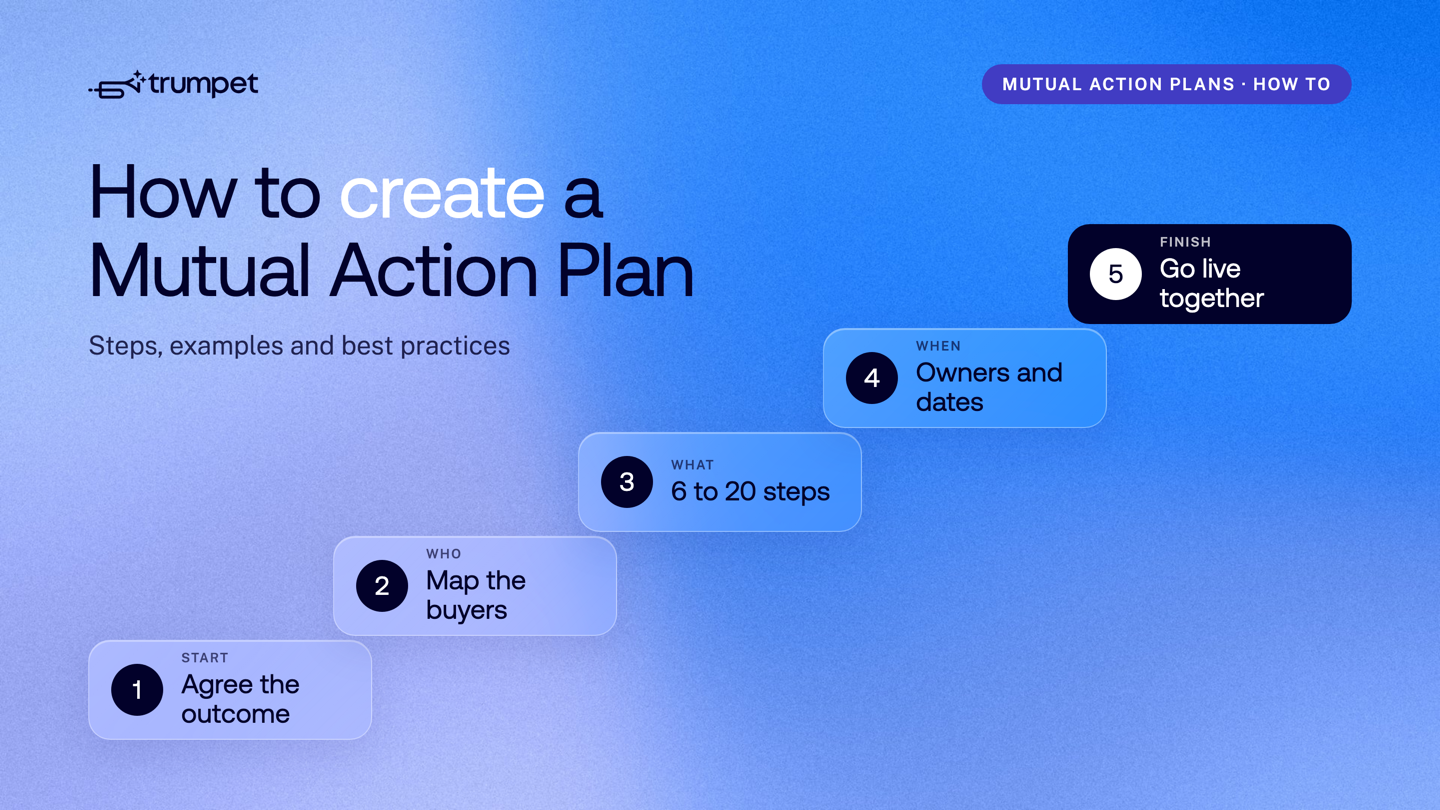
To create a Mutual Action Plan, agree the buyer's outcome and go-live date, work backwards into 6 to 20 milestones, and give every step one named owner, a due date and a clear definition of done. Build it with the buyer rather than for them, keep it in one shared place both sides can update, and carry it into onboarding after signature. This guide walks through each step, gives a short example plan, and covers the best practices that keep a plan in use.
New to the idea? Start with what a Mutual Action Plan is and why it helps B2B deals. If you want a ready-made starting point, grab our Mutual Action Plan Template.
How do you create a Mutual Action Plan that actually works?
You create a Mutual Action Plan that works by planning back from the buyer's go-live date and agreeing every step with the buyer. Most plans fail because they arrive too late, read like generic admin and belong to the seller alone. These seven steps avoid that.
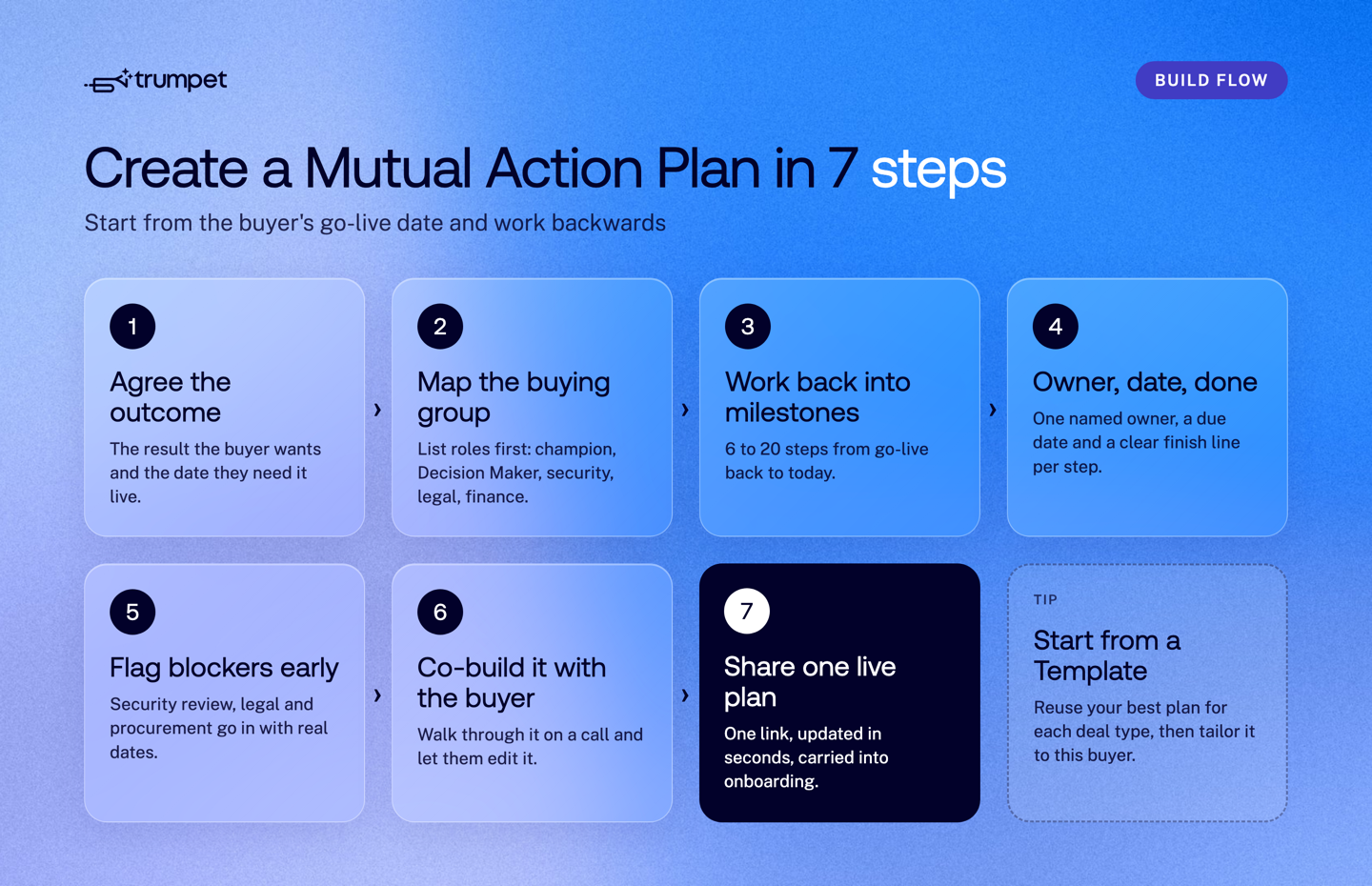
1. Agree the outcome and the go-live date
Start with the result the buyer wants and the date they need it working. That launch date is the anchor for everything else. Tie it to things the buyer already cares about: a board meeting, a product launch, a hiring wave or the start of a new quarter. Ask what their leadership is measured on. A plan linked to the buyer's own priorities gets done. A plan linked to your quarter end does not.
2. Map the buying group by role
List the roles you need before you know every name: champion, Decision Maker, Economic Buyer, security, legal, procurement and the people who will use the product. You won't know everyone on day one, so add a placeholder for each role and fill in names as you meet them. Gaps in this list are your early warning of a single-threaded deal.
3. Work back into 6 to 20 milestones
Count back from go-live to today and break the path into milestones: evaluation, business case, security review, legal, signature, kickoff, launch. Keep it between 6 and 20 steps. That is enough to show you know the buying process, and short enough that buyers will actually read it.
4. Give every step an owner, a date and a definition of done
A great Mutual Action Plan answers three questions for every step: what needs to happen, who does it and when it is due. Use one named owner per step, not "the team". Write what "done" looks like, so nobody argues later about whether a step is finished. Include buyer-owned steps, such as sharing security questions or booking the budget sign-off, alongside your own.
5. Flag the likely blockers early
Security reviews, legal redlines and procurement rarely move as fast as anyone hopes. Put them in the plan with realistic dates from the start, so they are planned for rather than discovered. It also helps to show what a slip costs. If legal review moves by two weeks, show how that pushes the go-live date and the value the buyer was waiting for.
6. Co-build it with the buyer
Draft the plan, then walk through it live on a call. Ask, "Does this timeline look realistic? What have I missed?" Let the buyer change the wording and add their own internal steps. If the buyer didn't help shape the plan, they won't follow it. When they can see the path and feel ownership, they move the deal forward without being chased.
7. Share one live plan and carry it into onboarding
Share the plan as a single link that both sides update, not a spreadsheet attached to an email. Agree a review rhythm, such as a quick check at the start of each weekly call. After signature, the same plan becomes the onboarding plan, so customer success picks up where sales left off. The buyer never has to explain their goals twice.
Example: a simple Mutual Action Plan outline
Here is a short example for a mid-sized software deal with a go-live date eight weeks from the first call. For a full, copyable version, use our Mutual Action Plan Template.
| Step | Owner | Due | Done when |
|---|---|---|---|
| Agree goals and go-live date | Seller and champion | Week 1 | Go-live date confirmed in writing |
| Tailored demo for the wider team | Seller | Week 2 | Users have seen their own use case |
| Business case to the Economic Buyer | Champion | Week 3 | Budget approved |
| Security questionnaire | Buyer IT, then seller | Week 4 | Security sign-off received |
| Contract and legal review | Buyer legal | Week 5 | Redlines agreed |
| Signature | Decision Maker | Week 6 | Contract signed |
| Onboarding kickoff | Customer success | Week 7 | Admins set up, training booked |
| Go-live and first value check | Customer and customer success | Week 8 | First team live and using it |
Eight steps is plenty for a deal like this. A larger enterprise deal might need closer to 20, with separate steps for each approval.
What makes a good Mutual Action Plan?
A good Mutual Action Plan is short, shared and specific: it shows both sides what happens next, who owns it and when it is due, without feeling like a project plan. Use this checklist to test yours.
- It is mutual. Both sides helped write it, both sides see the same version and both sides own steps.
- It shows progress at a glance. Anyone can see what is done, what is overdue and what comes next without digging through emails or call notes.
- Ownership is impossible to miss. Every step has a named owner, a date and a visible status.
- It is framed around results. Steps lead to the outcome the buyer wants, not just to your signature.
- It keeps moving between meetings. Owners, due dates and reminders sit on each step, so work carries on when calendars don't line up.
- It doesn't stop at close. The plan carries into onboarding, renewal and expansion, so Revenue Teams across sales and customer success work from one record.
How many steps should a Mutual Action Plan have?
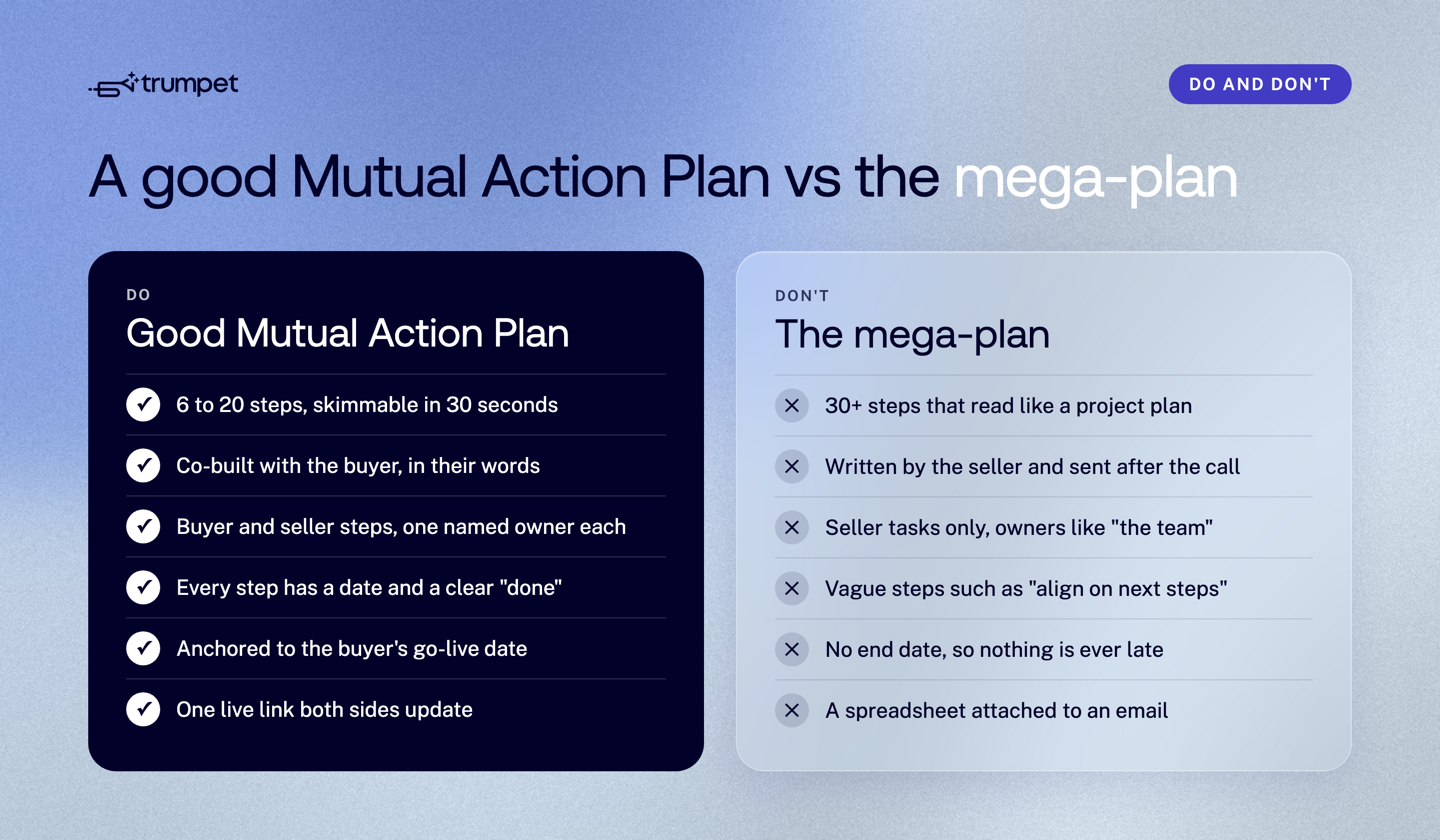
Most Mutual Action Plans work best with 6 to 20 steps. Fewer than six and the plan is too vague to show the real buying process. Much more than 20 and you have built a mega-plan: a Gantt chart in disguise that buyers stop reading.
A quick test: if a buyer can't skim the plan in 30 seconds and see where things stand, it's too long. Group small tasks under one milestone instead of listing each one. Buyers want to feel guided, not micromanaged.
How do you make the best Mutual Action Plan?
You make the best Mutual Action Plan by keeping it light, visible and owned by both sides, then updating it every time the deal changes. These practices separate plans that get used from plans that get ignored.
Share it early
Introduce the plan as soon as you have agreed goals, usually in the first or second call. A plan that turns up at the negotiation stage is a closing tactic. A plan that turns up early is a way of working together.
Keep it visible between meetings
Deals rarely stall because people forget what was said. They stall because progress isn't visible. If the plan lives in a follow-up email, a CRM field or someone's notes, it disappears the moment attention shifts. Keep it somewhere shared that both sides open without a login.
Treat it as a living document
Priorities shift, new stakeholders appear and dates move. Update the plan in real time, together, rather than sending a new version. If updating it takes seconds, it gets updated. If it feels like work, it won't.
Make the handover invisible
This is where many deals quietly lose trust. Sales closes, customer success joins, and the customer has to explain everything again. When customer success inherits the same plan, they can see what was agreed, what is already done and which outcomes matter most. Extend the plan with onboarding, rollout and adoption milestones instead of starting from scratch.
If it feels heavy, it's wrong
A Mutual Action Plan is not a contract and not a project plan. It is a shared view of progress. If it starts to feel heavy, cut steps, merge tasks and remove anything nobody checks.
How do top sales teams use Mutual Action Plans to win deals?
Top sales teams use Mutual Action Plans as a repeatable process: a standard Template per deal type, tailored for each buyer, with plan progress reviewed as a deal signal. Here is what that looks like in practice.
- Standardise with Templates. Keep one Template for each deal type, such as a fast self-serve upgrade, a mid-market deal and an enterprise deal with security and procurement. Reps start from a proven structure, then tailor it.
- Match the plan to the deal. A small deal might need six steps in a simple shared list. A complex deal with many stakeholders needs a richer plan inside a Digital Sales Room, with content, notes and approvals in one place.
- Read progress as a signal. If steps stop being ticked off, the deal is probably stalling. If buyer steps are flying, your champion is active. Leaders can use this to spot deals that need help. Read more on tracking Mutual Action Plan progress with buyer engagement signals.
- Review and improve after every deal. Win or lose, look at where plans slipped. If security review always runs late, start it earlier in the Template. Share what works across the team.
Even with a strong plan, buyers still have to use it. For tactics on getting buyer buy-in, see how to build collaborative and engaging Mutual Action Plans.
Building Mutual Action Plans in trumpet
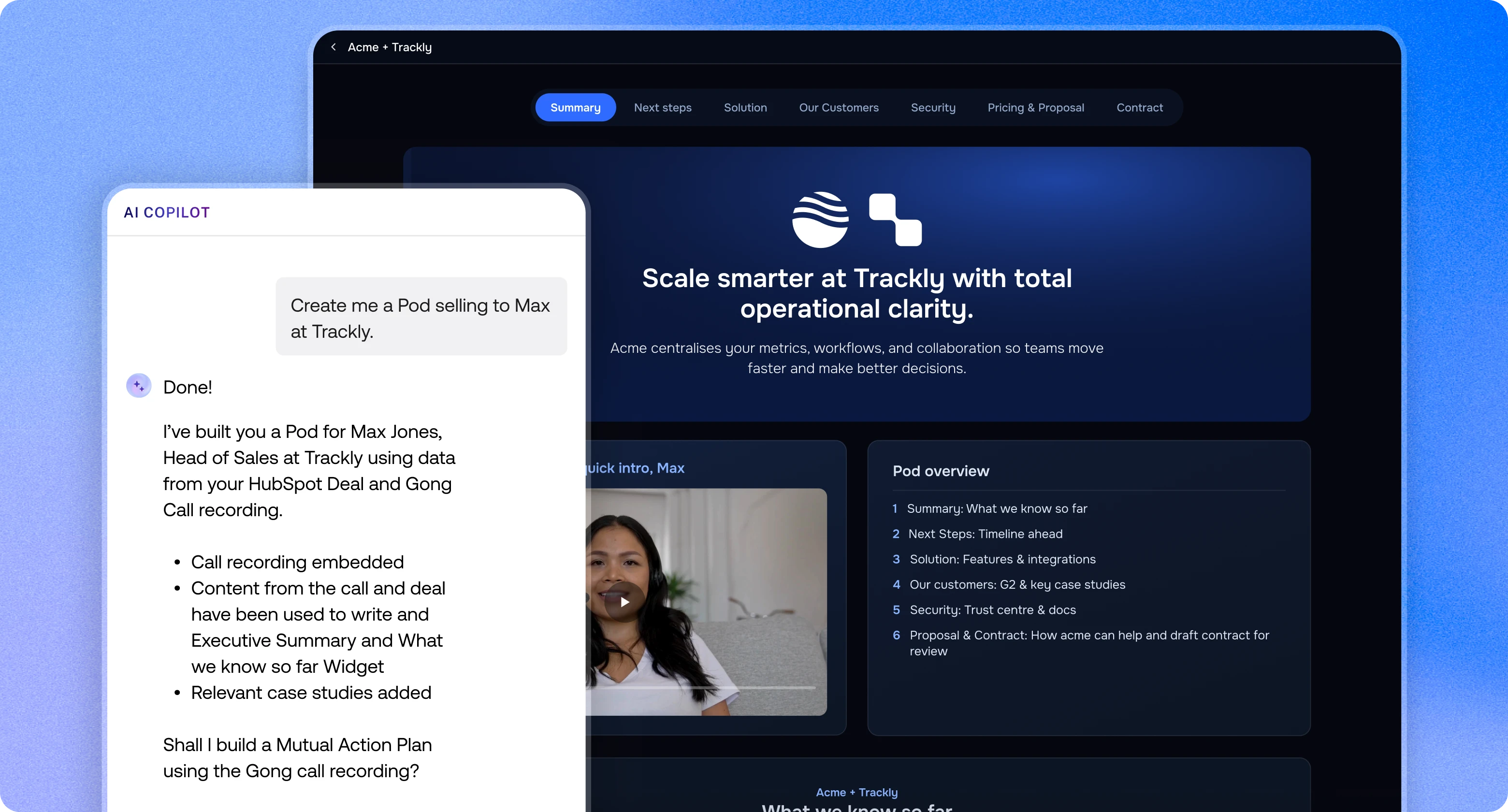
In trumpet, Mutual Action Plans sit inside the Pod, a branded buyer space that customers open from one link with no login. Steps can be owned by the buyer or the seller, each with an owner, a due date and reminders.
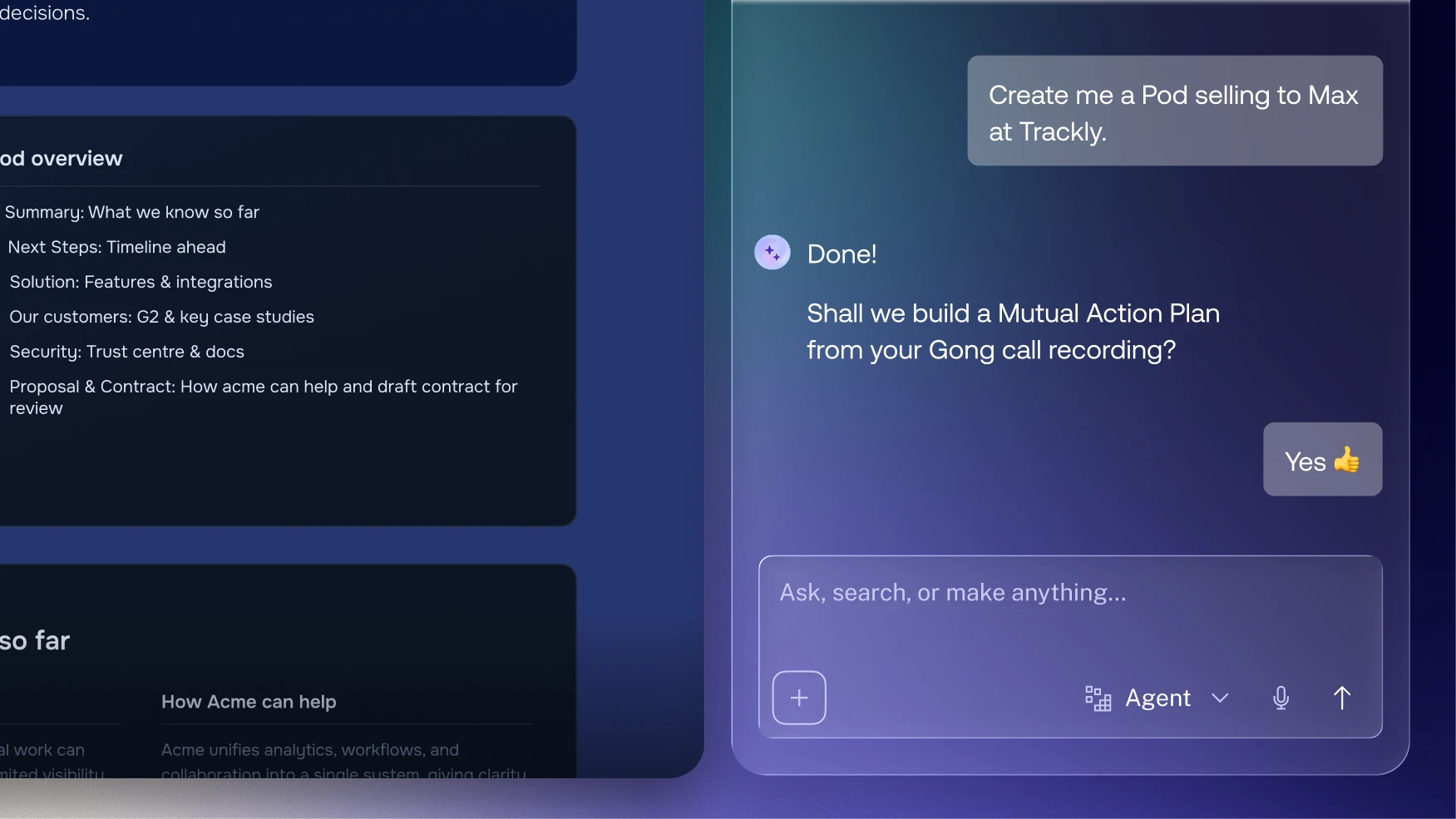
- AI drafts the first version. AI agents build Pods from a URL or CRM record and draft Mutual Action Plans, so reps start editing rather than typing.
- Progress at a glance. A progress tracker and calendar view show where the plan stands, with overdue steps easy to spot.
- Momentum between meetings. Automated reminders chase each step for you, and the Mutual Action Plan dashboard shows every plan across every Pod.
- Connected to your CRM. With the HubSpot integration, MAP progress shows on App Cards and reps can tick steps off in HubSpot. Plan activity syncs back to Salesforce too.
- One plan after close. The plan becomes the onboarding plan, so customer success carries it into onboarding, renewal and expansion.
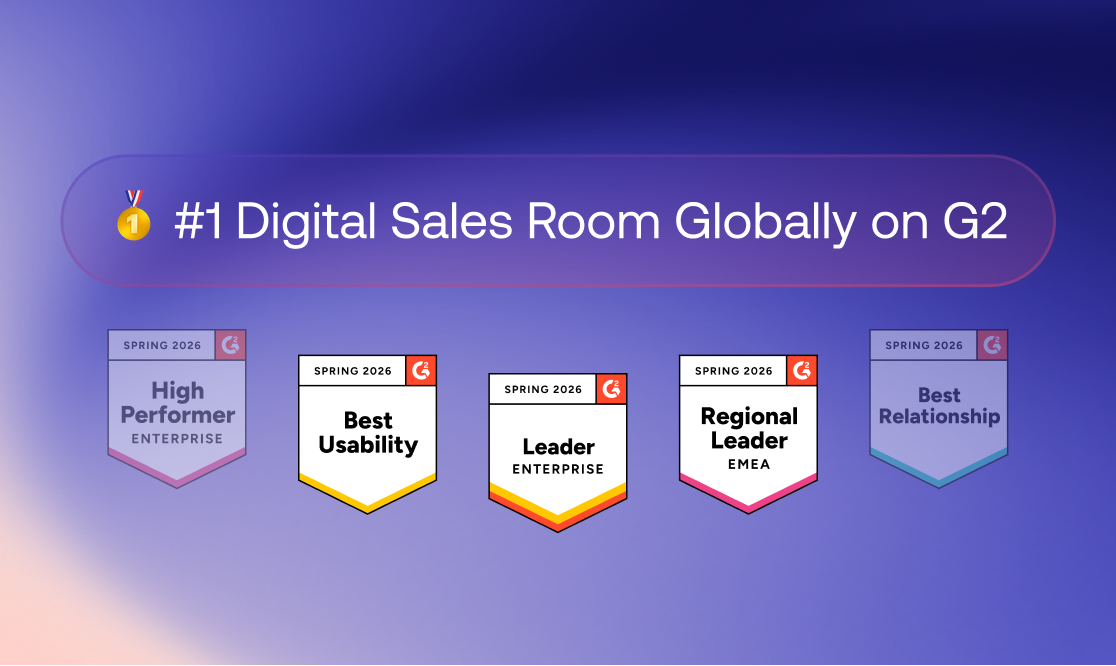
Trumpet is the #1 Digital Sales Room on G2 for five quarters in a row, and the Free plan includes 10 Pods. Comparing tools? Read what to look for in Mutual Action Plan software or see pricing.
Frequently asked questions
How do you use a Mutual Action Plan in sales?
You use a Mutual Action Plan in sales as the shared agenda for the deal: share it early, review it on every call and update it whenever dates or stakeholders change. It replaces "I'll send next steps" with a plan both sides can see.
What are the top 5 Mutual Action Plan tips?
The top five tips are to build it with the buyer, keep it visible between meetings, make ownership impossible to ignore, carry it from sales into customer success, and make sure every step answers what, who and when.
Why are Mutual Action Plans called the silent deal closer?
Mutual Action Plans are called the silent deal closer because a well-run plan keeps deals moving without extra chasing, yet many teams either skip them or overload them. Used in the 6 to 20 step range, a plan quietly surfaces blockers and keeps both sides accountable.
Who should be involved in a Mutual Action Plan?
Involve your deal team and every buying role that can approve or block the deal, including the champion, Decision Maker, Economic Buyer, security, legal and procurement. Add customer success before signature so the handover is smooth.
Can a Mutual Action Plan change during the deal?
Yes, a Mutual Action Plan should change whenever priorities, dates or stakeholders change. Update it together in real time rather than sending new versions.
Do Mutual Action Plans work for small deals?
Yes, even small deals benefit from a short plan with clear next steps and owners. Six steps in a simple shared list is often enough.
What is the difference between a Mutual Action Plan and a mutual close plan?
They are the same idea: a shared roadmap that sets out how buyer and seller get the deal done. A Mutual Action Plan usually goes further and carries on into onboarding after close.


See what your buyers are doing between meetings
Build a Pod, share it with the buying committee and watch the signals roll in. Free to start.