

Updated 18 September 2026
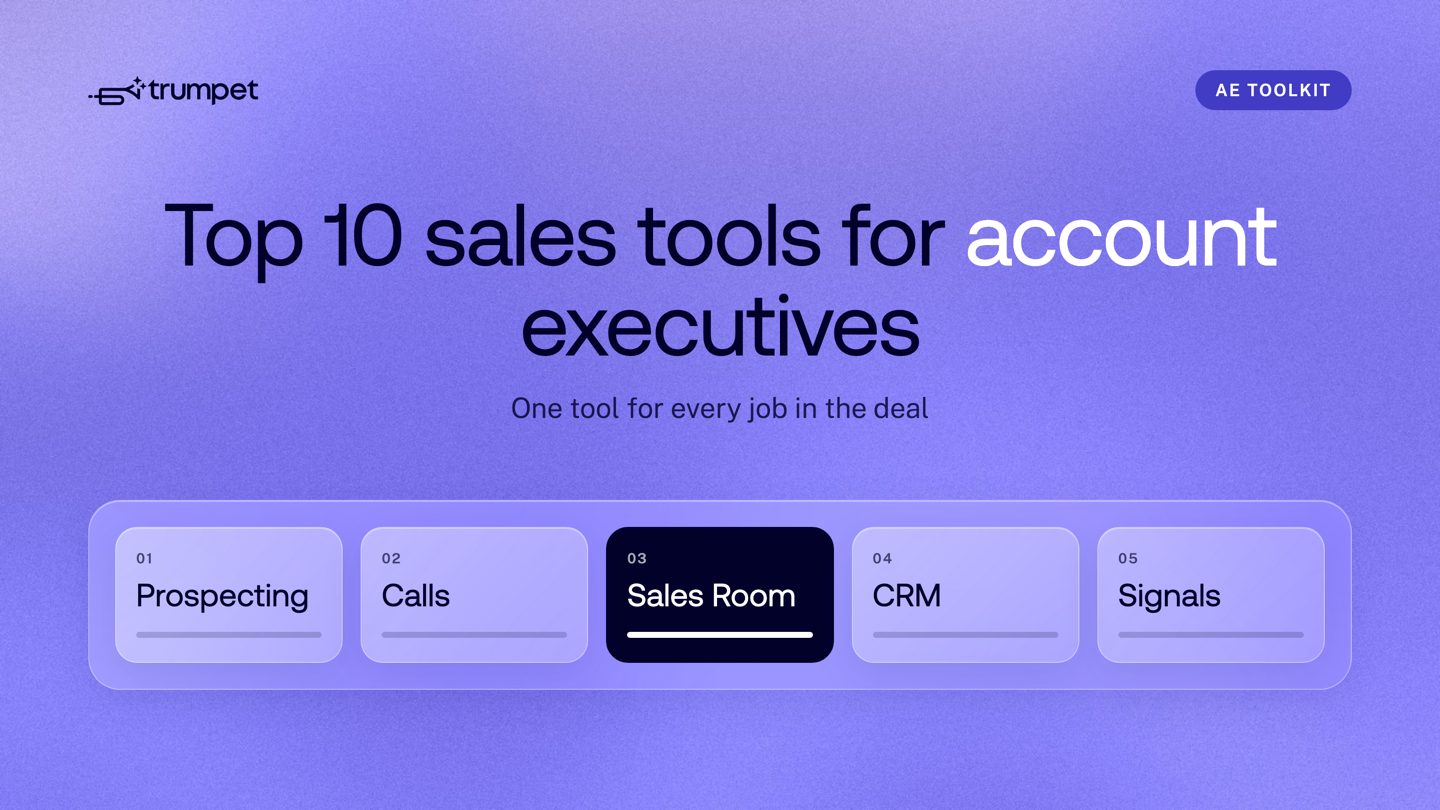
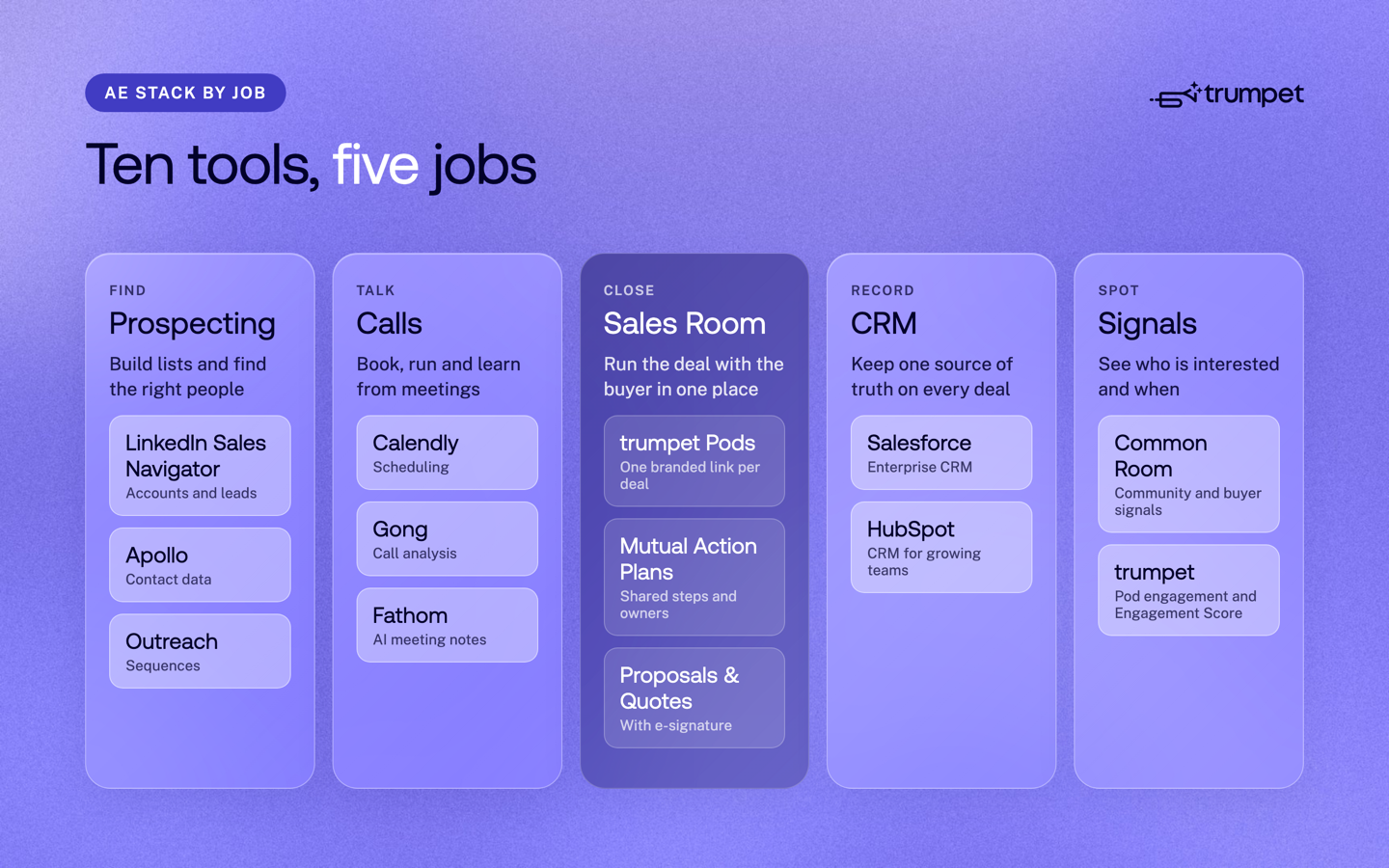
The best sales tools for account executives in 2026 are trumpet for the Digital Sales Room, LinkedIn Sales Navigator, Apollo and Outreach for prospecting, Calendly, Gong and Fathom for calls, Salesforce and HubSpot for CRM, and Common Room for signals. Pick one tool for each job, not one tool for each problem. A tight stack means less admin and more time with buyers.
This guide brings our two older AE tool lists together. Every tool here appeared in one of them and is still on the market. We have grouped them by the job an AE needs done, from finding the right accounts to closing the deal.
How we chose these tools
- Each tool does one clear job in an AE's week.
- It is still actively sold in 2026.
- It works alongside a CRM, so deal data does not end up in silos.
Start with the must-haves: a CRM, a Digital Sales Room and a scheduling tool. Add the rest as your deal volume grows.
Digital Sales Room: run the deal with the buyer
1. trumpet
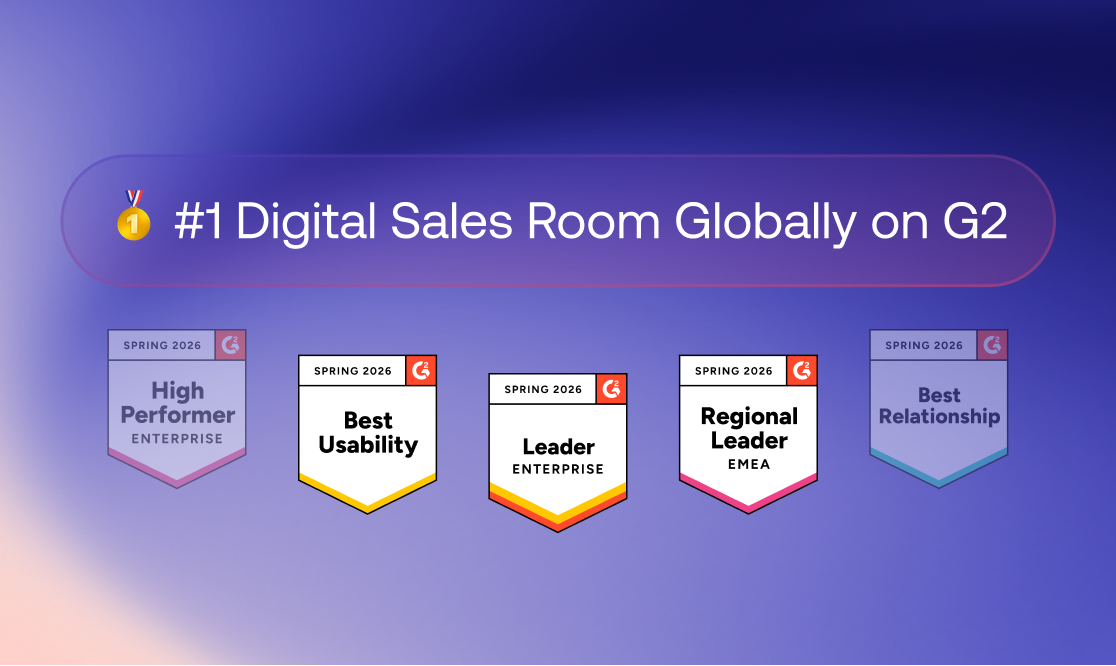
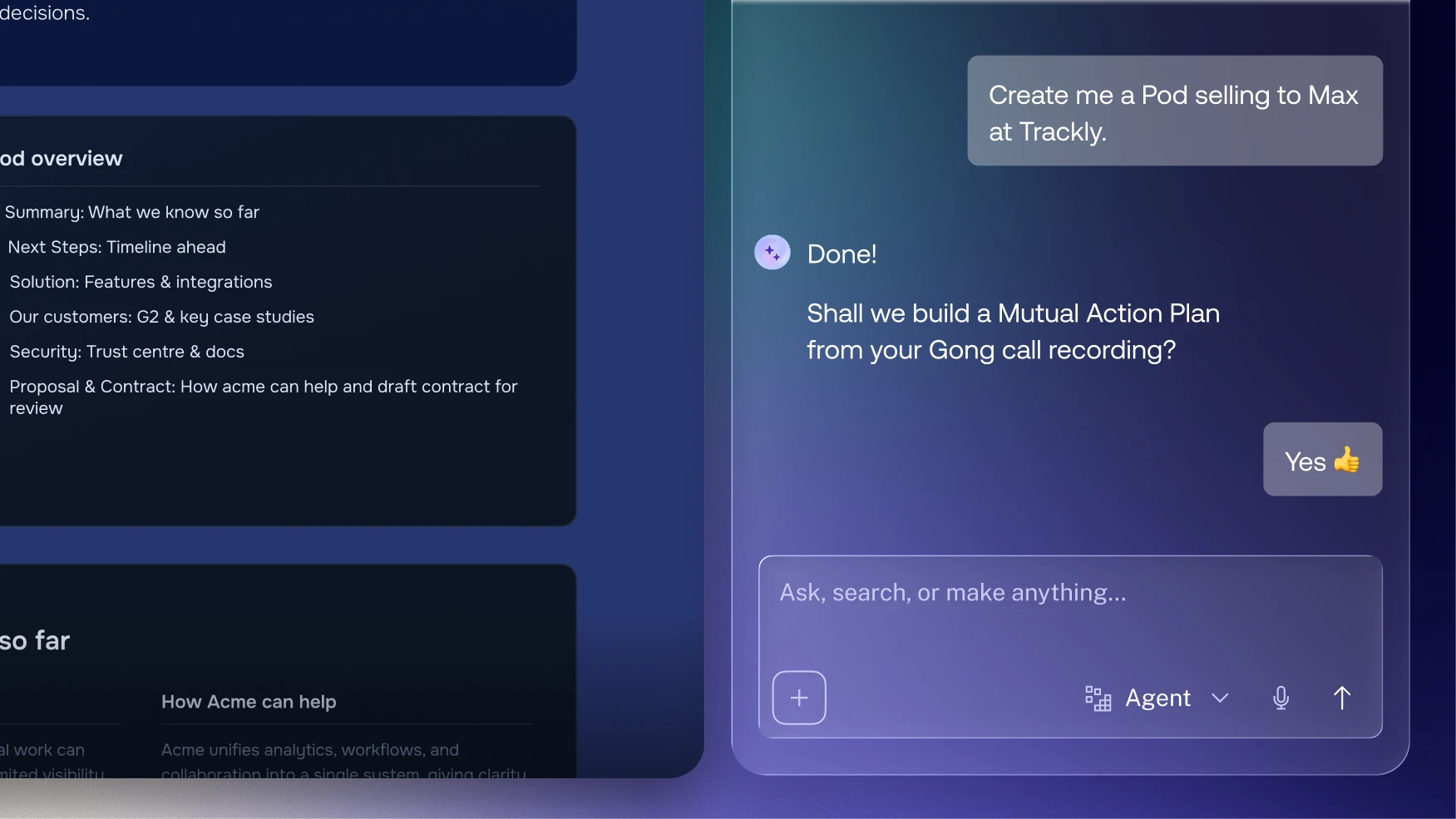
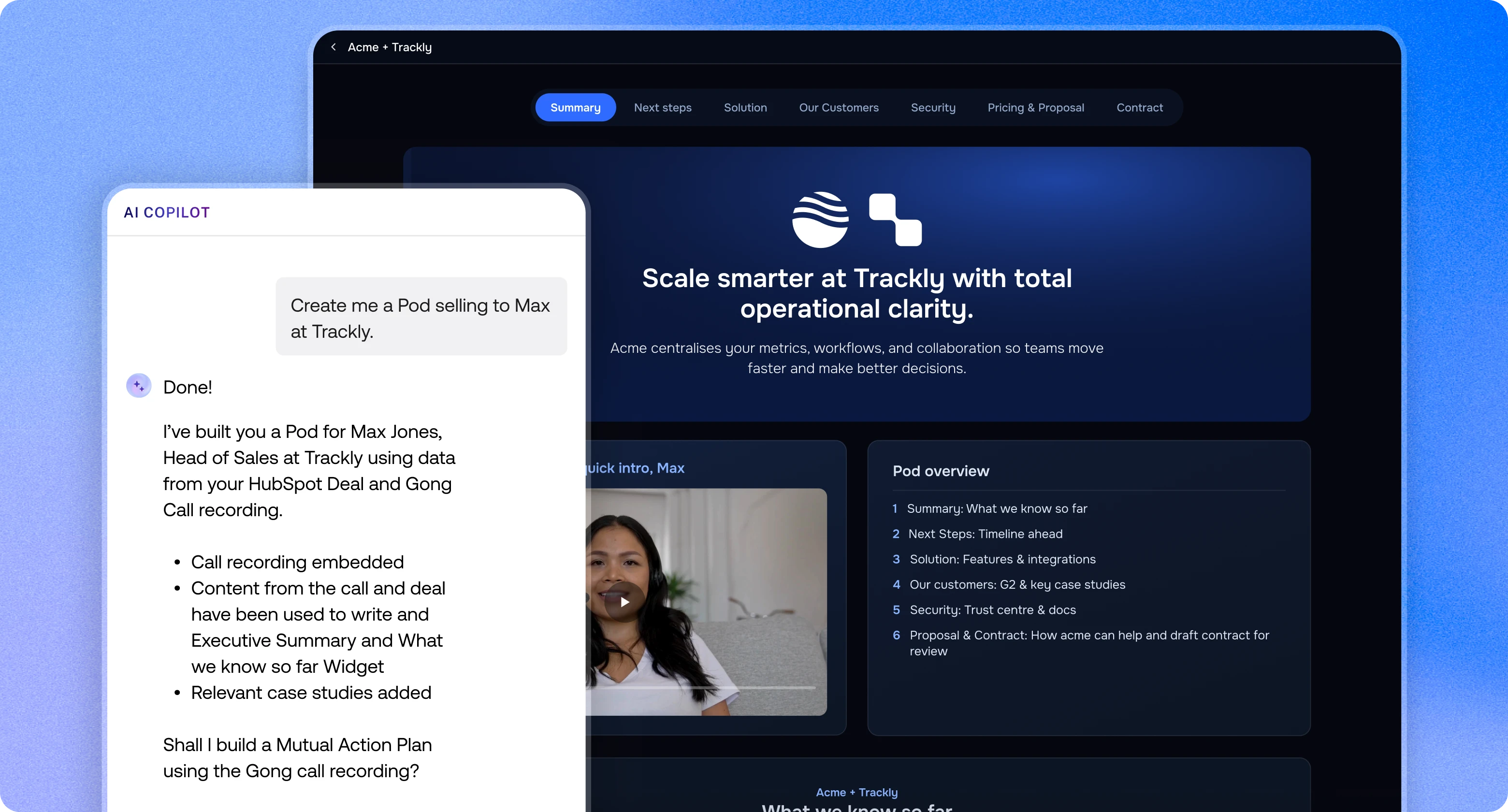
Trumpet is the Agentic AI Revenue Execution Platform and the #1 Digital Sales Room on G2 for five quarters in a row. Each deal gets a Pod, a branded buyer space that opens from one link with no login and holds your content, Mutual Action Plan, Proposals & Quotes and e-signature. Every viewer gets an Engagement Score, and the Pod carries on after signature into onboarding and renewal, so Customer Success picks up where sales left off.
Prospecting: find the right accounts and people
2. LinkedIn Sales Navigator
Sales Navigator is LinkedIn's paid tool for sales teams. It adds advanced search, lead recommendations and updates on the people and accounts you save. It suits AEs who warm up buyers through social touchpoints before the first call.
3. Apollo
Apollo combines a B2B contact database with email sequences. AEs use it to find contact details and start outreach without switching apps. It is a common choice for teams that want data and outreach in one place.
4. Outreach
Outreach is a sales engagement platform for running multi-step sequences across email and calls. It tracks replies and step performance, so you can see what works. It suits larger teams that need consistent outreach across many reps.
Calls: book, run and learn from meetings
5. Calendly
Calendly lets buyers choose a time from your availability, which removes the back and forth of booking. You can set up different meeting types and share one booking link anywhere you talk to buyers.
6. Gong
Gong records and analyses sales calls with AI. It shows what top performers do differently and gives managers clear coaching moments. Gong is one of trumpet's 70+ integrations.
7. Fathom
Fathom is an AI notetaker that records, transcribes and summarises meetings. AEs stay focused on the buyer instead of typing notes, and the summary is ready when the call ends.
CRM: keep one source of truth
8. Salesforce
Salesforce is one of the most widely used CRMs for enterprise sales teams, with custom objects, reports and workflows. It scales from mid-market to global teams. With trumpet's two-way Salesforce integration, AEs create a Pod from any Opportunity in one click, and Pod activity syncs back to Salesforce.
9. HubSpot
HubSpot combines CRM, marketing and service tools in an interface most reps learn quickly, with free and paid tiers. It suits growing teams that want sales and marketing in one place. Trumpet's two-way HubSpot integration can auto-create a Pod for every new deal, and App Cards show Engagement Score and Mutual Action Plan progress inside HubSpot.
Signals: see who is interested, and when
10. Common Room
Common Room gathers signals about the people and companies engaging with your brand and community. Sales teams use it to spot interested accounts and likely champions earlier. Pair it with trumpet's Pod engagement data to follow interest before and during the deal.
What a Digital Sales Room replaces in an AE's stack
A Digital Sales Room replaces static PDFs and scattered email threads with one shared space for each deal. Here is what changes for an AE.
| Job | Without a Digital Sales Room | With trumpet |
|---|---|---|
| Sharing content | Decks and PDFs sent as email attachments | One Pod link with every asset, always up to date |
| Next steps | Notes buried in email threads | A Mutual Action Plan with owners, due dates and reminders |
| Proposals and signature | A separate proposal tool and e-signature tool | Proposals & Quotes and e-signature inside the Pod |
| Buyer interest | Guesswork and chasing emails | An Engagement Score for every viewer, plus Slack and email alerts |
| After signature | A handover deck for Customer Success | The same Pod becomes the onboarding space |
Trumpet's AI agents build Pods from a URL or CRM record, draft Mutual Action Plans, surface content and recommend next steps. The AI org chart maps buying roles such as Decision Maker and Economic Buyer and flags missing stakeholders, which helps AEs avoid single-threaded deals. Pods auto-brand from the buyer's domain, so personalisation takes minutes, not hours.
Trumpet has a Free plan that is free forever, with 10 Pods per account and unlimited users. Pro starts from $45 per user per month, the CRM integration is included on every plan, and buyers never need a paid seat. See pricing for Scale and Elite.
How to build your AE stack
- Start with your CRM. Everything else should read from it and write back to it.
- Add a Digital Sales Room. Give every active deal a Pod with a Mutual Action Plan.
- Add scheduling and call notes. These save time on every meeting.
- Add prospecting data if you source your own pipeline.
- Connect the gaps. Use native integrations first, and a tool like Zapier for the rest.
For more on choosing a sales room, read our guide to the best Digital Sales Rooms in 2026.
Other tools worth a look
These tools also appeared in our older list of B2B sales tools. They are worth a look if you need a specific job done that the main ten do not cover.
| Category | Tools |
|---|---|
| CRM | Pipedrive, Zoho CRM, Close, Attio, Folk |
| Contact data and email finders | ZoomInfo, Cognism, UpLead, Hunter, Snov.io, Skrapp.io |
| Email outreach | Salesloft, lemlist, Woodpecker, Reply.io, Mailshake, QuickMail, Overloop |
| Conversation intelligence and forecasting | Jiminny, Revenue.io, Clari |
| Video conferencing | Zoom, Google Meet, Microsoft Teams, Dialpad |
| Meeting routing | Chili Piper |
| Video messaging | Loom, Vidyard |
| Interactive demos | Walnut, Storylane, Arcade, Navattic |
| Proposals and e-signature | DocuSign, PandaDoc, Dropbox Sign, Proposify, Qwilr |
| Forms and conversion | Typeform, Unbounce, Pathmonk |
| AI writing | Lavender, Copy.ai, Jasper, Hoppy Copy |
| Project management | Asana, Monday.com, Trello, Jira |
| Automation | Zapier |
Frequently asked questions
What is the most important sales tool for an account executive?
A CRM is the foundation, and a Digital Sales Room is the tool that most changes how you run deals with buyers. Together they show where every deal stands and what the buyer is doing.
Do I need all ten tools?
No, start with a CRM, a Digital Sales Room and a scheduling tool. Add prospecting, call recording and signals tools as your role and deal volume grow.
What does a Digital Sales Room do for an AE?
It puts every asset, next step and proposal for a deal in one branded link. Buyers open it with no login, and you see who viewed what and when.
Can I see buyer activity in real time?
Yes, trumpet gives every Pod viewer an Engagement Score and sends Slack and email alerts on buyer activity. See signals and insights for more.
Is trumpet free?
Yes, trumpet's Free plan is free forever, with 10 Pods per account, unlimited users and the CRM integration included. Paid plans start from $45 per user per month.
Which sales tools work with trumpet?
Trumpet has 70+ integrations, including HubSpot, Salesforce, Microsoft Dynamics, Pipedrive, Gong, Slack and Microsoft Teams.


See what your buyers are doing between meetings
Build a Pod, share it with the buying committee and watch the signals roll in. Free to start.