


Updated 20 October 2026
Buyer enablement helps buyers buy, while sales enablement helps sellers sell. Sales enablement is internal: it gives reps and customer success teams the training, content and playbooks to run better conversations. Buyer enablement is external: it gives the champion and the buying committee what they need to build the case, agree next steps and make a decision inside their own company.
Most B2B Revenue Teams need both. They solve different problems for different people, so it helps to be clear which one you're fixing. This guide covers the users, problems and workflows of each, with concrete examples and a side-by-side table.
What is buyer enablement?
Buyer enablement is everything you give buyers so they can make a decision without you in the room. That includes the business case, pricing, security documents, a shared plan with dates and owners, and a simple way to share all of it with colleagues.
The person it serves most is the champion. Your champion has to sell your product internally to a CFO, a security reviewer, an IT lead and an end user team, often in meetings you never attend. Buyer enablement makes that internal selling easier.
It doesn't stop at signature. The same buyer becomes a customer, and onboarding is buyer enablement too: a clear plan, the right resources and one place to find them.
What is sales enablement?
Sales enablement is everything you give your own team so they can sell well. That includes onboarding and training for new reps, call coaching, talk tracks, battlecards, case studies, playbooks and an internal library where reps can find approved content fast.
It's run by enablement managers, sales leaders and marketing. Its users are reps, managers, CSMs and account managers. Buyers rarely see it directly; they see its results in better conversations.
Buyer enablement vs sales enablement: side by side
| Buyer enablement | Sales enablement | |
|---|---|---|
| Who uses it | Champions, buying committees and new customers | Reps, sales managers, CSMs and account managers |
| Problem it solves | The buyer can't build the internal case, find the right material or agree next steps | The seller isn't ready for the call, can't find content or doesn't know the playbook |
| Where it lives | A shared, buyer-facing space the champion opens and forwards | Internal tools: training, coaching, content libraries, playbooks |
| Typical moment | A champion sends the business case and pricing to the CFO | A rep prepares for a discovery call with talk tracks and battlecards |
| After the sale | The same space becomes the onboarding and renewal hub for the customer | New CSMs and reps get trained on the product and process |
| Measured by | Stakeholders engaged, plan steps completed, time to close and go-live | Ramp time, content usage, call quality and win rate per rep |

Three workflows that show the difference
The clearest way to see the difference is to look at who is doing the work, and what they're trying to get done. Here are three typical scenarios.
1. A champion selling internally (buyer enablement)
Priya is a Head of Operations who wants to buy your software. She's convinced, but she has to win over her CFO, IT security and two team leads. She needs a short business case, pricing, a security pack and a timeline she can forward.
If all of that sits across six email threads and three attachments, Priya does your sales team's job for you, badly and slowly. Buyer enablement puts it in one place she can share with one link, with a plan showing who needs to do what by when.
2. A rep preparing for a call (sales enablement)
Tom is an Account Executive with a discovery call in an hour. He needs the right talk track for the buyer's industry, the latest case study, an answer to a pricing objection and a quick refresher on a new feature.
This is sales enablement. Training, coaching and a well organised internal library make Tom faster and more consistent. The buyer never sees the playbook, only a better call.
3. A CSM onboarding a new customer (both)
Aisha is a Customer Success Manager taking over a deal that just closed. Internally, she needs the handover notes, the customer's goals and the onboarding playbook. That part is sales enablement, or more accurately customer success enablement.
Externally, the customer's team needs a clear onboarding plan, owners for each step, training resources and one place to track progress. That part is buyer enablement. The best handovers carry the buyer's plan straight into onboarding, so the customer never has to repeat themselves.
Different problems, different fixes
Use the symptom to decide where to invest.
- Deals stall after a great demo. The champion can't sell internally. That's a buyer enablement problem.
- New stakeholders appear late and ask questions you answered weeks ago. Information isn't travelling inside the buyer's company. Buyer enablement.
- Reps give inconsistent answers or use old decks. That's a sales enablement problem.
- New hires take too long to ramp. Sales enablement.
- Customers stall in onboarding after a smooth sale. The plan didn't carry over. Buyer enablement, with a handover fix on the inside.
For a wider view of where internal enablement tools end and buyer-facing tools begin, read our guide to sales enablement vs Digital Sales Rooms for SaaS.
How trumpet supports buyer enablement
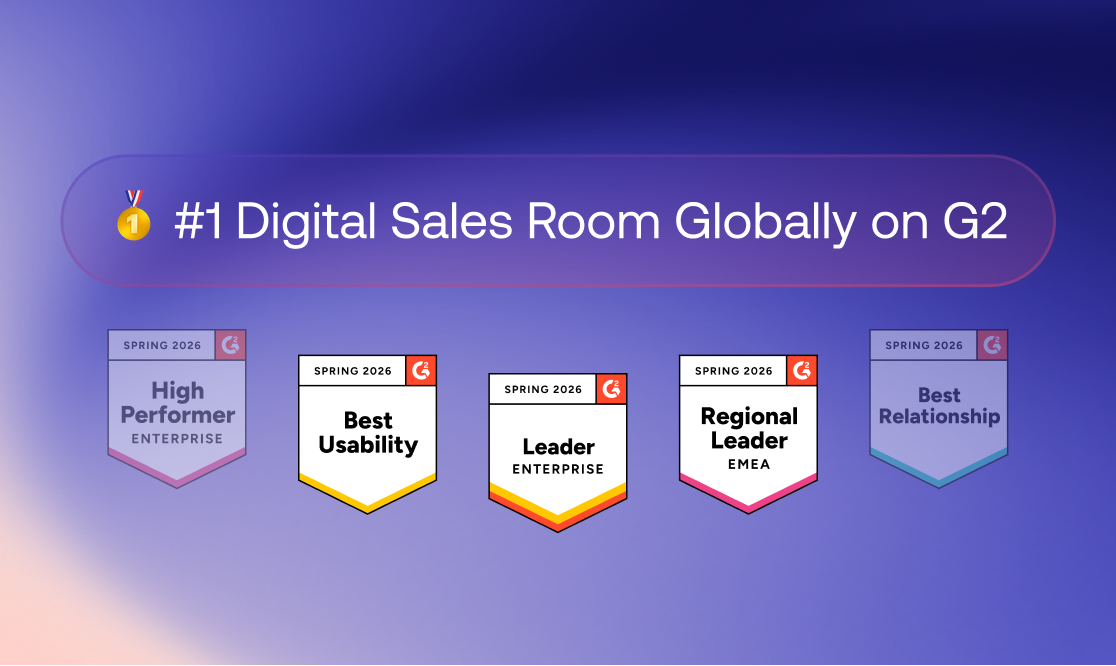
Trumpet is the Agentic AI Revenue Execution Platform, built around a Digital Sales Room for B2B Revenue Teams across sales, customer success and account management. It's #1 Digital Sales Room on G2 for five quarters in a row (Fall 2026), rated 4.7 out of 5 from more than 1,200 reviews.
Pods: one link for the whole buying committee
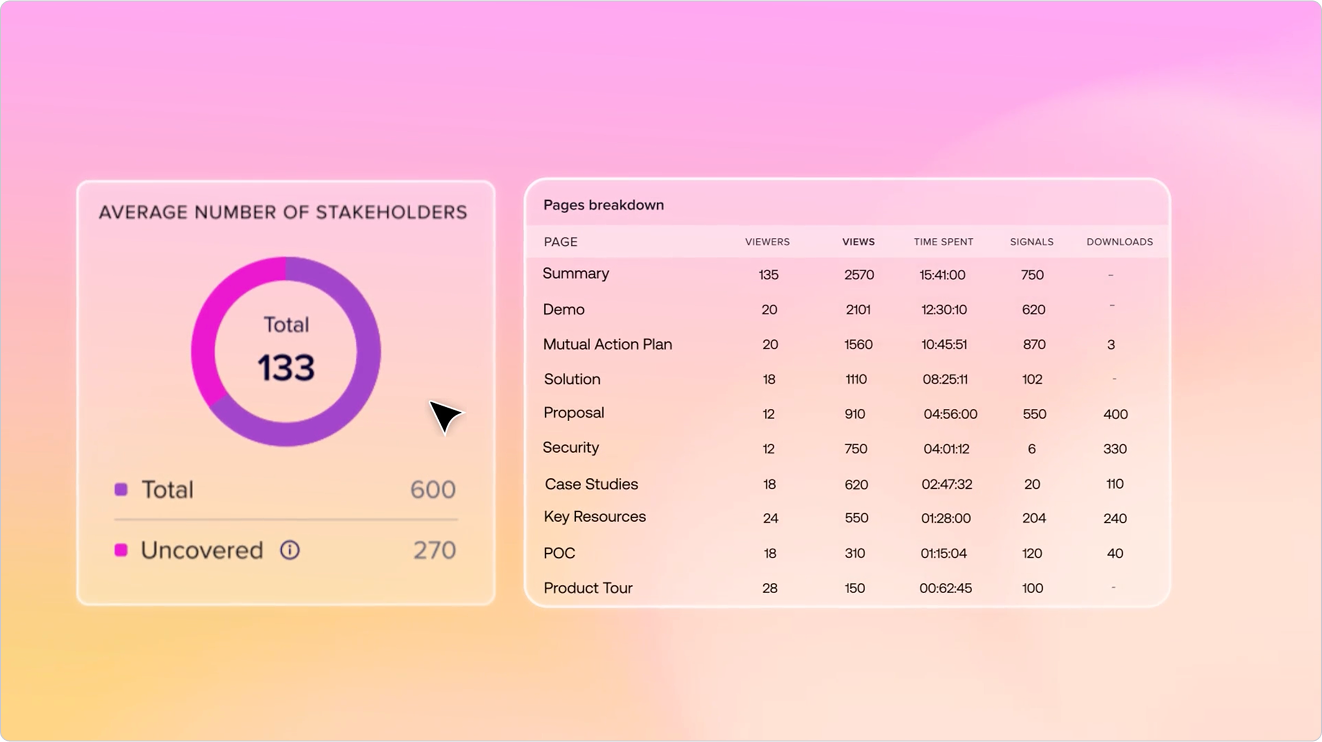
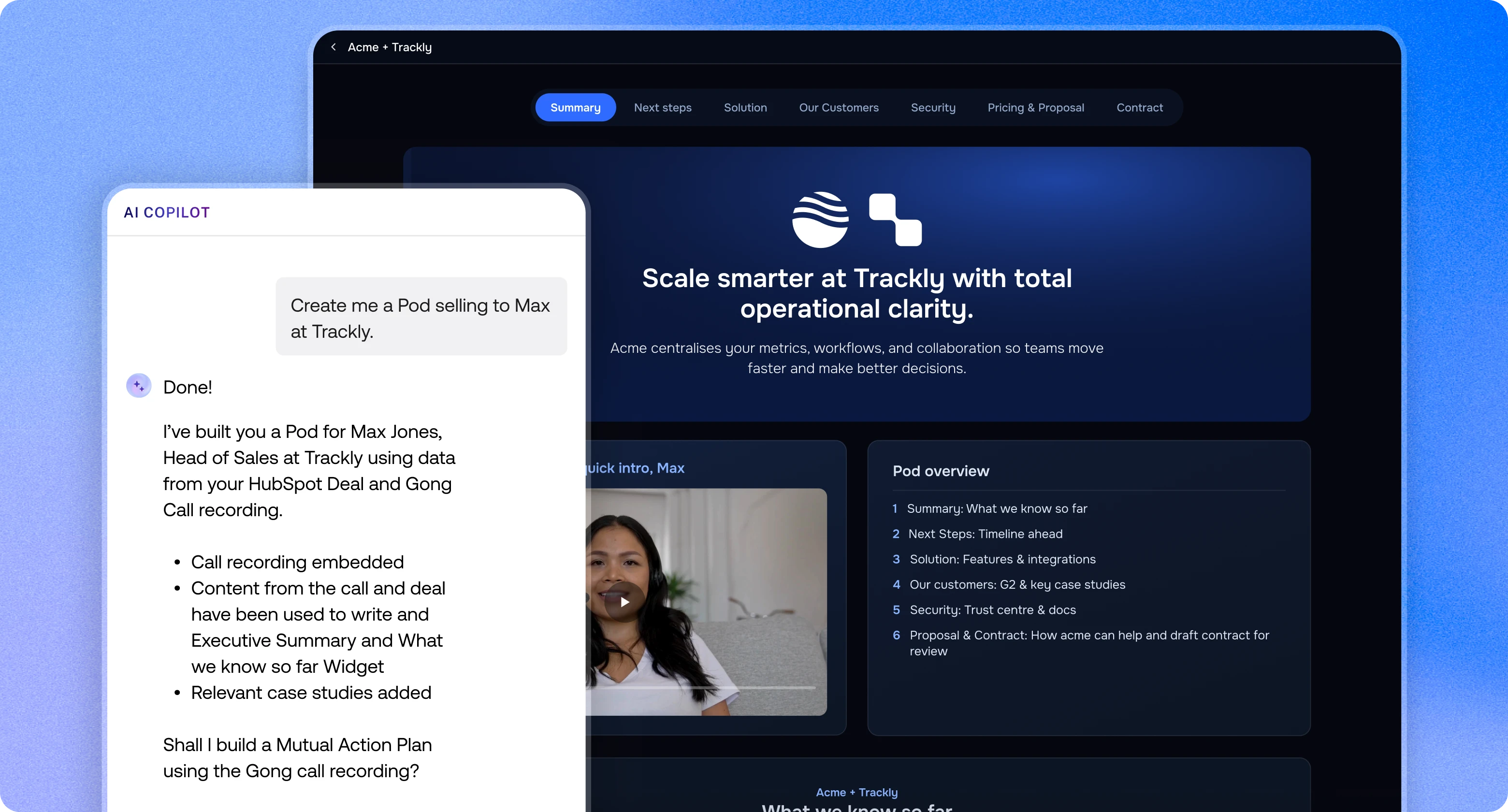
Pods are branded, website-style buyer spaces that auto-brand from the buyer's domain. Buyers open one link with no login. Your champion can forward that link to the CFO or security team, and you see who viewed what. Every viewer gets an Engagement Score, and Slack and email alerts tell you when buyers are active.
Mutual Action Plans: shared next steps
Mutual Action Plans sit inside the Pod, with buyer and seller owned steps, owners, due dates and reminders. In trumpet's own data, deals with an active Mutual Action Plan are linked to double the win rate. After close, the plan becomes the onboarding plan. Read more in key things to know about Mutual Action Plan software.
Content the buyer actually needs
Reps pull approved material from the Content Library into a Pod, and AI agents surface the right content for each buyer. Proposals & Quotes and e-signature can sit in the same Pod, so pricing and paperwork don't get lost in email.
Champion support and stakeholder mapping
The AI org chart maps buying roles such as Decision Maker and Economic Buyer, and spots missing stakeholders. That tells you when your champion is selling alone, so you can help before the deal goes quiet.
From deal to onboarding and renewal
Pods carry on after signature into onboarding, renewal and expansion. Customer success picks up the same space the buyer already knows, so the handover from sales to CS is one click, not a new set of links.
For more tools in this category, see 10 buyer enablement tools to help onboard your customers.
Where internal sales enablement fits
Trumpet is buyer-facing first, but it also helps your own team work faster:
- Templates let enablement and marketing build approved Pods once, with Template locking, content approvals and version history.
- The Content Library gives reps one place to find approved material.
- Engagement data shows which content buyers actually open, which feeds back into what enablement creates.
- CRM sync with HubSpot and Salesforce is two-way and included on every plan, including Free.
If your main need is rep training, certification and call coaching, a dedicated internal enablement platform is the right home for that work. Many teams run one alongside a Digital Sales Room: internal tools prepare the rep, and the Pod carries that work to the buyer.
How to decide what to fix first
- Look at where deals stall. If it's after the demo or in procurement, start with buyer enablement.
- Look at rep consistency. If win rates vary widely between reps, start with sales enablement.
- Check the handover. If customers repeat themselves in onboarding, connect the buyer's plan to the onboarding plan.
- Start small. One Template and one Mutual Action Plan for your next five deals will show you more than a long project.
You can try this on the Free plan, which is free forever with 10 Pods, unlimited users and Scale plan features. Or see how trumpet works.
Frequently asked questions
What is the main difference between buyer enablement and sales enablement?
Buyer enablement equips the buyer to make a decision, while sales enablement equips your own team to sell. One is external and buyer-facing; the other is internal.
Who owns buyer enablement?
It's usually shared between sales, marketing and customer success. Sales runs it in live deals, marketing and enablement build the Templates and content, and customer success carries it into onboarding.
Is buyer enablement part of sales enablement?
They overlap, but they aren't the same thing. Sales enablement often produces content that buyers use, but buyer enablement is designed around the buyer's internal decision process, not the rep's workflow.
What is an example of buyer enablement?
A champion forwarding one link with the business case, pricing, security documents and a Mutual Action Plan to their CFO is buyer enablement. It lets the buyer sell internally without the rep in the room.
Do I need both?
Yes, for most B2B Revenue Teams. Sales enablement makes reps better, and buyer enablement makes it easier for buyers and customers to say yes and get started.
How does a Digital Sales Room help buyer enablement?
A Digital Sales Room gives buyers one shared space for content, plans and next steps. In trumpet, that space is a Pod, which buyers open with no login and which carries on into onboarding after the deal closes.

See what your buyers are doing between meetings
Build a Pod, share it with the buying committee and watch the signals roll in. Free to start.