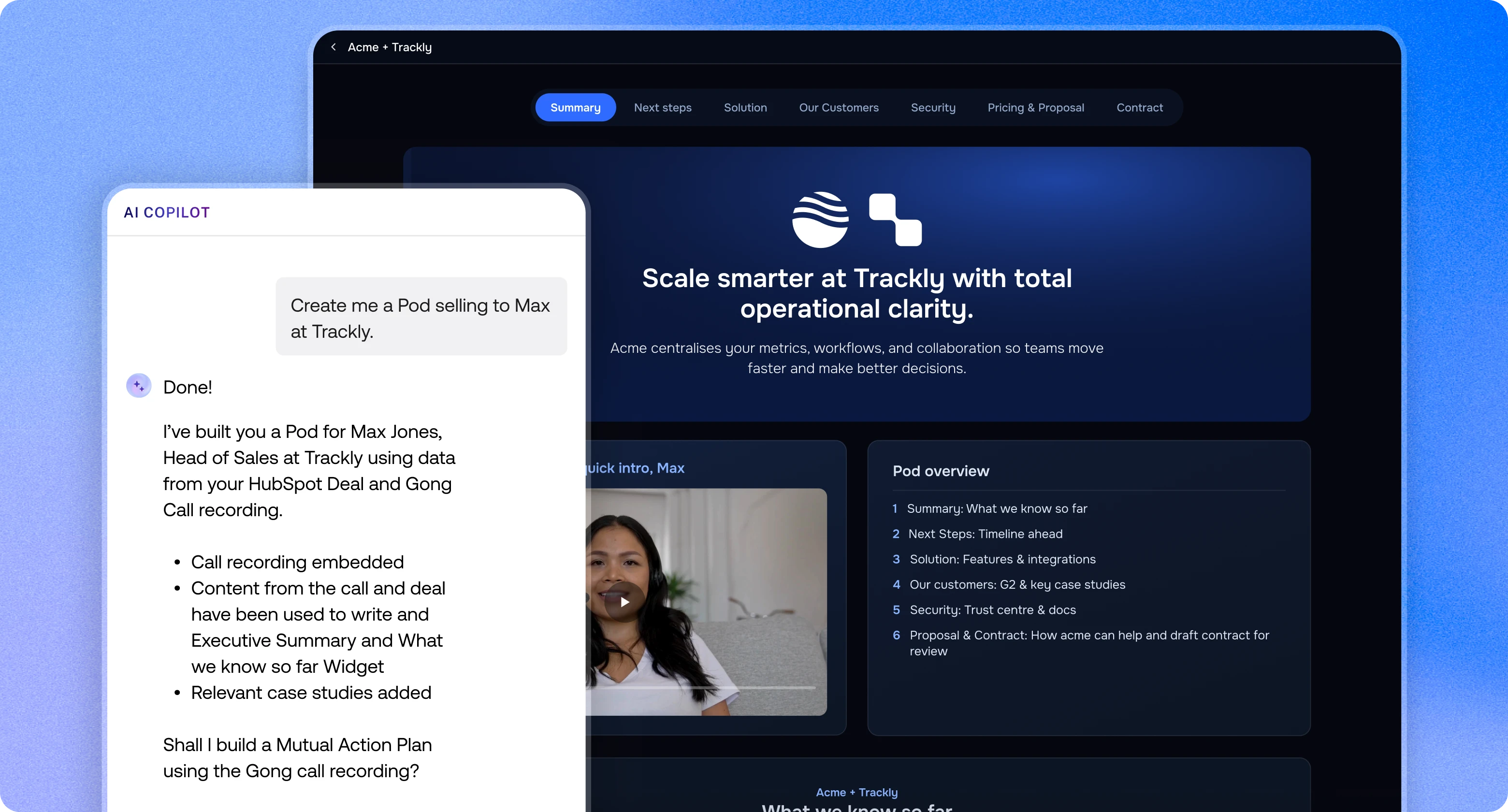
Add personal Loom videos to your Pods, from welcome messages to demo walkthroughs.
The Loom integration lets reps add their Loom videos to any Pod. A short welcome, a recap after the demo or a walkthrough for a new stakeholder sits right next to the rest of the deal.
Drag the Loom widget into your Pod and paste your Loom share link or embed code.
Save a Loom widget to your library to reuse it across Pods and templates. Saved Loom widgets show a preview in the Widget Library so you can see what you're adding.
Full guide: How do I add Loom videos to Pods?
Add personal Loom videos to your Pods, from welcome messages to demo walkthroughs.

Yes. Trumpet has a Loom widget that plays your Loom videos directly in a Pod.
Add the Loom widget in the Pod editor and paste your Loom share link or embed code.
Yes. Save the Loom widget to your trumpet widget library and add it to any Pod or template.