


Updated 22 October 2026
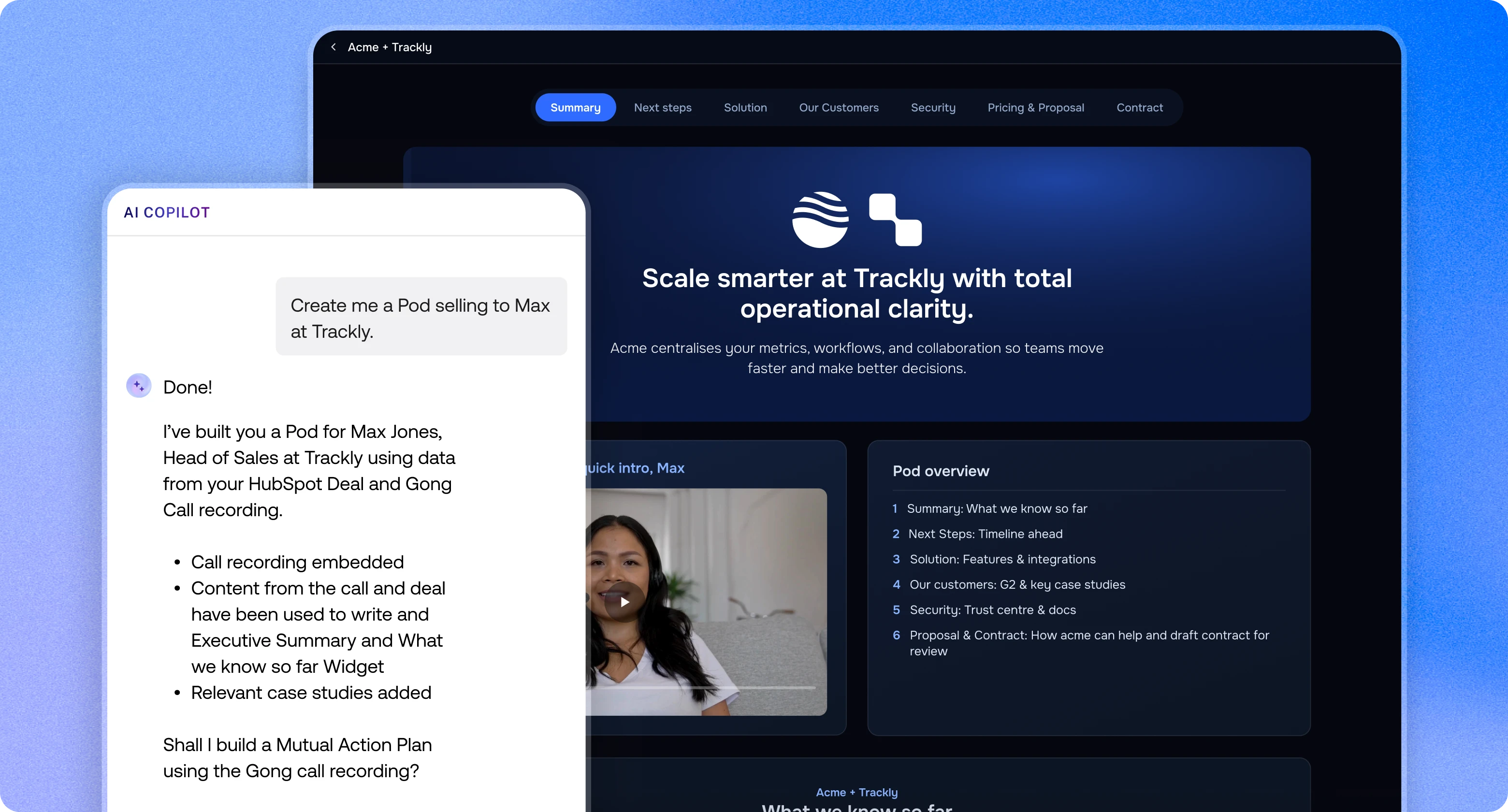
E-signatures inside a Digital Sales Room let buyers review, question and sign a contract in the same place they have followed the whole deal, so nothing stalls in an inbox at the last step. In trumpet, native E-Signature and Proposals & Quotes sit inside the Pod on the Scale and Elite plans. Teams that already use DocuSign or PandaDoc can run those inside the Pod too.
Why signing breaks down at the end of a deal
The contract stage is where most deals lose momentum. The proposal goes out as a PDF attachment, legal asks a question by email, finance wants a revised quote and the signing link lands in a different thread again.
Each handoff adds a delay. Buyers go quiet, documents get lost and your champion has to forward files around their own business. A Digital Sales Room fixes this by keeping the proposal, the questions and the signature in one shared space, with one link for every stakeholder.
The benefits of e-signatures inside a Digital Sales Room
- One link to the finish line. Buyers sign in the Pod where they already read the proposal, watched the demo and followed the Mutual Action Plan. No new login and no hunting for an email.
- Questions answered in context. Legal, procurement and finance raise questions inside the Pod and get answers there, instead of in separate email chains.
- Everyone signs their own part. Assign fields to specific signers and set the signing order, so procurement, legal and finance each complete what they need to.
- Live status for Revenue Teams. See whether a document has been viewed, started or completed, with alerts in Slack, Microsoft Teams, email or your CRM.
- A record you can rely on. Audit trails log document access, review and signing, so each signed contract is legally binding.
- It carries on after close. The same Pod becomes the onboarding space, so customer success teams pick up with full context.
Digital Sales Rooms vs proposal and e-signature tools
These tools are not rivals. They do different jobs at different points in the deal. A proposal tool builds and prices the document. An e-signature tool collects the signature. A Digital Sales Room is the shared space around both, where buyers and sellers collaborate for the whole deal and after it.
The difference is time. A proposal or signing request is a moment. Buyer collaboration runs from the first follow-up to renewal: content, stakeholders, a Mutual Action Plan, questions and approvals. When documents and signatures sit inside that space, the buyer never has to leave the conversation to say yes.

| Tool | What it does | When you need it |
|---|---|---|
| Digital Sales Room | One shared space for content, Mutual Action Plans, stakeholders, questions, proposals and signing | Every deal with more than one stakeholder, from first follow-up through onboarding and renewal |
| Proposal tool | Builds and prices the proposal or quote document | When pricing, line items, discounts and approvals need structure |
| E-signature tool | Collects legally binding signatures with an audit trail | At the contract stage, once terms are agreed |
You do not have to pick one. Trumpet includes native proposals and signing, and it also works with the proposal and signing tools you already pay for.
How proposals and signing work inside a trumpet Pod
There are two ways to handle documents in a Pod: trumpet's native features, or an integration with a tool you already use. Both keep the buyer in the Pod.
Native Proposals & Quotes
Proposals & Quotes are built inside the Pod rather than attached as a PDF.
- Upload your product catalogue once, then build quotes with discounts, tax and margin calculated for you.
- Contact names, company details and deal values fill in from your CRM, and views report back to the deal record.
- The buyer's logo, colours, company name and contact details drop in automatically.
- Buyers can raise questions on the proposal itself instead of replying by email.
Native E-Signature
With trumpet E-Signature, you upload a contract, approval or agreement as a PDF or image, add the fields you need and send it for signing, all without leaving the Pod.
- Field types: signatures, initials, dates, checkboxes and more.
- Multiple signers: assign fields to specific recipients and set the signing order.
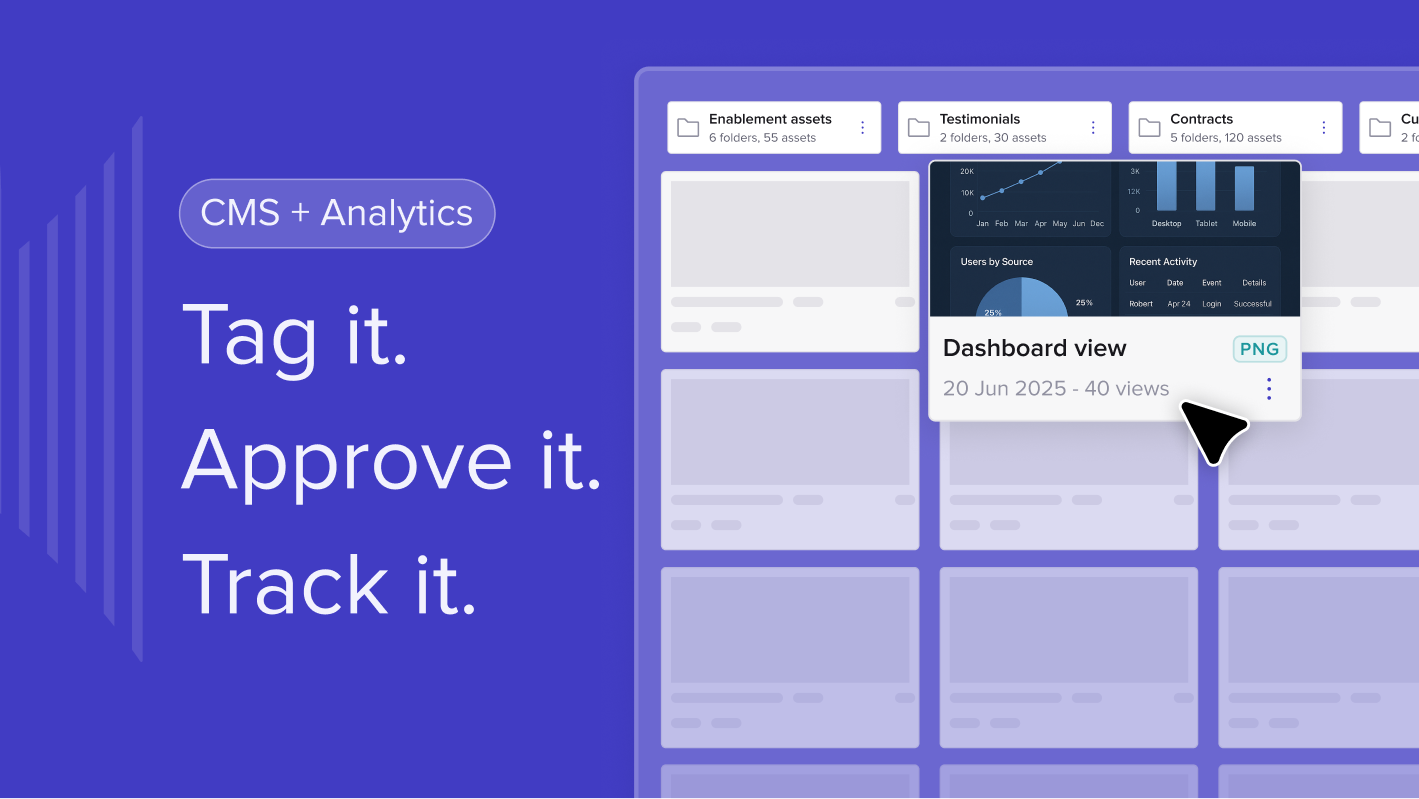
- Tracking: real-time viewed, started and completed status, plus a Contracts Dashboard to find, preview and download every signed document.
- Alerts: Slack, Microsoft Teams, email or your connected CRM, the moment a document needs action.
- Audit trails: access, review and signing are all recorded.
- Branding: Elite customers can send white-labelled signing emails.

Customer success teams use the same feature for onboarding forms and agreements, so it is not only for new business.
Integrated workflows
If your contracts already live in another tool, keep it. Trumpet connects to it so the buyer still signs inside the Pod.
- DocuSign: send a contract or order form with DocuSign from the Pod. Buyers sign and download their copy in the Pod, every document is uploaded to your DocuSign account, and "document signed" is logged as Pod activity.
- PandaDoc: paste a PandaDoc signer link into the PandaDoc Widget and the live document appears in the Pod. Buyers sign there and get a PDF copy. The document is still created and managed in PandaDoc.
- HubSpot Quotes: with the HubSpot integration, drop a HubSpot Quote straight into the Pod, or use HubSpot deal data to fill in trumpet Proposals & Quotes.
Where native ends and integrated begins
Native Proposals & Quotes and E-Signature are built, sent and tracked entirely in trumpet, with status in the Contracts Dashboard. With an integration, the document is created and stored in the other tool and trumpet brings it into the Pod for the buyer. Signing still happens in the Pod, but the source of truth for that document stays in DocuSign, PandaDoc or HubSpot.
Which plan you need
Native E-Signature and Proposals & Quotes are on the Scale plan ($100 per user per month) and Elite ($160). The DocuSign and PandaDoc integrations are also on Scale and above. Two-way HubSpot and Salesforce sync is included on every plan, including Free. See pricing, or read our breakdown of Digital Sales Room pricing for what a team actually pays.
What happens after the contract is signed?
Your team knows straight away. Signing status pushes alerts to Slack, Microsoft Teams, email and your CRM, so the deal owner, deal desk and customer success all see it. Read more on keeping your CRM strategy joined up with what happens in the Pod.
The Pod then carries on. The Mutual Action Plan becomes the onboarding plan, and customers keep the same link for kick-off, renewal and expansion. That is one of the clearest real-world uses of a Digital Sales Room.
Is e-signature in a Digital Sales Room secure?
Yes. Audit trails record access, review and signing, which makes each contract legally binding. Trumpet is SOC 2 Type II, ISO 27001 and GDPR compliant, hosted on AWS in Ireland, with a Trust Center for security reviews.
Why buyers prefer it to PDF attachments
Static attachments go stale the moment a price changes, and nobody knows which version is current. In a Pod there is one live proposal, one contract and one place to sign. It is the same argument we make for moving away from PDFs across the whole sales process.
Frequently asked questions
What is an electronic signature?
It is a legally recognised way to sign a document digitally, with an audit trail of access, review and signing. It replaces printing, signing and scanning.
Which trumpet plans include E-Signature?
E-Signature is on the Scale and Elite plans. White-labelled signing emails are included on Elite.
Can a document have more than one signer?
Yes. Assign specific fields to specific signers and set the signing order, so procurement, legal and finance each complete their own part.
Can I track when a document is viewed or signed?
Yes. You see viewed, started and completed status in real time, with alerts in Slack, Microsoft Teams, email or your CRM, and every signed contract in the Contracts Dashboard.
Can I keep using DocuSign or PandaDoc?
Yes. On Scale and above, trumpet integrates with both, so buyers sign DocuSign or PandaDoc documents inside the Pod.
What file types can I send for signature?
Upload contracts, proposals, approvals and agreements as PDFs or images, then add signature, initial, date and other fields where you need them.


See what your buyers are doing between meetings
Build a Pod, share it with the buying committee and watch the signals roll in. Free to start.