- Trumpet Pods give sellers and buying teams one shared space for proposals, pricing, business cases, next steps and other deal content.
- Trumpet Copilot lets sellers build and personalise Pods using natural-language prompts.
- Canvas can create bespoke interactive Widgets directly inside a Pod without the seller needing to code.
- How Copilot and Canvas to turn a static proposal into an interactive experience with pricing options and an ROI calculator.
- Buyers can explore different options and scenarios themselves rather than relying on one fixed PDF.
- Buyer interactions can give sellers useful engagement and intent signals around the areas getting attention.
- Interactive proposals can help sellers create a more personalised experience for the wider buying team.
A static PDF, it's difficult to know which pricing option caught their attention, whether they jumped straight to ROI or if the wider buying team even looked at it.
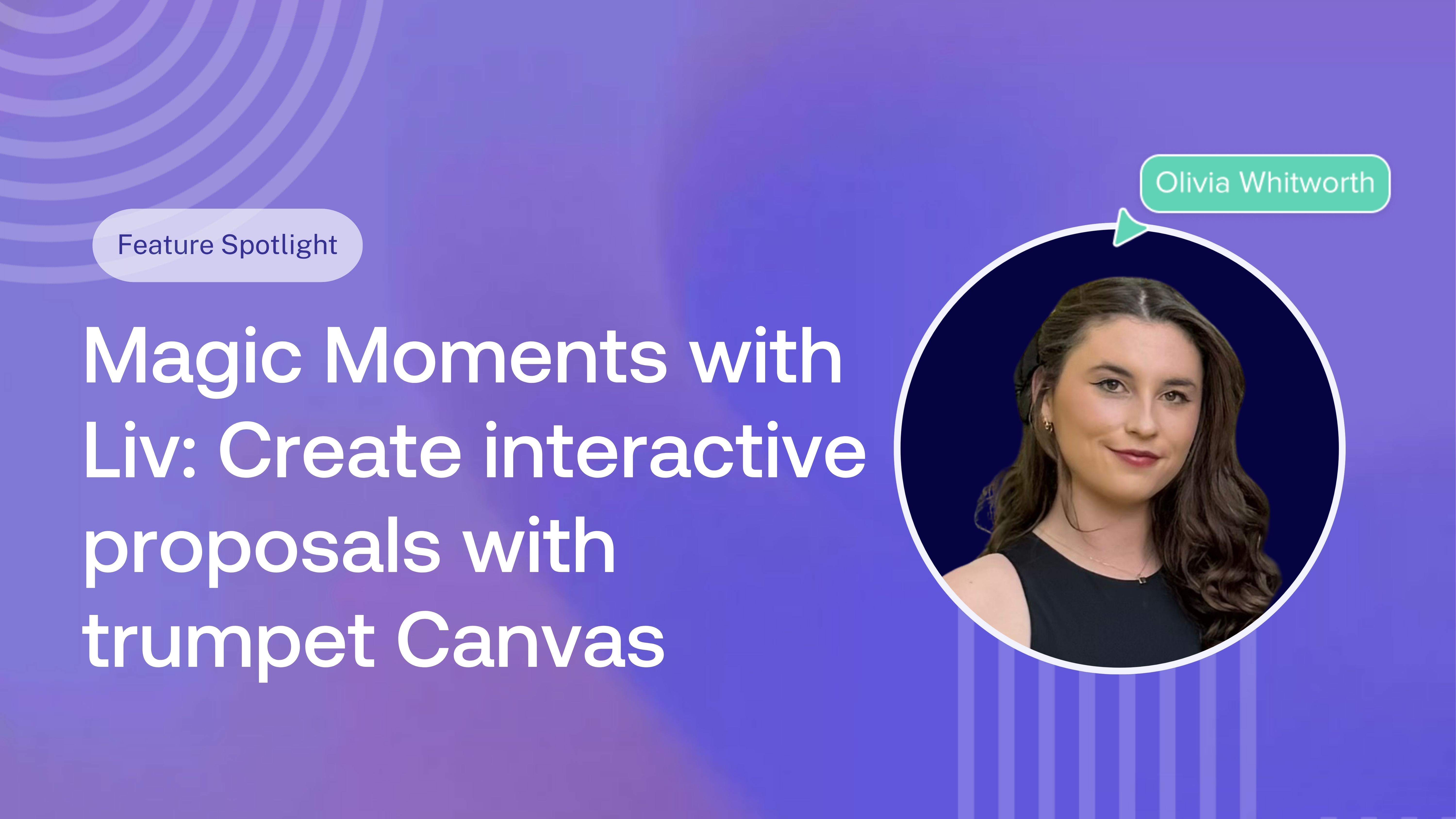
In this episode of Magic Moments, Liv, Founding Account Executive at trumpet, shows how she uses trumpet Copilot and Canvas to turn a traditional proposal into an interactive buyer experience, complete with pricing options, ROI calculations and buyer engagement signals.
Watch the video here:
What is trumpet?
Trumpet is the intelligent GTM layer that helps revenue teams create personalised buying experiences and move deals forward.
At the heart of trumpet are Digital Sales Rooms, or Pods as we call them. They give sellers and buyers one collaborative space for everything involved in a deal, from content and proposals to pricing, Mutual Action Plans, business cases and next steps.
Instead of important information getting lost across emails, attachments and different tools, the whole buying team has one place to find what they need, collaborate and keep the deal moving.
And sellers can see what’s happening when they’re not in the room, including who’s viewing the Pod, what content they’re engaging with, what they’re returning to and which new stakeholders are joining the conversation.
What is trumpet Copilot?
Trumpet Copilot is an AI assistant that helps revenue teams build, personalise and maintain their Pods using natural language. Sellers can tell Copilot what they want to create or change, and it can use relevant deal context to help build the experience directly inside the Pod.
Copilot understands trumpet's existing Widgets, pages and content. But when Liv wants to create something more bespoke and interactive, that's where Canvas comes in.
What is trumpet Canvas?
Canvas is trumpet's natural-language interactive Widget builder inside Copilot. Think vibe coding, directly inside your Digital Sales Room.
Instead of needing a developer to create a bespoke interactive experience, you describe what you want and Canvas builds it for you.
That could be an ROI calculator, interactive pricing, competitor comparison, business case, onboarding plan or, in Liv's example, an interactive proposal.
You can then continue prompting Copilot to refine the experience, update the content or change how it looks.
Turning a static proposal into something buyers can actually use
As Liv explains in the video, proposals have traditionally been fairly one-directional.
The seller creates a document, sends the PDF and waits, even if the buyer opens it, there's limited opportunity to interact with the information inside.
With Canvas, Liv can create a proposal that lives directly inside the buyer's Pod and lets them explore the information for themselves.
They can navigate between pricing options, understand what's included within different tiers, adjust variables and explore ROI based on their own scenario.
Instead of presenting one fixed version of the proposal, you're giving the buying team something they can use to answer their own questions.
Building an interactive proposal with a prompt
Liv starts inside her demo Pod with Copilot open. Rather than building the proposal element by element, she gives Copilot a prompt describing what she wants to create.
Copilot understands the task and delegates the bespoke interactive element to Canvas.
Within a short amount of time, Liv has an interactive proposal and ROI calculator sitting directly inside the Pod, the experience can use the relevant brand colours and includes interactive elements such as different options and adjustable sliders, meaning the buyer can now explore the proposal based on what's relevant to them.
Turning proposal engagement into buyer signals
The part Liv really likes is what happens once the proposal is in the buyer's hands. Because it lives inside a trumpet Pod, she isn't left wondering whether they opened the PDF, skimmed the pricing or passed it around internally. She can see how the buying team is actually engaging with it and start to build a picture of what they're interested in.
If someone spends time on the Enterprise tier, that's a signal. If they head straight to the ROI section, that's another. And if they're moving sliders in the calculator and testing different scenarios, Liv has much more context to take into her next conversation. It's not about treating every click as buying intent, but using those interactions alongside everything else you know about the deal to understand where their attention is going.
That's what Liv means when she describes an interactive proposal as turning a one-way document into a two-way conversation. The buyer can explore it in their own time, while the seller gets a better idea of what they're exploring.
Built for the rest of the buying team too
The proposal rarely stays with the person you sent it to. It'll get forwarded to Finance, shared with a decision-maker or opened by someone who wasn't on your last three calls and needs to get up to speed quickly.
Putting the proposal inside a trumpet Pod gives those stakeholders somewhere to explore the deal for themselves. They can compare pricing tiers, understand what's included, play with the ROI numbers and find the information that's relevant to them, without your champion having to explain everything on your behalf.
That becomes particularly useful in a competitive deal. When several vendors are being discussed internally, you want to make it as easy as possible for your champion to bring other people into the conversation and give them a reason to spend time with your proposal.
More than a set of pre-built Widgets
Canvas also changes what Liv can actually create inside a Pod. Trumpet already has dedicated Widgets for the things revenue teams use regularly, but sometimes a deal calls for something more specific.
Instead of trying to make a standard format fit, Liv can describe what she wants to Copilot and Canvas can build a bespoke, interactive Widget around it. In this example, that's a proposal combining pricing options and an ROI calculator, styled to the relevant brand and ready for the buyer to interact with.
For another opportunity, the prompt and the output could look completely different. Canvas gives AEs more freedom to build around the deal in front of them, without needing to code it themselves or wait for someone else to build it.
FAQs
What is an interactive sales proposal?
An interactive sales proposal gives buyers the ability to engage with the information rather than simply reading a static document. Depending on how it's built, buyers could compare pricing options, adjust calculations, explore ROI or navigate between information relevant to different stakeholders.
What is trumpet Copilot?
Trumpet Copilot is an AI assistant that helps revenue teams build, personalise and maintain Digital Sales Rooms using natural-language prompts and relevant deal context.
What is trumpet Canvas?
Canvas is trumpet's natural-language interactive Widget builder inside Copilot. Sellers can describe what they want to create and use Canvas to build bespoke interactive experiences directly inside their Pods.
Do you need to code to use trumpet Canvas?
No. Canvas is designed to let sellers create interactive experiences using natural-language prompts rather than writing the HTML, CSS or JavaScript themselves.
Can Canvas create an interactive proposal?
Yes. Canvas can be used to create bespoke interactive content for a proposal. In Liv's example, she creates an experience that allows buyers to explore pricing options and interact with an ROI calculator directly inside their Pod.
Can sellers see how buyers interact with a trumpet Pod?
Trumpet provides buyer engagement insights that help sellers understand how prospects and stakeholders are interacting with their Pod and its content.
What else can you build with Canvas?
Canvas can be used to create experiences including ROI calculators, interactive pricing, comparison tools, business cases, onboarding plans, quizzes and other bespoke interactive Widgets.
.png)

See what your buyers are doing between meetings
Build a Pod, share it with the buying committee and watch the signals roll in. Free to start.
.png)
.png)
.png)

.png)
.png)


![How to Get Started with Buyer Enablement [With Examples]](https://cdn.prod.website-files.com/65cf4fecbed2754c2236665d/65cf4fecbed2754c22366bdb_65a5af83e742f76e34ce06f3_Customer%2520Onboarding%2520_%2520Everything%2520you%2520need%2520(2).png)




.png)

.png)