• Copilot uses trained AI agents to build, edit, and manage Pods from simple prompts.
• Canvas lets you vibe code ideas into interactive, branded Widgets. No code required.
• The MCP client connects your CRM, call data, and tools to Copilot enriching your Pod context from your full tech stack.
• Available now on the Elite plan.
In 2021, we set out to build the best Digital Sales Room in the world.
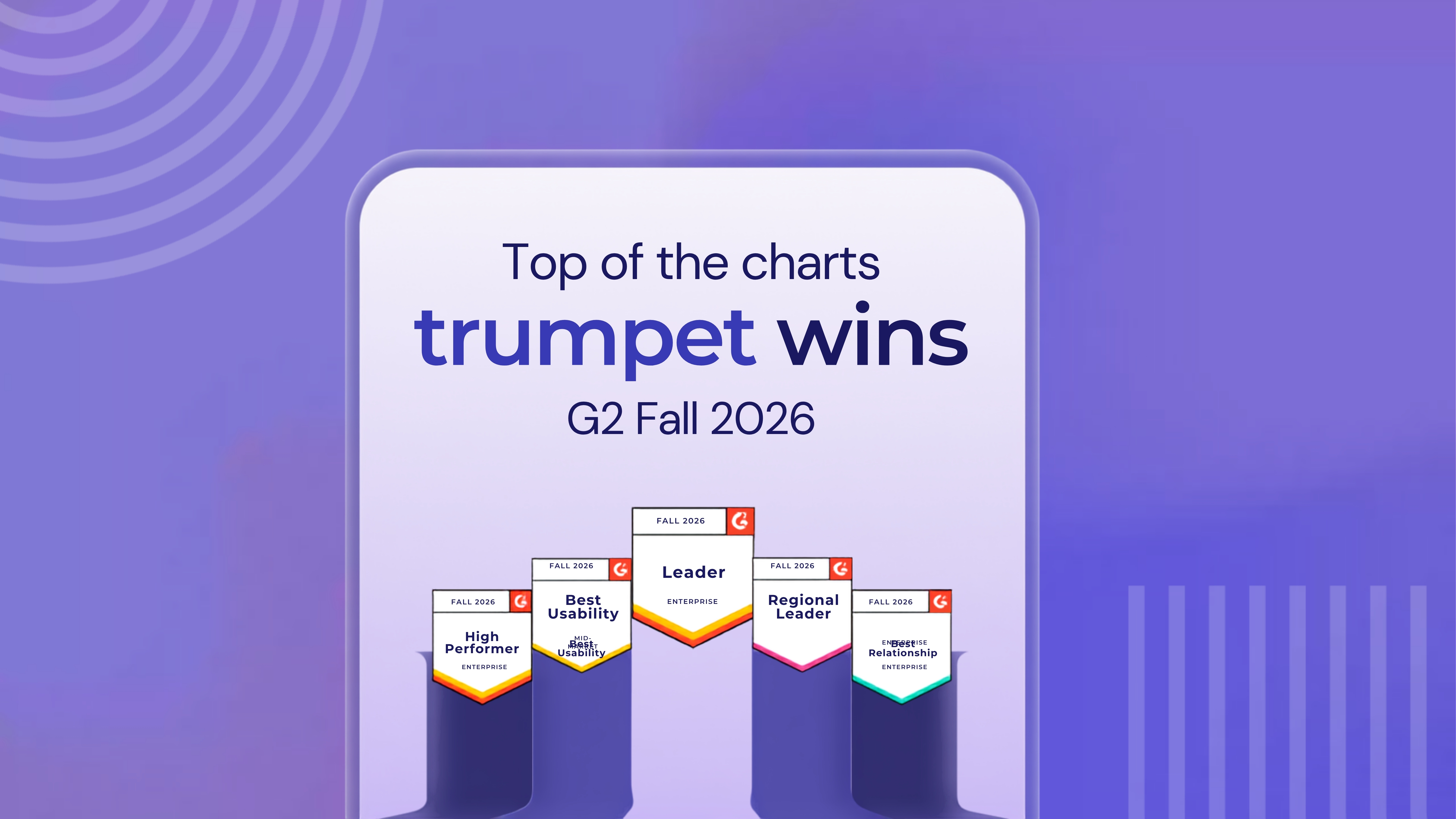
We built it. Over 15,000 revenue teams use trumpet today. Companies like HubSpot, Gong, Personio, and Stripe. We’ve been the number one Digital Sales Room on G2 for over a year running.
But we weren’t done.
Today, we’re launching Copilot. This is the biggest release we’ve ever shipped, and represents the start of a new era for us and for our customers.
Three huge updates. One launch.
Copilot is the new AI driver of trumpet. The layer that changes how Pods get built, how data gets surfaced, how content gets found and created, and how your team runs the whole revenue cycle inside trumpet.
It comes with two things that make it complete. Canvas, a vibe-coding Widget builder that turns a prompt into a fully interactive, branded Widget, live in your Digital Sales Room. And the MCP client, the context layer that connects Copilot to your whole stack so it always has what it needs.
Copilot: the new driver of trumpet

You talk to Copilot in plain language. It handles the rest.
Trained AI agents work behind the scenes. You make a request, Copilot figures out what’s needed and gets it done. For something bigger like researching an account, building a Pod, and creating a Mutual Action Plan from a call recording, multiple agents take care of each part automatically. Attach a Gong call using our integration, a PDF, pin a Widget with @, and Copilot puts it all to work.
It works in two modes.
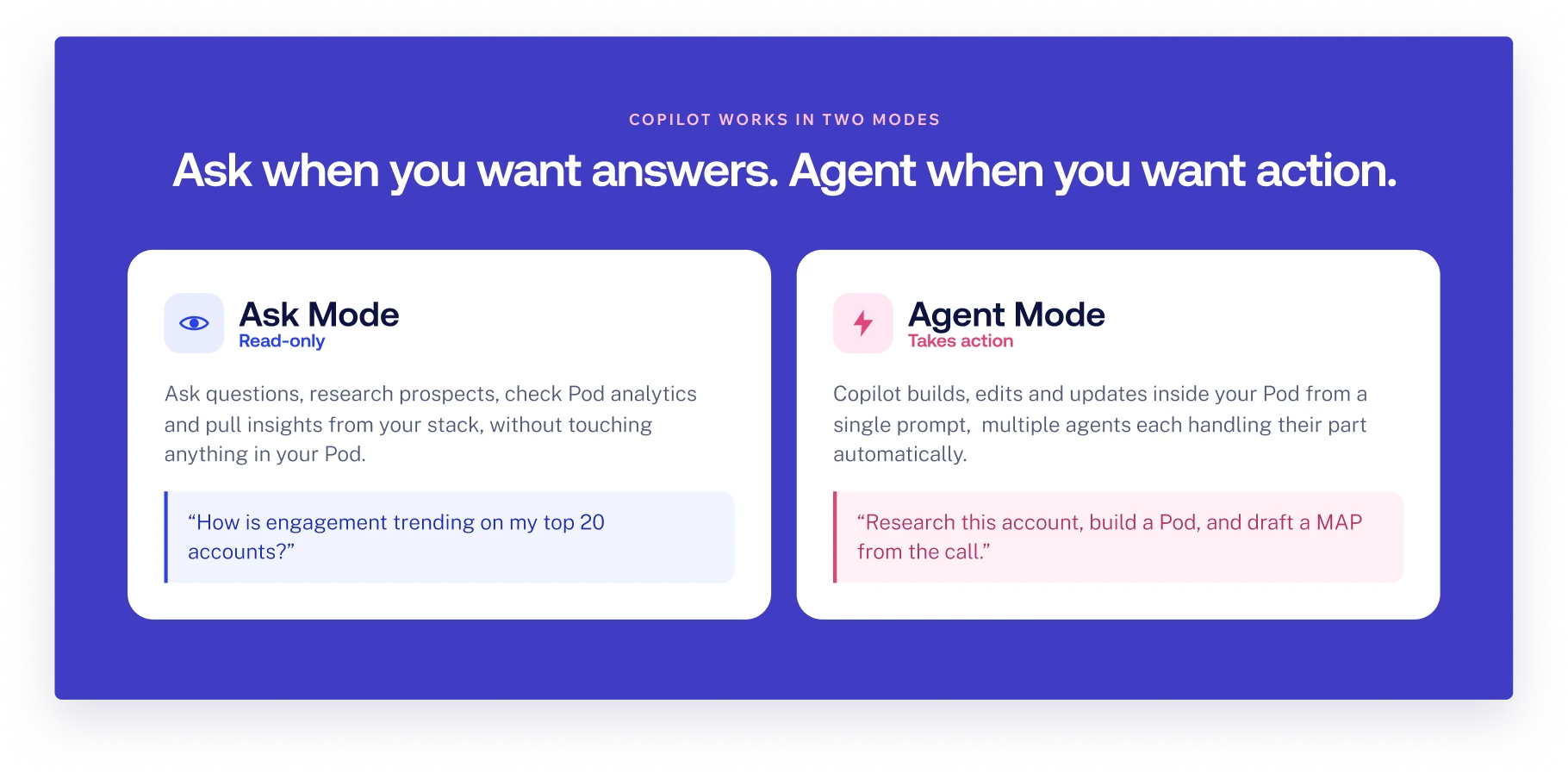
- Ask Mode is read-only: ask questions, research prospects, check your Pod analytics, pull insights from your stack, all without touching anything in your Pod.
- Agent Mode is where Copilot acts. Building, editing, updating inside your Pod from a single prompt.
Canvas: build anything your deal needs
Every salesperson has had the idea. A custom ROI calculator built around this specific deal. An interactive pricing display in your prospect’s brand colours. A quiz from their own data, with live scoring and a celebration animation for a top result. The kind of thing that would genuinely move a conversation forward. But it needed a developer, a developer needed a brief, a brief needed time you didn’t have.
Canvas changes that entirely.
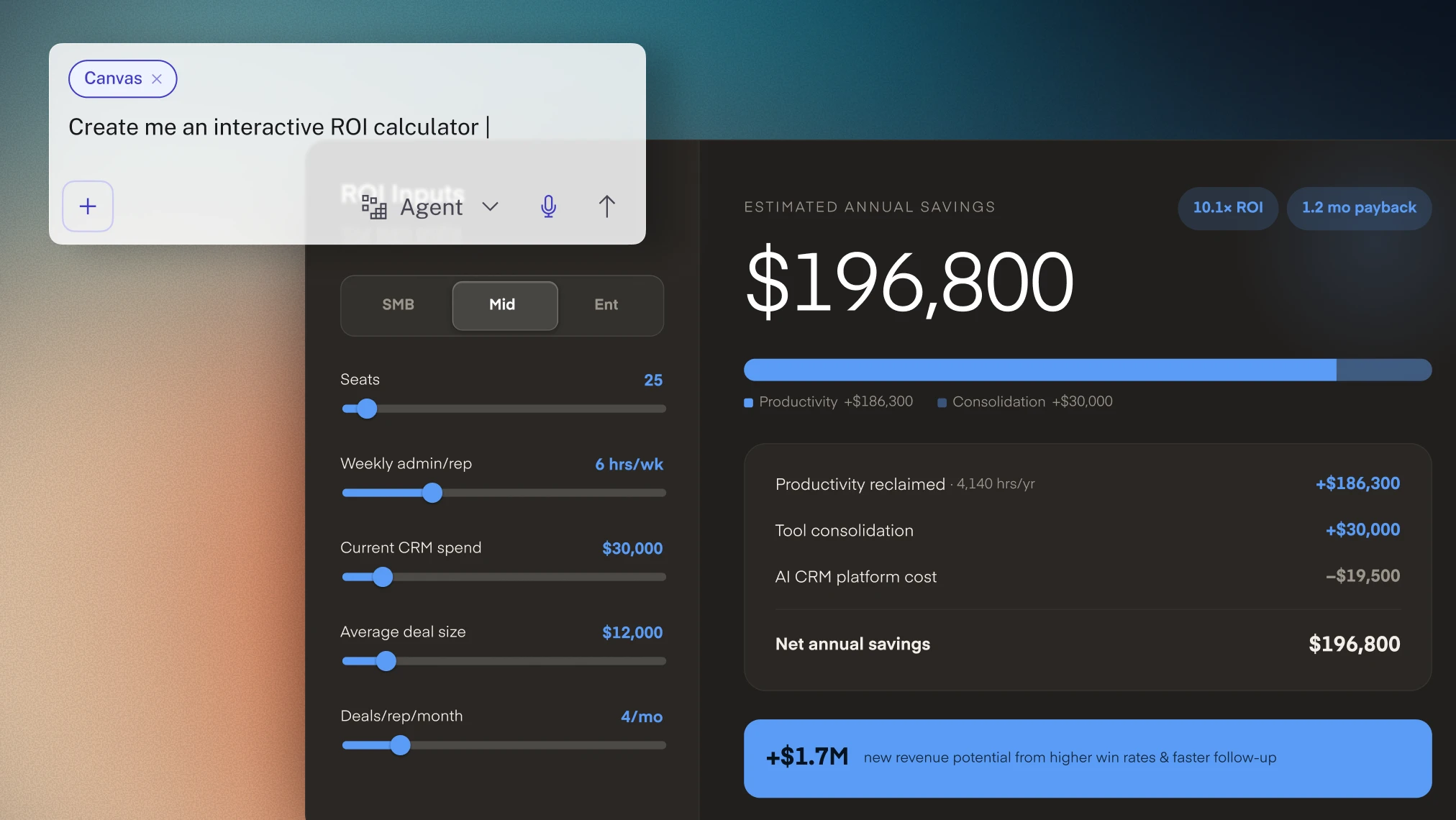
Describe what you want. Copilot builds a fully interactive, branded Widget, live in your Digital Sales Room. Buyers interact with it in real time: sliders, inputs, toggles that recalculate on the fly. Your branding goes on automatically. It sits inside trumpet’s infrastructure, with all of trumpet’s collaboration and insights features wrapped around it.
The same concept as tools like Lovable or Base44, but inside the Digital Sales Room where the conversation is already happening.
MCP client: the full picture, every time
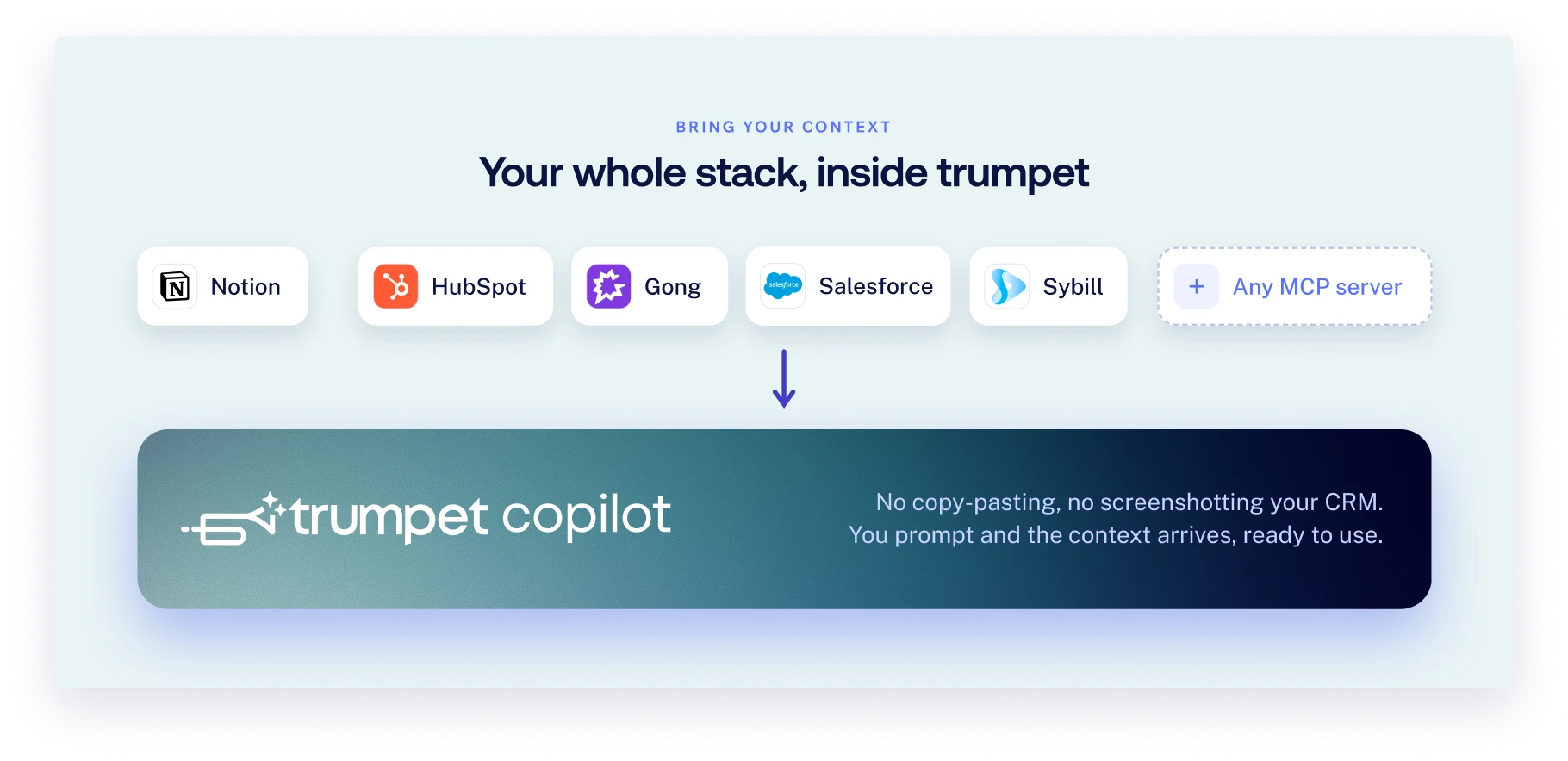
Copilot is only as good as the context it has to work with.
Connect Notion, HubSpot, Gong, Granola, Sybill, or any custom MCP server your admin sets up. Deal data, call notes, CRM context: rather than copying between tools or screenshotting your CRM to paste it somewhere else, you prompt, and it arrives inside trumpet, ready to use.
Trumpet is the first Digital Sales Room platform to do this.
This is the new era of trumpet
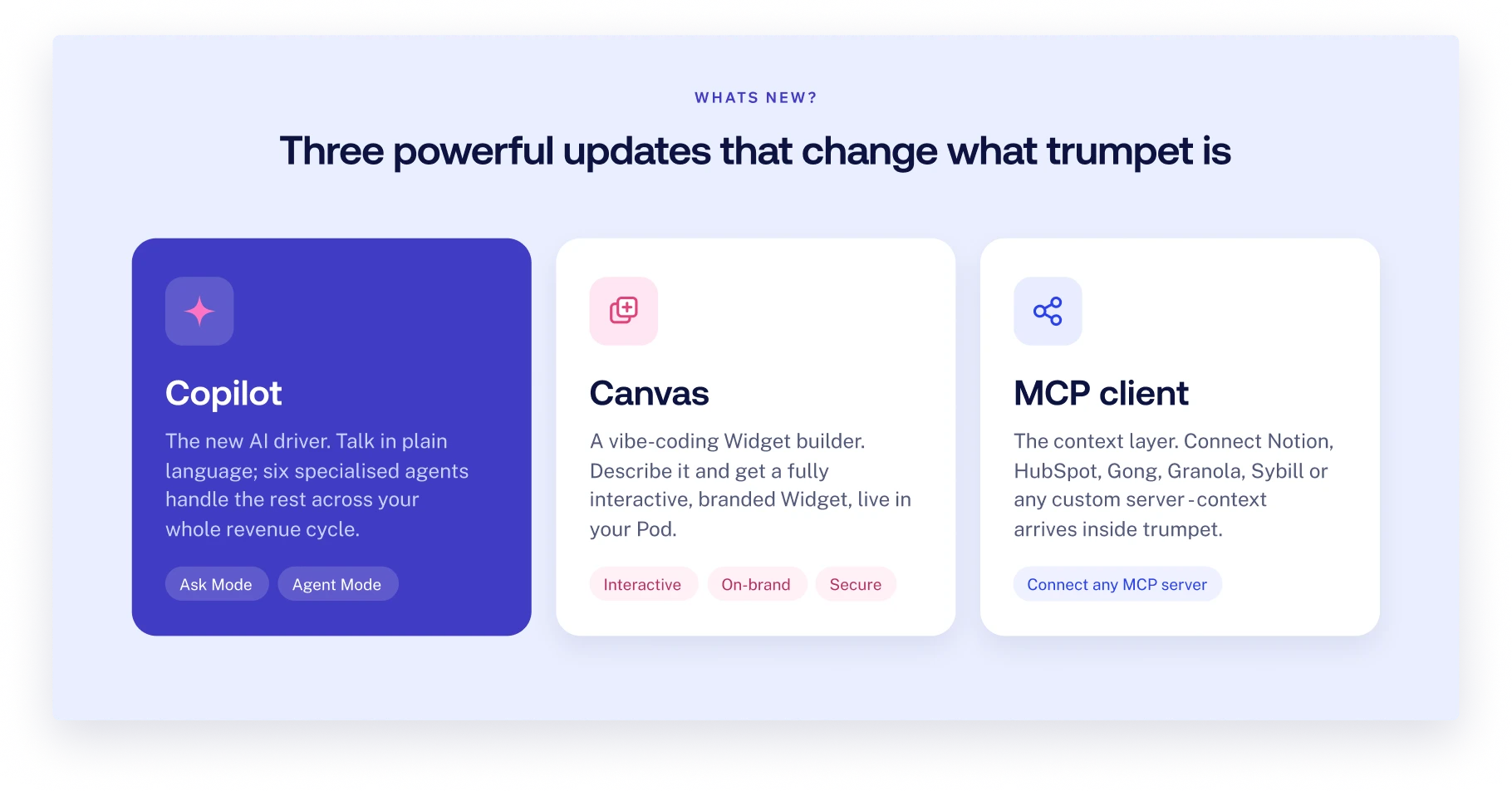
Copilot is the driver. Canvas is what you build with it. The MCP client is what makes everything Copilot does sharper and more connected. They don’t just add to trumpet. They change what trumpet is.
We’ve spent five years building the leading Digital Sales Room. Copilot is that next step we’ve been building towards.
What early users are saying
We've been working with a group of revenue teams ahead of today's launch. Here's what one of them had to say.
Jens Stockel, Lead Account Executive at HubSpot, has been using Copilot across three of the things that matter most to an enterprise AE: speed after a discovery call, navigating complex buying committees, and keeping a full pipeline moving without drowning in admin.
"As a Lead AE, the time between a discovery call and follow-up is critical. Trumpet Copilot completely removes the admin bottleneck by instantly turning call recordings into hyper-personalized Pods, allowing me to strike while the iron is hot and keep deal momentum moving fast.
Navigating complex enterprise deals requires seamless multi-threading. Trumpet Copilot acts like a personal strategy assistant for my pipeline — helping me map out buyer stakeholders and proactively flagging deal risks before a sequence can stall.
Trumpet Copilot takes the heavy lifting out of managing my pipeline. By automating workspace creation and intelligently serving up the right content to my prospects, it lets me spend less time on manual setup and more time focused on closing."
See it in action
Trumpet Copilot, Canvas, and the MCP client are available on the Elite plan. If you’re already on Elite, head to Settings to enable Copilot.
Book a demo and we’ll show you exactly what it can do for your team.
.png)

See what your buyers are doing between meetings
Build a Pod, share it with the buying committee and watch the signals roll in. Free to start.
.png)
.png)
.png)

.png)
.png)


![How to Get Started with Buyer Enablement [With Examples]](https://cdn.prod.website-files.com/65cf4fecbed2754c2236665d/65cf4fecbed2754c22366bdb_65a5af83e742f76e34ce06f3_Customer%2520Onboarding%2520_%2520Everything%2520you%2520need%2520(2).png)




.png)

.png)