- trumpet Pods can support the customer journey from onboarding through QBRs, ongoing collaboration and renewals.
- trumpet Copilot can use account-specific context to help Customer Success teams build personalised customer-facing content.
- Maddi uses reporting data from a CSV to give Copilot context about an individual account.
- Copilot can use that context to create a QBR page containing priorities, usage, performance metrics and areas for improvement.
- CSMs can review Copilot's proposed changes before allowing it to build inside the Pod.
- Personalised QBR content doesn't have to mean manually rebuilding pages and Widgets for every customer.
- Combined with the onboarding workflow from Part 1, Copilot can support Customer Success at different stages of the customer journey.
QBR prep can mean pulling information from several places, working out which metrics actually matter, building an agenda and then turning everything into something useful for that specific customer.
In Part 1 of Magic Moments with Maddi, Maddi from trumpet's Customer Success team showed how she uses Copilot to turn customer call recordings into structured onboarding plans.
But her use of Copilot doesn't stop once onboarding is complete.
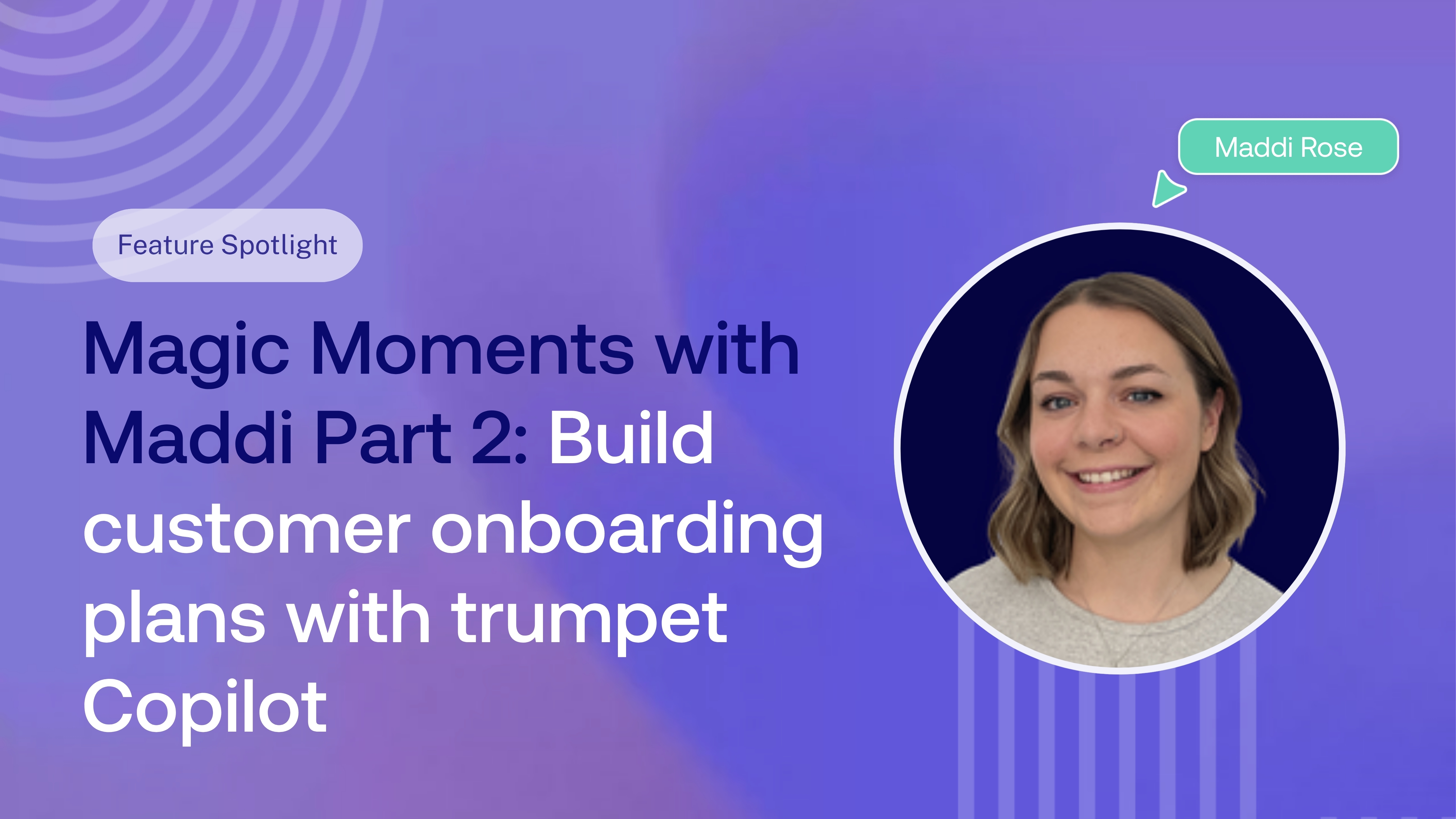
In Part 2, Maddi shows how she gives Copilot account data and context to build a personalised QBR page directly inside her customer's Pod.
Watch the video here:
Missed Part 1? See how Maddi uses Copilot to build customer onboarding plans from call recordings.
What is trumpet?
trumpet is a buyer enablement platform that gives revenue teams one place to collaborate with prospects and customers throughout their journey.
Teams use trumpet to create personalised Digital Sales Rooms, or Pods as we call them, bringing together content, next steps, Mutual Action Plans, resources, conversations and interactive experiences in one shared space.
For Customer Success teams, that means the Pod can continue to evolve after onboarding, becoming a central place for ongoing collaboration, QBRs, performance reviews and renewals.
What is trumpet Copilot?
trumpet Copilot is an AI assistant that helps revenue teams build, personalise and maintain their Pods using natural language.
Copilot can work with the context you give it, including call transcripts, uploaded documents, reporting and content from trumpet's CMS, and use that information to help create relevant customer-facing content.
Instead of starting with a blank page for every customer, Customer Success teams can give Copilot the information they already have and tell it what they want to build.
For Maddi, one of those workflows is QBR preparation.
Using account data to prepare for a QBR
Every QBR is different because every customer is different.
The priorities, adoption, performance, goals and areas for improvement that matter to one account won't necessarily matter to another.
To prepare for her QBR, Maddi takes the information she already has about the account and gives it to Copilot as context.
In this example, she uploads a CSV containing reporting data for the customer.
She then asks Copilot to build a QBR agenda that includes relevant metrics and an interactive view of the key stats and information she needs to cover.
From there, Copilot starts planning the page based on both Maddi's prompt and the account data she's provided.
Review before you build
Copilot doesn't simply make the changes and leave Maddi to figure out what happened.
Once it has reviewed the context and planned what it wants to create, Maddi can see the proposed changes before they're built.
She can review what Copilot is planning, then choose whether to accept or reject it.
Once she's happy, she gives Copilot the go-ahead to build the page directly inside the customer's Pod.
That keeps Maddi in control of what's being created while Copilot handles much of the repetitive work behind it.
From a CSV to a personalised QBR page
In Maddi's example, the finished QBR page brings together a full performance review tailored to that customer.
Copilot uses the reporting data and instructions it's been given to create content covering:
- Account priorities
- Team usage
- Key performance metrics
- Areas for improvement
- Supporting account data
The result is a QBR experience based on the information that matters to that individual customer, rather than a generic page that needs to be manually rebuilt each time.
And because it's created inside their existing Pod, it becomes part of the customer's wider journey rather than another presentation or document living somewhere else.
Less time building, more time with customers
Personalisation is valuable, but doing it manually for every account can quickly become time-consuming.
As Maddi explains, Copilot helps remove some of the work that previously went into building personalised Widgets and pages for individual customers.
That means less time formatting information, transferring metrics and rebuilding similar pages, and more time actually working with customers.
The customer still gets an experience built around their own goals, usage and performance. The CSM just doesn't have to build every element from scratch.
Using Copilot across the customer journey
Across Parts 1 and 2, Maddi's workflow shows how Copilot can support more than one isolated Customer Success task.
At onboarding, she can use a call recording to create a Mutual Action Plan containing the customer's milestones, owners and agreed next steps.
Later in the relationship, she can bring in account reporting and ask Copilot to create a personalised QBR page around the customer's performance and priorities.
The context changes. The prompt changes. But the idea stays the same: use the information you already have to create something useful for the customer without rebuilding it manually.
For Maddi, that means spending less time on repetitive tasks and more time helping customers get value from trumpet.
FAQs
How can AI help with QBR preparation?
AI can help Customer Success teams organise account information, identify relevant metrics and turn existing customer data into structured QBR content. With trumpet Copilot, teams can provide account context and ask Copilot to help build the QBR directly inside the customer's Pod.
What is trumpet Copilot?
trumpet Copilot is an AI assistant that helps revenue teams build, personalise and maintain Digital Sales Rooms using natural-language prompts and relevant context such as call transcripts, uploaded files, reporting and content.
What is a trumpet Pod?
A Pod is trumpet's Digital Sales Room: a personalised, collaborative workspace where revenue teams can bring together the content, next steps, data and resources prospects and customers need throughout their journey.
Can trumpet Copilot use customer reporting data?
Copilot can use uploaded files as context. In Maddi's example, she uploads a CSV containing account reporting and asks Copilot to use that information when creating her QBR page.
What can Copilot include in a QBR?
The output depends on the context and prompt provided. In Maddi's example, Copilot creates a performance review containing account priorities, team usage, key metrics, areas for improvement and supporting data.
Can I review what Copilot creates before it changes my Pod?
Copilot can present its proposed plan for review before building, allowing the user to review what it intends to create and choose whether to proceed.
How else can Customer Success teams use trumpet Copilot?
Copilot can support different stages of the customer journey. In Part 1 of Magic Moments with Maddi, Maddi uses a customer call recording to create a structured onboarding Mutual Action Plan. In Part 2, she uses account reporting to help build a personalised QBR.
.png)

See what your buyers are doing between meetings
Build a Pod, share it with the buying committee and watch the signals roll in. Free to start.
.png)
.png)
.png)

.png)
.png)


![How to Get Started with Buyer Enablement [With Examples]](https://cdn.prod.website-files.com/65cf4fecbed2754c2236665d/65cf4fecbed2754c22366bdb_65a5af83e742f76e34ce06f3_Customer%2520Onboarding%2520_%2520Everything%2520you%2520need%2520(2).png)




.png)

.png)