

- Thrive now uses trumpet from first outreach through implementation, account management, customer success and renewal, not just in the sales cycle
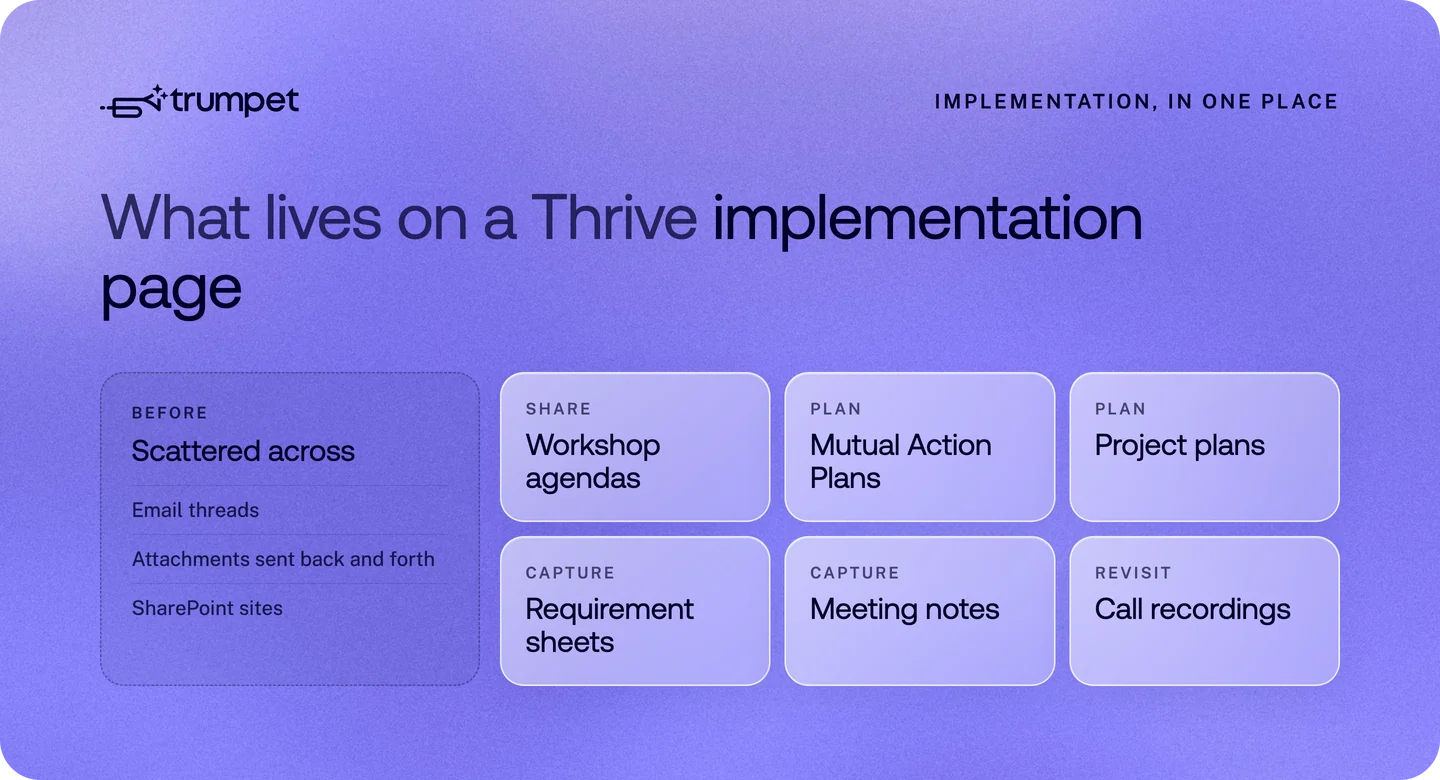
- Workshop agendas, requirement sheets, Mutual Action Plans, project plans and call recordings live in one dedicated implementation page instead of email threads and SharePoint
- Two master Templates, one for new business and one for customers, keep every Pod consistent; reps create Pods from them but can't edit the masters
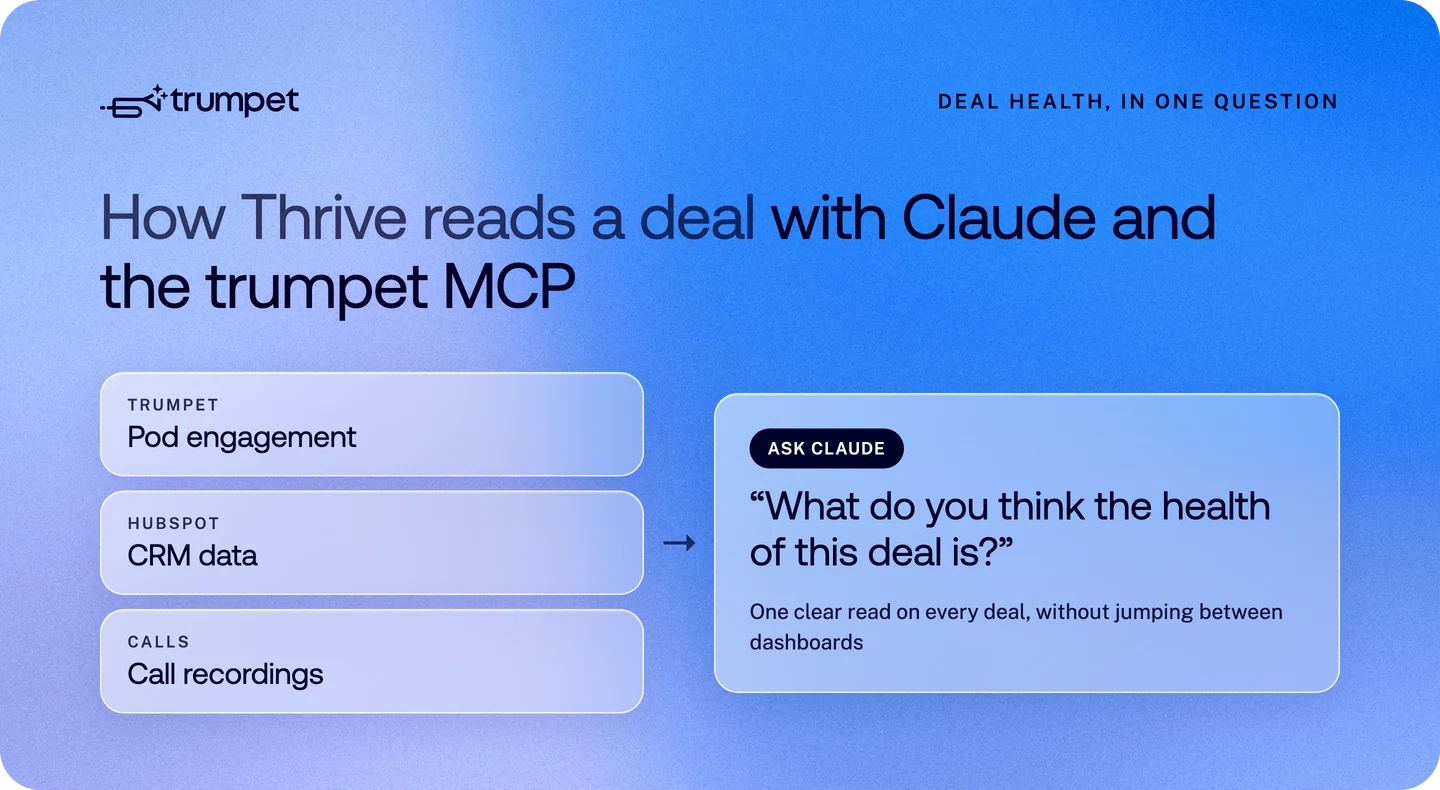
- Thrive's CSO and sales directors watch Pod engagement closely, and the team queries trumpet alongside HubSpot and call recordings through Claude via the trumpet MCP
 ×

About Thrive Learning
Thrive Learning is a learning technology company that prides itself on doing things differently.
When COO Leanne Ainsworth joined three years ago, trumpet was already embedded across new business. It was her first time working with a Digital Sales Room. "In my previous world, everything was over email," she says.
Before trumpet, Thrive ran a sales motion familiar to most B2B teams: phone and email outreach, attachments shared back and forth. The team knew there was room to bring more consistency to how outreach and opportunities were managed, and trumpet became the way to do it. "Trumpet has really shaped that activity for us," Leanne says.
From sales tool to the whole customer journey
Ever since Thrive first adopted trumpet, every new business deal has run through a Pod, and Pods have long been part of renewals too. The opportunity was everything in between: onboarding, account management and customer success.
Thrive saw the chance to give customers the same joined-up experience after signing that they'd had while buying. So rather than moving the relationship into email threads once the contract was signed, the team extended trumpet across the entire customer journey, keeping one shared space for everything from kickoff onwards. "We don't drop trumpet in now at the point of implementation or onboarding for a new customer," Leanne explains. "We continue to use it as our mutual communications platform."
Today each team picks up where the last one left off. The implementation team loads workshop agendas, Mutual Action Plans and project plans into the Pod, then hands it to account directors for commercial conversations. Thrive's customer success team, known internally as learning impact managers, uses it to run projects with existing customers. And throughout, the Pod keeps every customer up to date on the latest roadmap and upcoming events.
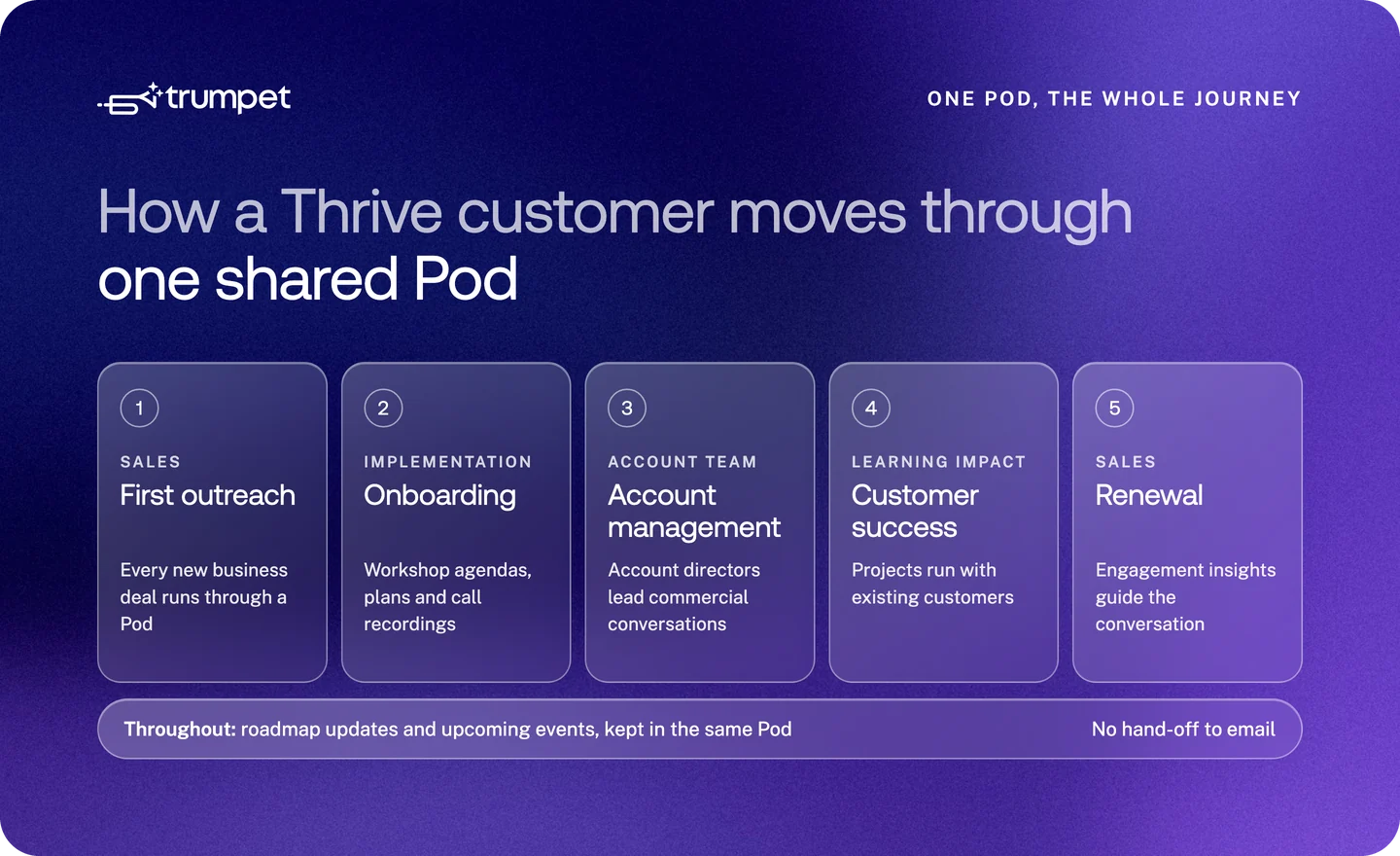
"It's very much a fundamental part of the entire journey now for a customer," Leanne says, "as opposed to purely being used where there's a sales conversation happening."
The reason is simple. Thrive's teams already talk constantly in Slack, so the value isn't internal handover. It's what the customer experiences. "Customer experience is the absolute forefront for us when it comes to trumpet," she says, "whether that's from day one outreach through to onboarding and renewal. That's where it provides continuity for the customer."
Hear what Thrive's CEO has to say
Sean Reddington, Founder and CEO at Thrive, recently shared his thoughts on trumpet's role in the company's growth, commenting on LinkedIn:

It's a lovely endorsement of the partnership and the role trumpet continues to play in supporting Thrive's growth and customer relationships.
Taming the information overload of implementation
Buyers expect to be flooded with information during a sales cycle. What surprised Leanne was how much the same problem showed up after the contract was signed.
"As we get into implementation with a customer, there is a ton of information," she says. "We share workshop agendas, we've got Mutual Action Plans and project plans. Previously that would have been managed over email, with project managers sharing documentation back and forth, maybe on a SharePoint site."
Now each new customer gets a dedicated implementation page in their Pod, complete with workshop documentation, meeting notes and even recordings of their calls with Thrive, ready to revisit whenever they need a refresher. "Having all of that accessible in one spot is a massive plus for customers at that phase beyond sales," Leanne says. "That centralised space has been brilliant."
Two Templates, one brand across every team
With so many teams now working in Pods, Leanne, who owns governance of trumpet at Thrive, spent the last six months standardising everything into two master Templates: one for new business and one for customers. Eventually they'll merge, so each customer only ever lives in a single Pod.
Those Templates keep every rep, account director and learning impact manager working from the same approved brand assets and enablement collateral, so nobody is sending an outdated deck or a one-off version they've put together themselves. Only a handful of admins can edit the masters. "Our teams have been very well enabled to only ever create a Pod from the Templates, and flag if they need anything changing," Leanne explains. "They'll say, 'Actually, I need an extra page in that Template,' or 'This needs adjusting.' That comes to me."
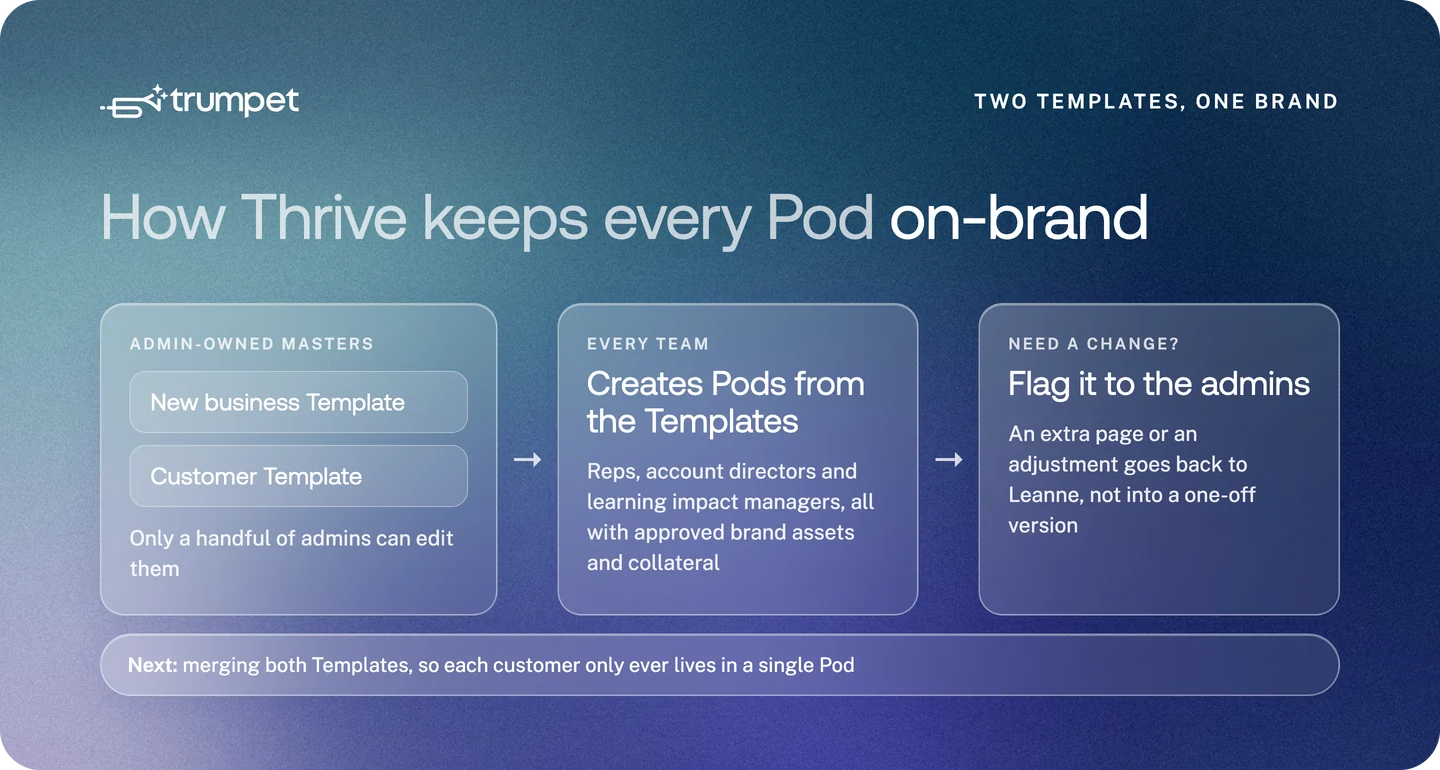
The result is that every team stays in step and on-brand, however many Pods go out, without losing the personal touch. "Hyper-personalisation is huge to us as a business," Leanne says. "Trumpet has opened the door for us to do that in a way that's professional and scalable as we grow."
Insights that change how deals are run
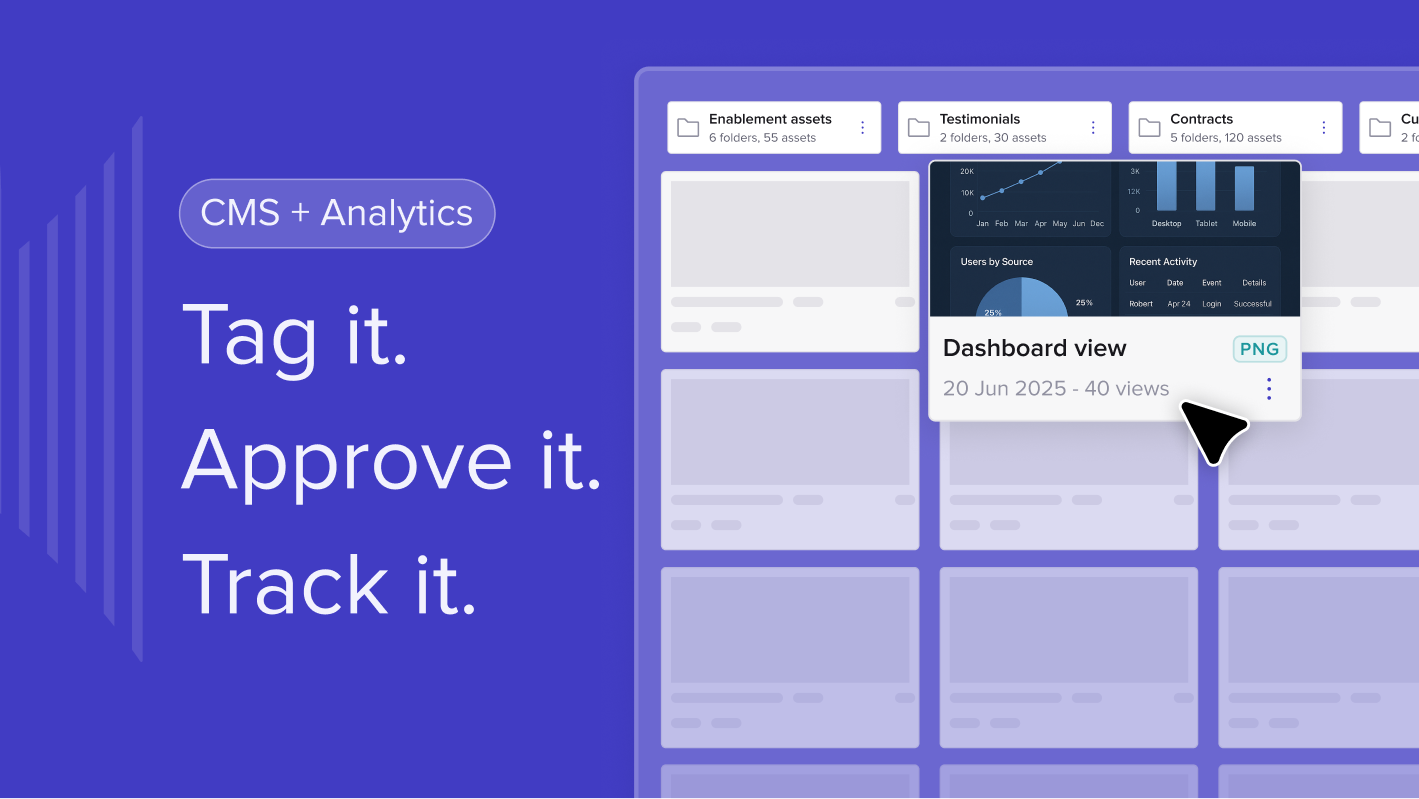
For someone new to Digital Sales Rooms, engagement insights were the standout. "The fact that you can literally see where someone's been clicking on a page, and how many times they've clicked on it, to support deal conversations," Leanne says. "It's far more in-depth than I expected."
Thrive's sales team lives on those signals. Leanne sees them in the team's WhatsApp groups: a prospect has just opened their Pod, they've been looking at the commercials page, someone picks up the phone. Thrive's CSO and sales directors review trumpet's insights regularly, and every sales opportunity has its own Pod, which can be generated directly from HubSpot.
For the customer teams, those signals play a different role. Existing customers are already in close, constant contact with Thrive, so engagement data really comes into its own at renewal, when the conversation shifts back into a sales mindset.
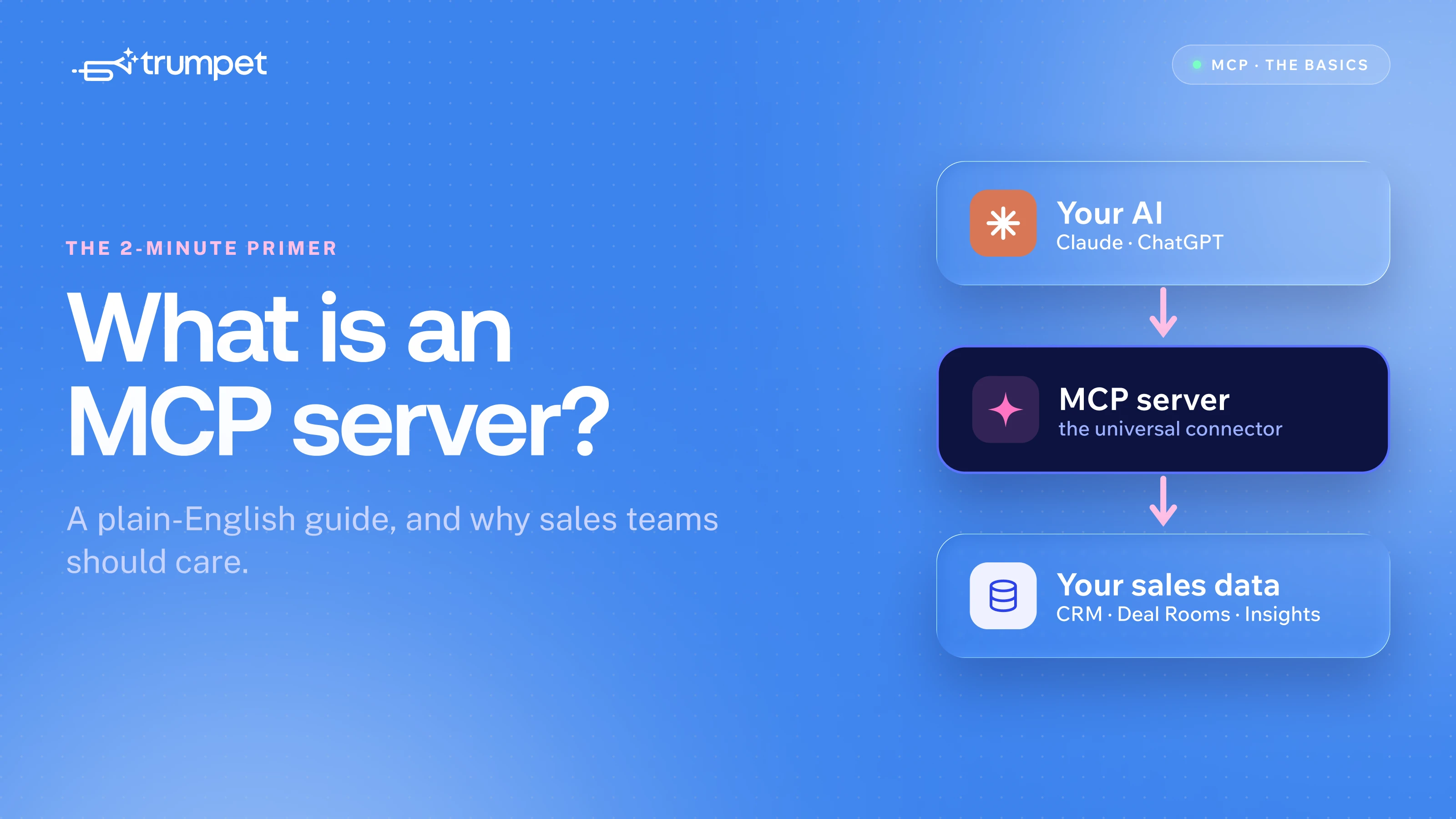
As a heavy Claude user, Thrive has also connected trumpet to Claude through the trumpet MCP server. "You can pull everything together," Leanne says. "You can ask for a summary of what's happening in trumpet, the call recordings and what's in HubSpot, and then question: what do you think the health of this deal is?" With Pod engagement, CRM data and call insights in one place, Thrive gets a clear read on every deal without jumping between dashboards.
A brand experience that feels different
For Thrive, trumpet isn't only about efficiency. It's about how the company shows up.
"We're an innovative business, and we like all of our approaches to reflect that," Leanne says. "For a lot of organisations, this is a new way of being communicated with. They think, 'Wow, I've got this interactive Pod, that's kind of cool.' It feels exciting and new, and that reflects us as a brand. We like to be different, and trumpet has allowed us to feel different in all the right ways."
What's next
Thrive's next step is to merge its two Templates so every customer lives in a single Pod from first conversation to renewal. Alongside that, the customer teams are building the same insight-led habits the sales team already has, and the business is putting more of its trumpet data to work through Claude.
Asked whether trumpet is worth it, Leanne doesn't hesitate. "Absolutely. It's transformed the sales journey for prospects, and it's becoming transformative from a customer operations perspective."


See what your buyers are doing between meetings
Build a Pod, share it with the buying committee and watch the signals roll in. Free to start.