







- Define the revenue problem before comparing Digital Sales Room software.
- Evaluate both the buyer experience and the operational controls behind it.
- Look beyond CRM integrations to stakeholder visibility, Mutual Action Plans, AI-powered deal intelligence, and portfolio reporting.
- Enterprise-ready platforms should combine security, permissions, governance, scalable administration, and buyer collaboration.
- Test vendors using real-world scenarios rather than feature checklists.
- Choose a platform that supports the full customer lifecycle from discovery through onboarding and customer success.
- Trumpet combines buyer-facing Pods, stakeholder analytics, Mutual Action Plans, AI-powered insights, governance, enterprise security, CRM integrations, and sales-to-customer-success continuity in one platform, ranked number one for Digital Sales Rooms globally on G2.
Choosing Digital Sales Room software is no longer just about creating an attractive buyer page. As buying committees become larger and revenue teams become more specialised, the platform also needs to support governance, security, stakeholder management, CRM connectivity, and customer lifecycle continuity.
For many organisations, a Digital Sales Room becomes part of the wider revenue operating model. Sales, RevOps, enablement, customer success, IT, procurement, and security all need confidence that the platform can scale across teams, regions, products, and hundreds or thousands of active opportunities.
The strongest platforms combine an excellent buyer experience with the operational controls required to deploy securely at scale. That means evaluating far more than design or document sharing.
How should you choose Digital Sales Room software?
Revenue teams should choose Digital Sales Room software based on how well it supports buyer collaboration, stakeholder visibility, Mutual Action Plans, CRM integration, content governance, permissions, data security, enterprise administration, deal intelligence, rep adoption, and post-sale continuity. Enterprise-ready platforms must provide both a strong buyer experience and the controls required to deploy securely across large revenue organisations.
Platforms such as trumpet combine buyer-facing Pods, stakeholder-level engagement, AI-powered deal insights, content management, Mutual Action Plans, granular access controls, enterprise security, document signing, and sales-to-customer-success continuity in one platform.
A 13-point checklist for evaluating Digital Sales Room software
When comparing platforms, assess them in this order:
- Define the problem the platform must solve.
- Evaluate the buyer experience.
- Test stakeholder-level visibility.
- Review Mutual Action Plan capabilities.
- Inspect CRM integration depth.
- Assess content management and governance.
- Review permissions and access controls.
- Evaluate data security and compliance.
- Confirm enterprise readiness.
- Evaluate AI and deal intelligence.
- Test rep adoption and implementation effort.
- Review reporting and portfolio visibility.
- Assess sales-to-customer-success continuity.
What is Digital Sales Room software?
Digital Sales Room software provides a buyer-facing workspace where sellers and buying committees collaborate throughout complex B2B deals. Rather than relying on email threads, shared folders, and disconnected documents, buyers access proposals, product information, Mutual Action Plans, security documentation, contracts, and agreed next steps in one organised environment.
A Digital Sales Room is different from a CRM, content repository, proposal tool, or virtual data room. The CRM remains the internal system of record, while the Digital Sales Room becomes the external workspace where buyers and sellers execute the deal together. Within trumpet, this workspace is called a Pod. Pods combine personalised content, stakeholder engagement analytics, Mutual Action Plans, CRM integrations, AI-powered insights, document signing, and onboarding resources, allowing the same workspace to evolve from discovery through to customer success.
1. Define the problem the platform must solve
Before comparing features or pricing, define the problem you are trying to solve. Some organisations need to improve buyer collaboration, while others want better stakeholder visibility, more consistent sales execution, stronger governance, or improved forecasting. Choosing a platform without first agreeing on the objective often leads to low adoption because teams measure success differently.
For growing SaaS companies, the challenge is often keeping increasingly complex buying committees coordinated. Enterprise organisations may also need stronger permissions, governance, security, and administration to support large revenue teams across multiple regions and business units. Within trumpet, Pods support the full buyer journey by combining buyer collaboration, stakeholder engagement, Mutual Action Plans, AI-powered insights, CRM integrations, document signing, and customer lifecycle continuity in one buyer-facing platform.
2. Evaluate the buyer experience
The buyer experience should be one of the first areas you assess. A Digital Sales Room is only effective if buyers actually use it. The platform should make it easy for stakeholders to find information, involve colleagues, review documents, complete agreed actions, and understand what happens next without relying on long email threads.
Look beyond appearance alone. An attractive buyer page is useful, but it should also support personalised content, intuitive navigation, mobile responsiveness, accessibility, collaborative workflows, and a clear structure that evolves as the deal progresses. Buyers should be able to return to the same workspace throughout the evaluation rather than receiving a new collection of links after every meeting. Within trumpet, every Pod is personalised for the account and can include customer proof, meeting recaps, proposals, security documentation, Mutual Action Plans, document signing, and onboarding resources, all in one workspace that continues from discovery through to customer success.
3. Test stakeholder-level visibility
One of the biggest advantages of a Digital Sales Room is understanding what buyers are doing between meetings. Traditional CRM data shows seller activity, but it rarely provides insight into how the buying committee is engaging with the opportunity.
Look for stakeholder-level analytics that show who has viewed the room, which content has been accessed, how often stakeholders return, whether new decision-makers have joined the evaluation, and how engagement changes over time. These signals help sellers identify risks earlier, support better forecasting, and focus follow-up where it will have the greatest impact. Within trumpet, Stakeholder Scout and buyer engagement analytics provide visibility into individual stakeholders and overall deal activity, while the Nerve Centre gives leaders a portfolio view across active opportunities.
4. Review Mutual Action Plan capabilities
Mutual Action Plans help buyers and sellers stay in sync throughout complex sales cycles. Rather than tracking next steps in spreadsheets or email threads, both sides work from one shared timeline that clearly shows actions, owners, milestones, and deadlines.
When evaluating Digital Sales Room software, look beyond a simple task list. A strong Mutual Action Plan should be collaborative, allowing both buyers and sellers to update progress, assign responsibilities, prepare for procurement and implementation, and keep every stakeholder working towards the same objectives as the evaluation moves forward. Within trumpet, Mutual Action Plans sit inside the Pod alongside proposals, stakeholder engagement, and supporting content. According to trumpet platform data, deals with an active MAP achieve double the win rate of deals managed without one. These are correlational findings and outcomes vary by sales process and segment.
5. Inspect CRM integration depth
A Digital Sales Room should complement your CRM, not replace it. While the CRM remains the internal system of record for opportunities and forecasting, the Digital Sales Room becomes the buyer-facing environment where collaboration happens.
Look for integrations that do more than sync basic contact information. Strong platforms connect opportunities, contacts, account data, activities, and buyer engagement so sellers can work within existing revenue workflows without duplicating effort. Deep integrations also help RevOps maintain accurate reporting while reducing manual administration. Within trumpet, integrations with Salesforce and HubSpot connect Pods with CRM data, keeping customer information and deal activity connected across the wider revenue stack.
6. Assess content management and governance
As organisations grow, content management becomes just as important as content creation. Revenue teams need confidence that sellers are sharing the latest proposals, case studies, pricing information, security documentation, and product resources rather than outdated versions stored on personal drives.
When evaluating Digital Sales Room software, review how content is governed. Can administrators approve assets centrally, replace outdated files across every workspace, control downloads, manage versions, and assign content to different teams or regions? Strong governance helps maintain consistency while reducing compliance risks. Template governance is equally important. Administrators should be able to create reusable master templates, apply brand standards, lock required sections, retire outdated templates, and still allow sellers to personalise each room for individual buyers. Within trumpet, central content management and reusable Pod templates allow enablement teams to standardise the buyer experience while giving sellers the flexibility to tailor each Pod to the opportunity.
7. Review permissions and access controls
Permissions become increasingly important as Digital Sales Rooms are used across multiple teams, regions, products, and customer segments. Revenue teams need to control both who can access buyer workspaces internally and how information is shared externally.
Internally, evaluate whether the platform supports role-based permissions, manager access, team-level visibility, workspace ownership, content publishing rights, template editing, reporting permissions, customer success access, and regional controls. Externally, assess features such as domain-restricted sharing, named-user access, password protection, page-level permissions, download controls, expiring links, and the ability to revoke access when required.
Ask vendors to demonstrate these capabilities rather than simply confirming they exist. Can sensitive rooms be restricted to named individuals? Can managers view activity without editing seller workspaces? Can permissions be managed centrally across teams and regions? Within trumpet, organisations can combine domain-level and named-user access controls with team permissions, workspace governance, and enterprise administration. These controls are particularly valuable when sharing confidential pricing, security documentation, legal information, or strategic account plans with large buying committees.
8. Evaluate data security and compliance
Enterprise-ready Digital Sales Room software should be assessed across far more than certification badges. Security should cover organisational processes, identity management, data protection, privacy controls, and secure buyer collaboration.
Review whether the platform provides recognised standards such as SOC 2 Type II and ISO 27001, alongside SSO, SCIM, multi-factor authentication, role-based access controls, encryption in transit and at rest, audit logging, GDPR compliance, data retention policies, backup procedures, and transparent subprocessor management. Buyer-facing controls such as password protection, domain restrictions, expiring links, and revocable access are equally important when sharing commercial or sensitive information.
During procurement, ask practical questions. Where is customer data stored? Can users be deprovisioned automatically? Does AI use customer data for model training? What security documentation is available? Certifications provide confidence, but they should be considered alongside governance, permissions, and operational controls. Within trumpet, enterprise security includes SOC 2 Type II, ISO 27001, SSO, SCIM, secure buyer sharing, granular access controls, and encrypted data management.
9. What does "enterprise ready" actually mean?
Enterprise-ready Digital Sales Room software can be deployed securely and consistently across large teams, complex organisational structures, regulated buying environments, and high volumes of active customer workspaces. That means more than offering an enterprise pricing tier. The platform should combine strong security, granular permissions, scalable administration, governance, CRM integrations, reporting, identity management, and a buyer experience that remains simple even as the organisation grows.
A useful question to ask every vendor is: could this platform be deployed across hundreds of sellers, multiple regions, thousands of active buyer workspaces, and customers with different access requirements without creating an operational problem? If the answer is unclear, the platform may have enterprise security features but not be operationally enterprise ready. Within trumpet, enterprise readiness combines buyer-facing Pods with SOC 2 Type II, ISO 27001, SSO, SCIM, team permissions, content and template governance, Salesforce and HubSpot integrations, portfolio reporting, and sales-to-customer-success continuity.
10. Evaluate AI and deal intelligence
AI should help revenue teams make better decisions, not simply generate more content. When evaluating Digital Sales Room software, look for AI that improves day-to-day revenue workflows by helping sellers understand buyer engagement, surface relevant content, identify deal risks, and recommend next actions.
Deal intelligence is particularly valuable when it combines buyer behaviour with CRM context. Signals such as stakeholder engagement, repeat visits, Mutual Action Plan progress, proposal activity, and content consumption help sales teams identify where deals are building momentum or where additional support may be needed. Within trumpet, AI-powered content discovery, deal insights, Stakeholder Scout, and the Nerve Centre help revenue teams understand buyer activity across individual opportunities and the wider pipeline. Confirm the data policies governing AI use before assuming customer data is not involved in model training.
11. Test rep adoption and implementation effort
The most secure or feature-rich platform delivers little value if sellers choose not to use it. Successful Digital Sales Room software should fit naturally into existing sales workflows while reducing administrative effort rather than creating more of it.
Look for platforms that allow sellers to create buyer workspaces quickly, personalise approved templates, work alongside existing CRM processes, and maintain opportunities without switching between multiple systems. Simple onboarding, intuitive navigation, and strong enablement resources also help improve long-term adoption. Within trumpet, reusable Pod templates, AI-assisted creation, CRM integrations, and central content management help sellers create personalised buyer experiences quickly. At the same time, enablement and RevOps teams maintain the governance needed to support consistent adoption across the organisation.
12. Review reporting and portfolio visibility
Sales leaders need more than visibility into individual deals. They also need to understand buyer engagement, adoption, stakeholder activity, and pipeline health across the wider revenue organisation. Look for reporting that combines buyer engagement with operational insights: stakeholder analytics, template adoption, content performance, workspace activity, team-level reporting, and portfolio dashboards.
Within trumpet, the Nerve Centre provides portfolio-level reporting across active Pods, allowing leaders to understand buyer engagement, adoption, stakeholder participation, and deal progression across teams rather than relying solely on CRM stage changes.
13. Assess sales-to-customer-success continuity
The buying journey does not end when the contract is signed. Customer success teams still need access to the business objectives, agreed implementation plans, key stakeholders, commercial context, and commitments made during the sales process. When that information is rebuilt through handover meetings or email threads, valuable context is often lost.
A Digital Sales Room should support continuity beyond the sale by allowing the same buyer-facing workspace to evolve into onboarding, implementation, renewals, and expansion. Within trumpet, the same Pod continues from discovery through customer success, keeping stakeholder history, Mutual Action Plans, implementation resources, document signing, and customer context connected in one workspace rather than creating separate environments for each stage of the revenue journey.
Vendor evaluation scorecard
Use this weighted framework to score platforms against your specific priorities. Enterprise organisations may increase the combined weighting for security, governance, permissions, scalability, and administration. Mid-market and startup teams may give more weight to speed, adoption, ease of administration, and HubSpot integration.
Enterprise priorities vs mid-market priorities
The right Digital Sales Room software depends on the complexity of your revenue organisation as much as the size of your business. Enterprise teams should prioritise security, governance, scalability, and administration. That includes SOC 2 Type II, ISO 27001, SSO, SCIM, role-based permissions, domain-restricted sharing, named-user access, content and template governance, workspace lifecycle management, portfolio reporting, Salesforce integration, multi-region deployment, and strong implementation support.
Mid-market SaaS teams often need a simpler balance. Strong security remains essential, but ease of adoption, governed templates, central content management, straightforward permissions, Salesforce or HubSpot integration, and scalable administration are usually the highest priorities. The platform should support today's sales process while remaining suitable as enterprise requirements develop. Within trumpet, enterprise-grade controls are combined with a workflow designed for fast-moving revenue teams, so organisations gain governance, security, and administration without creating unnecessary complexity for sellers or buyers.
Why trumpet is a strong example
Throughout this guide, trumpet has been used as a practical example because it combines buyer-facing Pods, stakeholder engagement analytics, Mutual Action Plans, AI-powered content discovery, AI-powered deal insights, Nerve Centre reporting, Salesforce and HubSpot integrations, document signing, content and template governance, team permissions, granular buyer access controls, SOC 2 Type II, ISO 27001, SSO, SCIM, and sales-to-customer-success continuity within one platform.
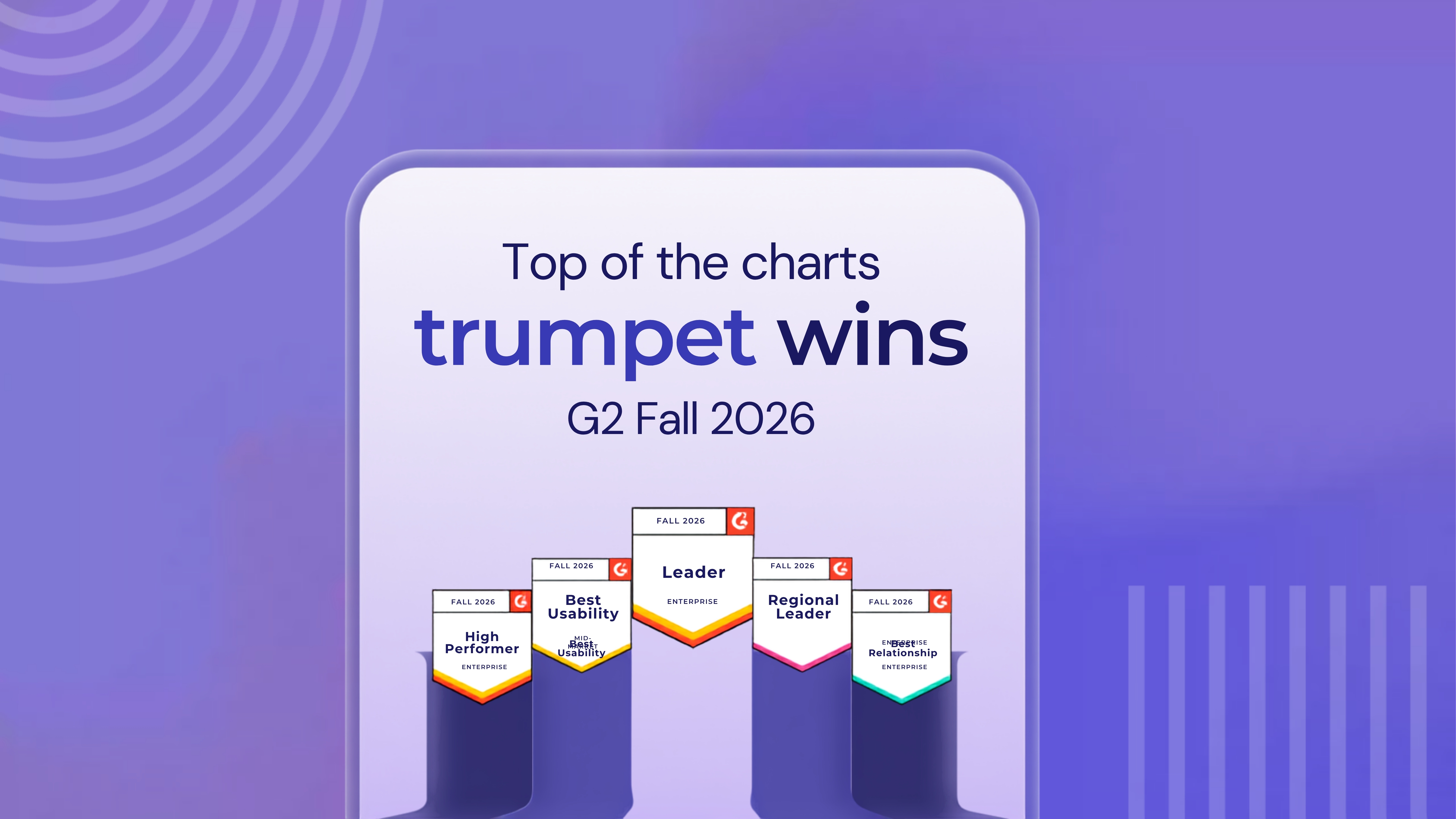
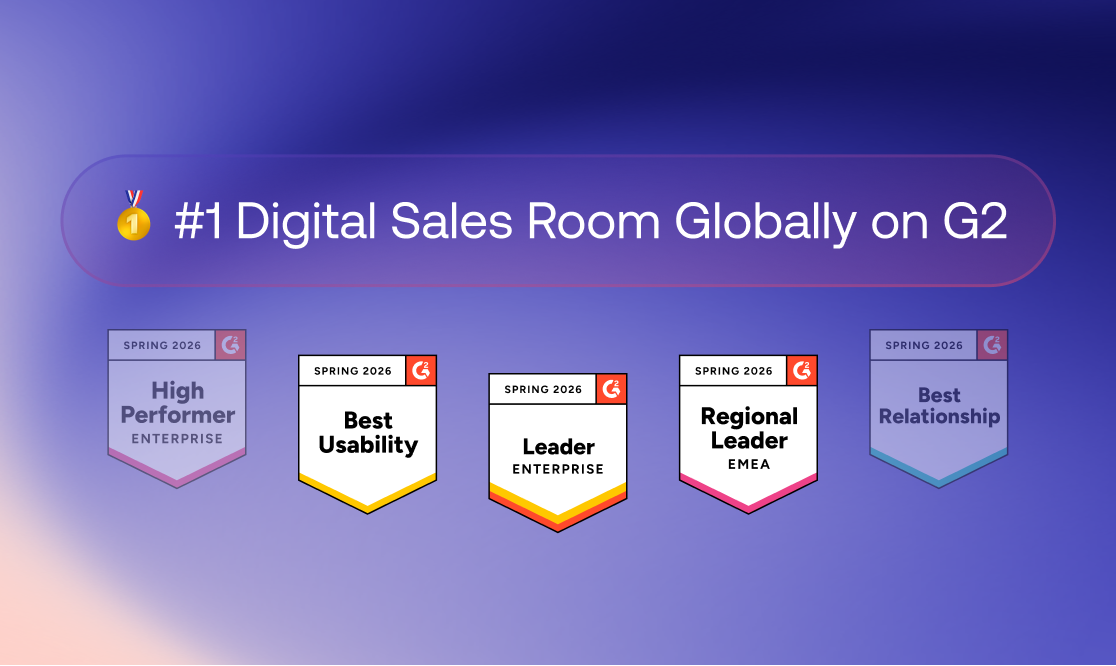
This combination allows revenue teams to deliver a personalised buying experience while giving RevOps, enablement, IT, and security teams the governance, visibility, and administrative controls needed to deploy the platform confidently at scale. Trumpet is ranked number one for Digital Sales Rooms globally on G2 across more than 30 enterprise, mid-market, and regional reports.
Common mistakes when choosing Digital Sales Room software
Many organisations evaluate Digital Sales Room software based on design alone, overlooking the operational requirements needed for long-term success. Common mistakes include treating SOC 2 Type II or ISO 27001 as the complete enterprise-readiness test, overlooking external buyer permissions, underestimating content and template governance, failing to test user deprovisioning, accepting "enterprise ready" without asking vendors to demonstrate it, and ignoring AI data policies during procurement.
Another common mistake is focusing only on seller workflows. A Digital Sales Room should improve the experience for buyers, sellers, RevOps, customer success, IT, security, and enablement teams. Evaluating the platform from each of these perspectives creates a more complete picture of how well it will perform once deployed across the organisation.
Questions to ask during a product demo
Rather than asking vendors whether a capability exists, ask them to demonstrate it. Useful scenarios include:
- Creating a buyer workspace from a governed template.
- Personalising the room without breaking brand standards.
- Restricting access to a single customer domain.
- Limiting sensitive content to named stakeholders.
- Managing internal user permissions and team access.
- Provisioning and deprovisioning users through SCIM.
- Updating content centrally across multiple workspaces.
- Viewing portfolio reporting across active buyer rooms.
- Demonstrating data residency and security documentation.
- Transitioning a workspace from sales into customer success.
Final decision framework
When choosing Digital Sales Room software, ask:
- What revenue problem are we solving?
- Does the platform improve the buyer journey?
- Can it support the full buying committee?
- Does it provide useful stakeholder-level visibility?
- Are Mutual Action Plans genuinely collaborative?
- Does it integrate deeply with our CRM and revenue stack?
- Can enablement govern content and templates centrally?
- Can permissions be managed for both internal and external users?
- Does the platform meet our data security requirements?
- Is it operationally enterprise ready?
- Does AI improve real revenue workflows?
- Will sellers adopt it consistently?
- Can leadership report across the full portfolio?
- Can the workspace continue into onboarding and customer success?
Final thoughts
The best Digital Sales Room software is not simply secure or visually impressive. It is a platform buyers will use, sellers will adopt, RevOps can trust, enablement can govern, IT can approve, and customer success can continue using after the deal closes.
Choosing the right platform means balancing buyer collaboration with governance, security, scalability, and operational control. Organisations that evaluate all of these areas together are more likely to deploy a Digital Sales Room successfully across the entire revenue organisation. For mid-market and enterprise teams, trumpet is a strong example of this approach, combining buyer-facing collaboration with stakeholder visibility, Mutual Action Plans, AI-powered deal intelligence, robust governance, granular permissions, enterprise-grade security, and full customer lifecycle continuity in one platform.
FAQs
What should I look for in Digital Sales Room software?
Look for software that combines buyer collaboration with stakeholder visibility, Mutual Action Plans, CRM integration, AI-powered deal intelligence, governance, permissions, enterprise security, reporting, and customer lifecycle continuity. The best platforms support both buyers and internal revenue teams.
What makes Digital Sales Room software enterprise ready?
Enterprise-ready Digital Sales Room software combines buyer collaboration with granular permissions, content and template governance, enterprise identity management, data security, scalable administration, CRM integration, and portfolio-level reporting. It should support secure deployment across large teams, regions, and business units.
What permissions should a Digital Sales Room support?
A Digital Sales Room should support role-based internal permissions alongside buyer-facing controls such as domain restrictions, named-user access, password protection, page-level permissions, download controls, expiring access, and the ability to revoke access when required.
Why does governance matter?
Governance allows organisations to control templates, content, branding, permissions, users, and workspaces centrally. This helps sellers personalise buyer experiences while maintaining consistency, security, and compliance across the revenue organisation.
What security features should I expect?
Look for recognised standards such as SOC 2 Type II and ISO 27001, together with SSO, SCIM, encryption, audit trails, data retention controls, GDPR compliance, access management, and transparent subprocessor policies. Certifications are important, but they should be evaluated alongside governance and operational controls.
Is SOC 2 enough to make a platform enterprise ready?
No. SOC 2 demonstrates strong security practices, but enterprise readiness also requires governance, permissions, scalable administration, CRM integration, reporting, and support for complex organisational structures.
How does trumpet support enterprise deployments?
Trumpet combines buyer-facing Pods with stakeholder engagement analytics, Mutual Action Plans, AI-powered insights, Salesforce and HubSpot integrations, content and template governance, document signing, SOC 2 Type II, ISO 27001, SSO, SCIM, granular permissions, and sales-to-customer-success continuity. Trumpet is ranked number one for Digital Sales Rooms globally on G2.







![How to Get Started with Buyer Enablement [With Examples]](https://cdn.prod.website-files.com/65cf4fecbed2754c2236665d/65cf4fecbed2754c22366bdb_65a5af83e742f76e34ce06f3_Customer%2520Onboarding%2520_%2520Everything%2520you%2520need%2520(2).png)
.png)


.png)


.png)


.png)

.png)

.png)
.png)





