


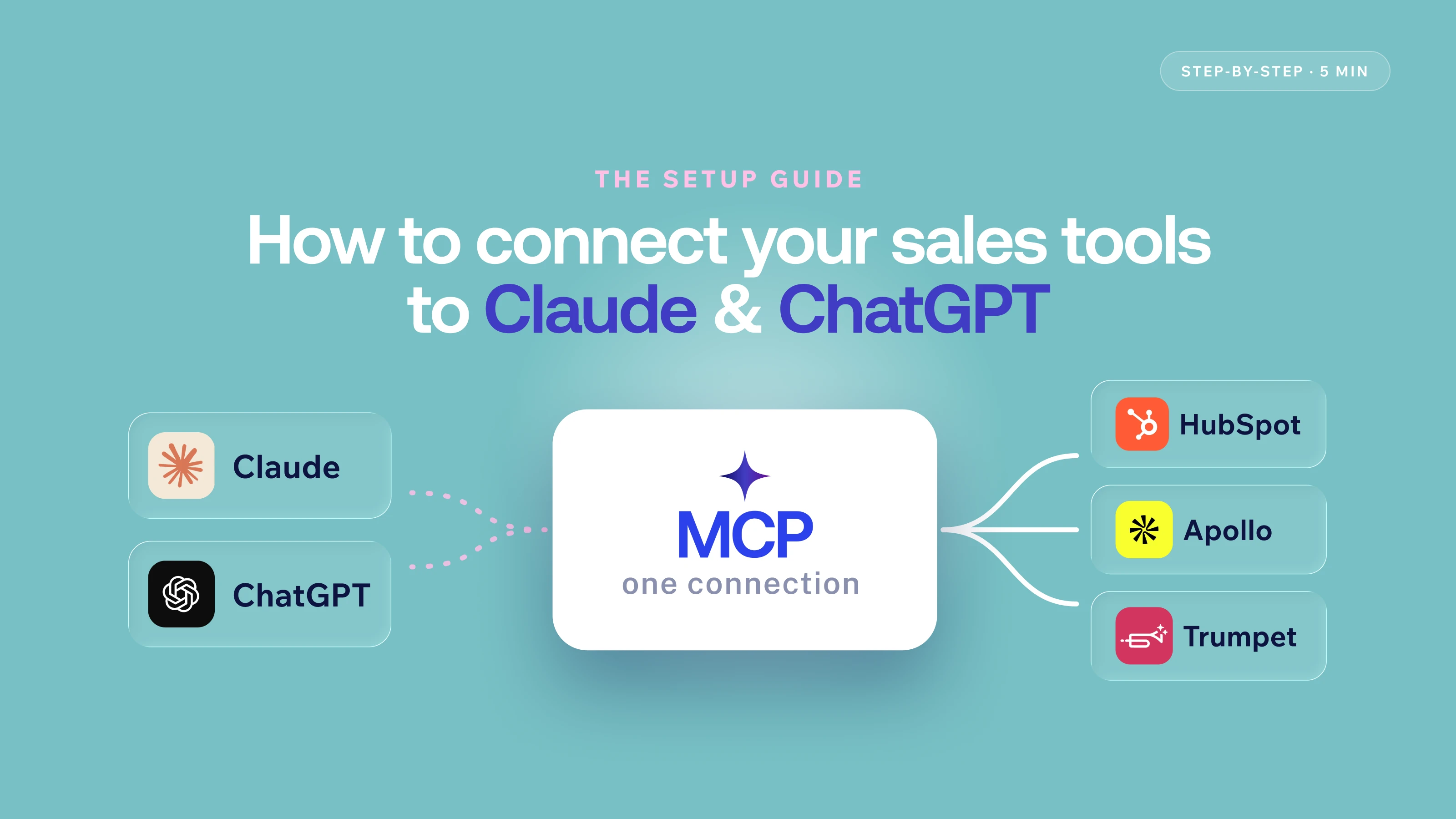





- Most sales MCP connections take under 5 minutes to set up — no engineering, no API keys, just a URL and OAuth
- trumpet's MCP URL is https://trumpet.app/api/mcp — paste it into Claude or ChatGPT's connector settings and authenticate
- Prompts like "Show me active pods with the lowest engagement this week" replace 15–20 minutes of manual pipeline review
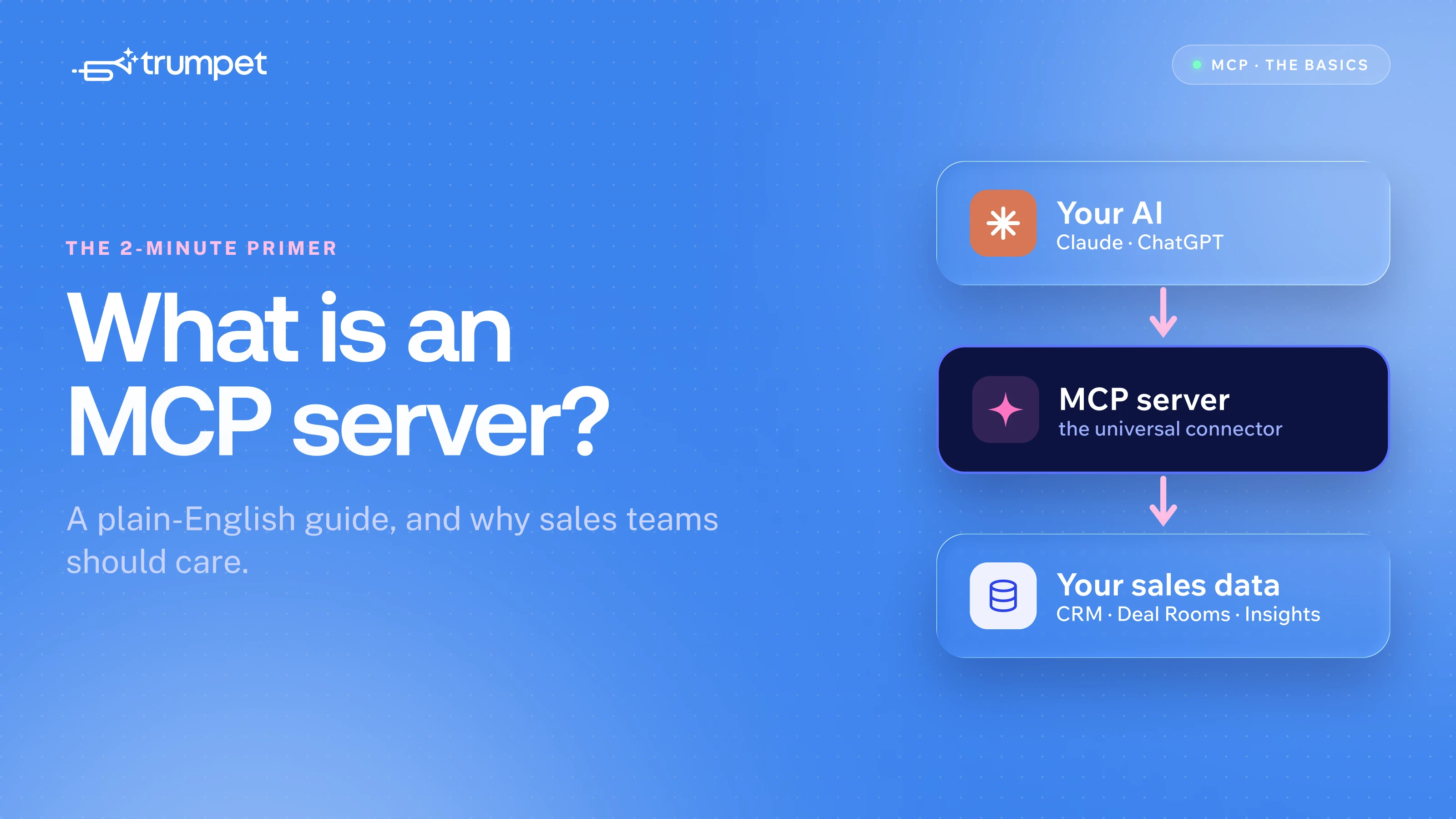
- trumpet's MCP gives your AI access to your pods, buyer engagement data, and CRM-linked deal context
- trumpet's MCP is in beta now; public listing on Claude and OpenAI app stores in July 2026
Under 5 minutes. No engineering required. That's the genuine reality of setting up most sales MCP connections — including trumpet's.
This guide walks through the exact setup for Claude and ChatGPT, with trumpet's MCP as the worked example, plus the prompts worth running from day one.
What you need before you start
Three things: a Claude Pro/Team/Enterprise account or ChatGPT Pro/Team account, access to the MCP server for the tool you're connecting, and your login credentials for that tool.
No API keys. No webhooks. No developer involvement. MCP connections authenticate via OAuth 2.0 — the same standard as connecting Slack or Google to any other app.
How to connect an MCP server in Claude
- Go to claude.ai → Settings → Connectors
- Click Add a Custom Connector
- Paste the MCP server URL
- Click Connect and authenticate via OAuth
- Select your workspace if prompted
- Start a new chat — the connector is live immediately
If you're on a company Claude workspace, some connectors may already be available. Check Manage Connections first before setting one up manually.
How to connect an MCP server in ChatGPT
- Go to Settings → Connectors (or Custom Actions, depending on your plan)
- Add a new connection using the MCP server URL
- Authenticate via OAuth
- Start a new conversation with the connector enabled
Steps may vary slightly by plan. Your tool provider's setup guide will have the exact flow if you hit friction.
Prompts to run from day one
These are what trumpet's beta users are running to replace tasks that used to take 15–20 minutes of manual work.
Pre-call prep
- "Get me the full details on the [Company] pod — engagement, stakeholders, content shared."
- "Summarise the current status of my top 5 active deals."
Deal prioritisation
- "Show me active pods with the lowest engagement this week."
- "Which of my deals haven't had any buyer activity in the last 14 days?"
- "Which pod has had the most engagement this week? Show me a breakdown."
Customer success and onboarding
- "Which of my onboarding pods have gone quiet in the last 7 days?"
- "Show me customers whose engagement has dropped below average this month."
CRM-linked lookups
- "Pull the trumpet room linked to deal ID 00Q123456."
- "Find the pod for Acme Corp and show me who's been most active."
Pod creation
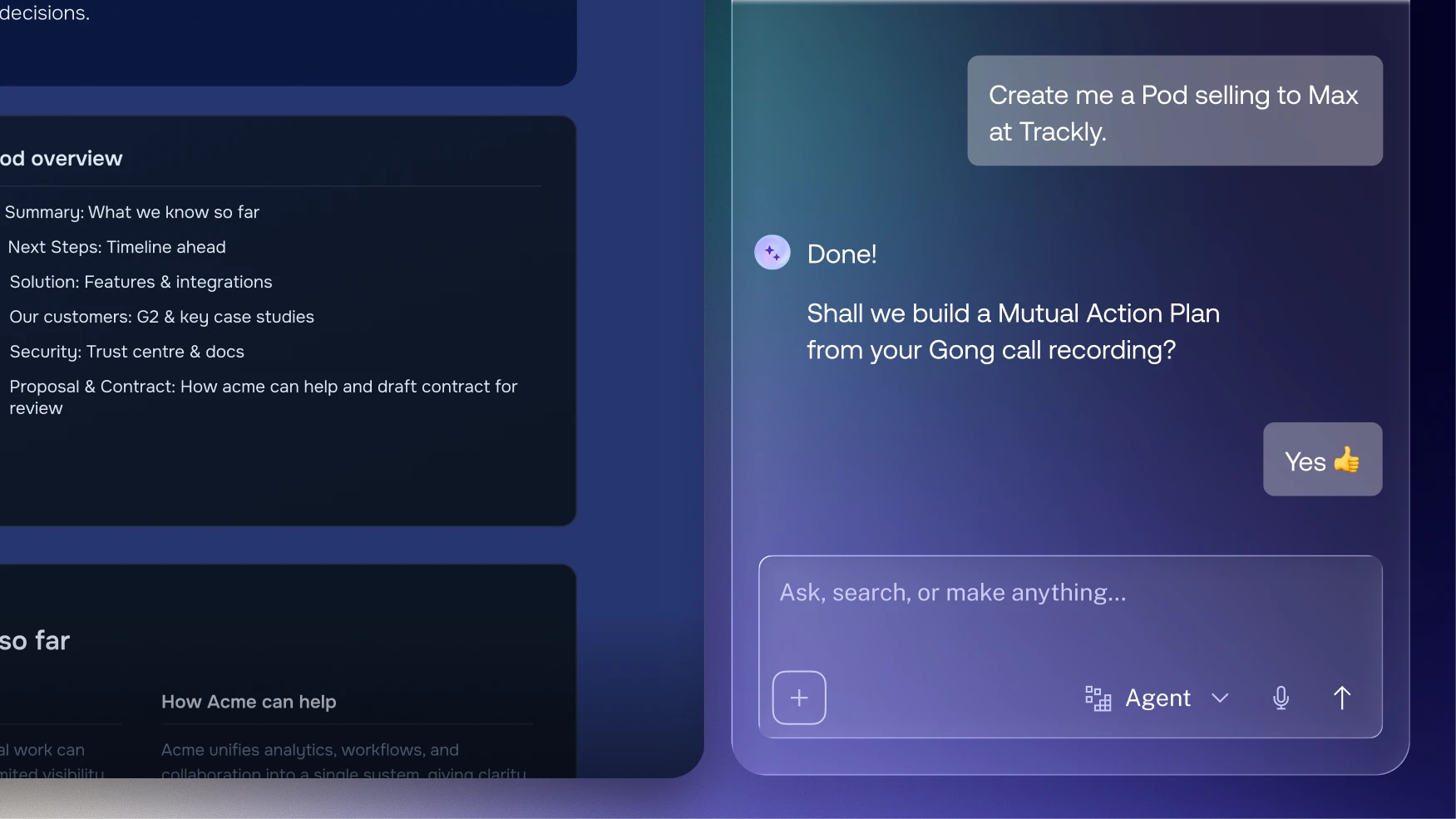
- "Create a pod from my kickoff template for [company name]."
- "Create pods from my discovery template for the following companies: [list]."
If something isn't working
The connector isn't showing as active. Start a new chat. Existing conversations don't always pick up connectors added mid-session.
Authentication failed. Make sure you're signing into the correct trumpet workspace. Re-run the setup and select the right one.
The AI says it can't access your data. Check the connector is enabled in settings and that you started a fresh conversation after connecting.
Frequently asked questions
Do I need a paid plan to use MCP connectors?
For Claude: Pro, Team, or Enterprise. For ChatGPT: connector support varies by tier — check your plan details.
Is my data secure?
Yes. OAuth 2.0 means your credentials are never stored in your AI tool. Only a secure access token is retained — the same approach used by Google, Slack, and every major platform.
Can I disconnect a connector?
Yes. In Claude: Connectors → Manage Connections → revoke. Same option in ChatGPT's connector settings.
Do I need engineering help to set this up?
No. Adding a URL and authenticating requires no coding. If you can connect Slack to your calendar, you can set up an MCP connection.
When will trumpet's MCP be publicly available?
It's available on request now. Public listing on the Claude and OpenAI app stores: July 2026.







![How to Get Started with Buyer Enablement [With Examples]](https://cdn.prod.website-files.com/65cf4fecbed2754c2236665d/65cf4fecbed2754c22366bdb_65a5af83e742f76e34ce06f3_Customer%2520Onboarding%2520_%2520Everything%2520you%2520need%2520(2).png)
.png)


.png)


.png)


.png)

.png)

.png)
.png)





