








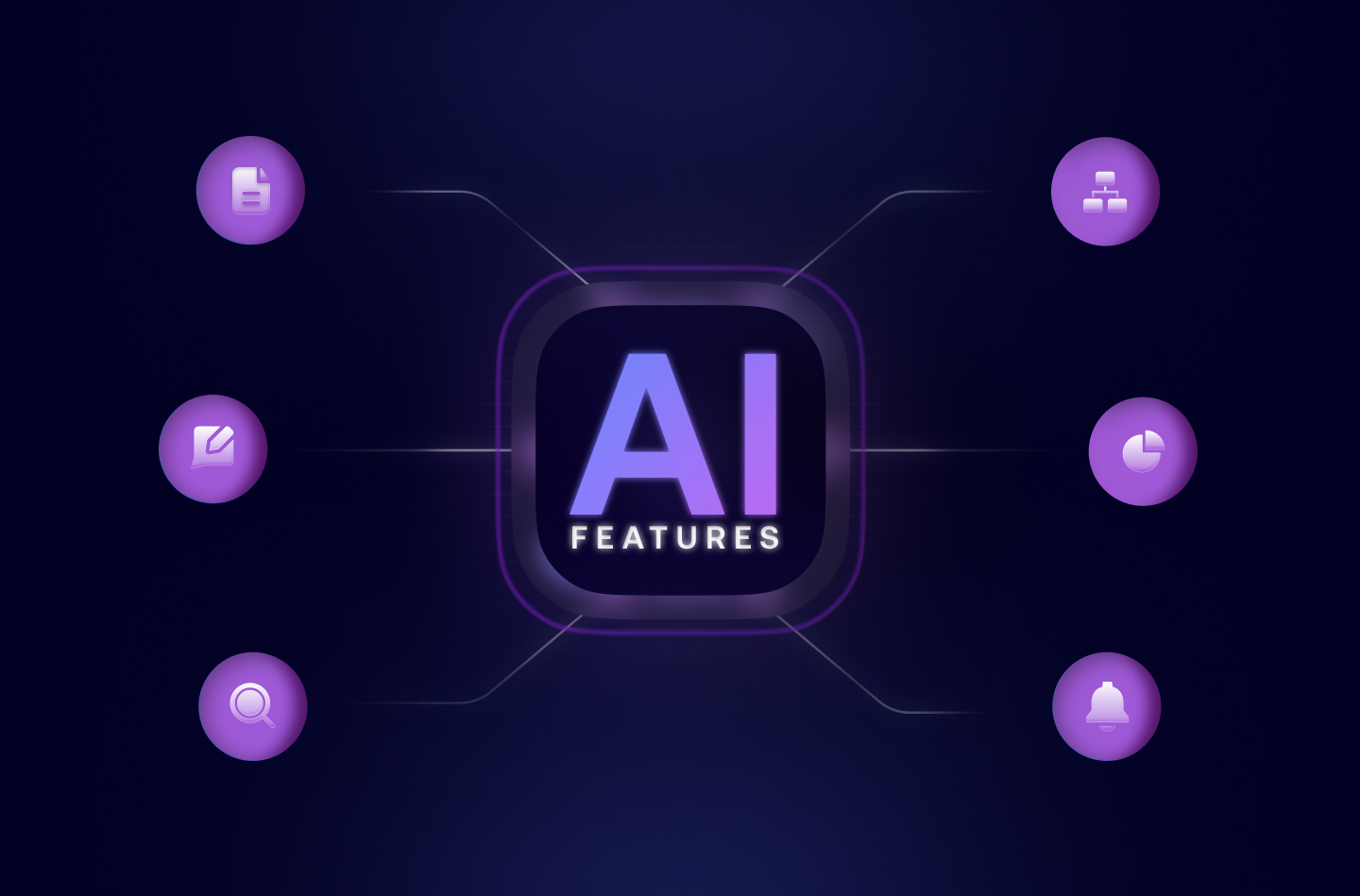
- Trumpet AI is built throughout the platform, not added as a single bolt-on feature
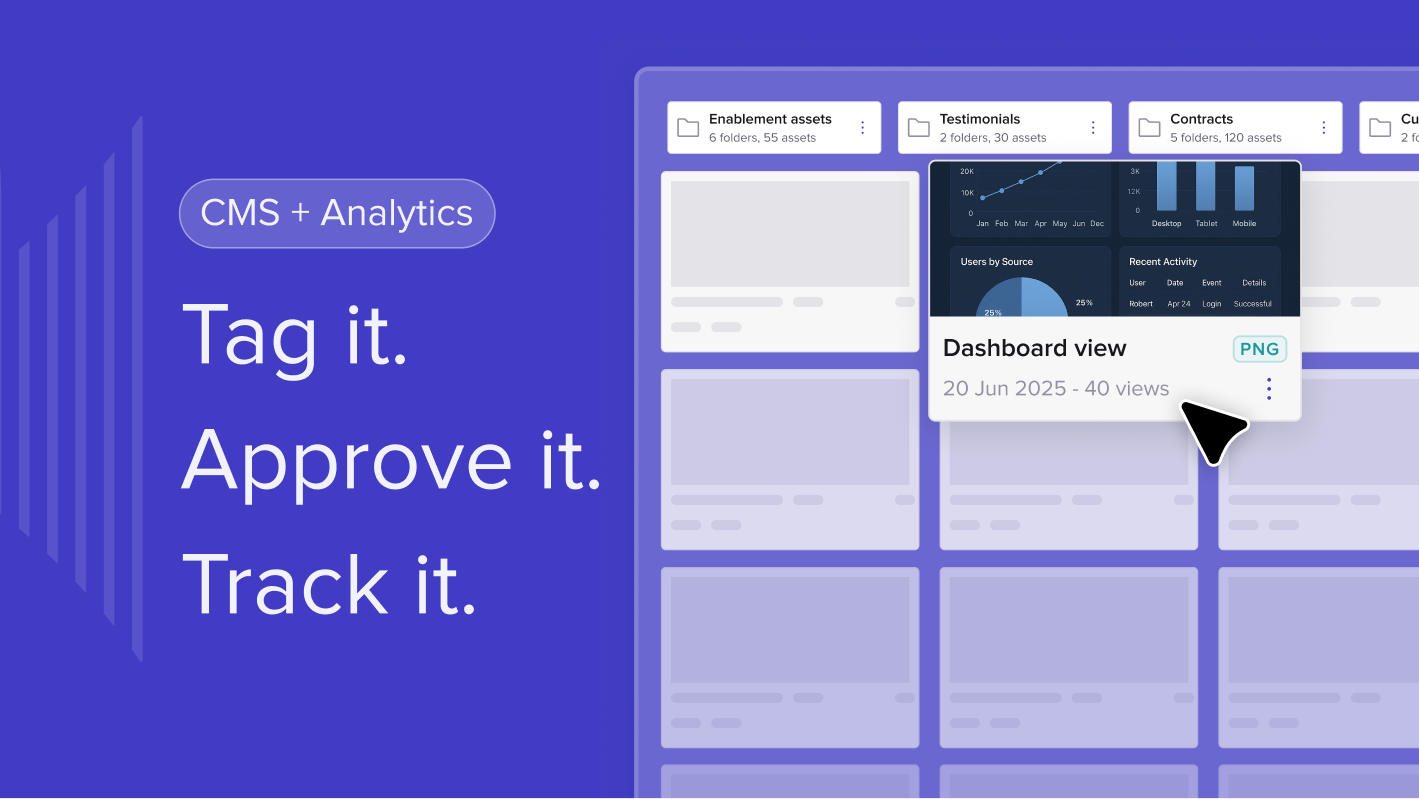
- It auto-tags your content library and recommends the right assets per buyer and stage
- Business cases, exec summaries, QBRs, and proposals can be generated in seconds inside a Pod
- AI builds and maintains your deal org chart from real engagement data
- Stakeholder Scout proactively flags missing stakeholders so reps can engage them early
- Deal health predictions are based on actual buyer signals, not rep intuition
AI in sales gets talked about a lot. Most of what's out there helps you write emails slightly faster. Trumpet's AI goes much further - it's built into the platform at every layer, handling the work that used to take hours so your team can focus on the conversations that matter.
How it works
Trumpet AI operates across several layers of the platform.
Content intelligence - AI auto-tags uploaded assets based on what they contain and how they map to your CRM taxonomy. It then recommends the right content for each buyer persona and deal stage.
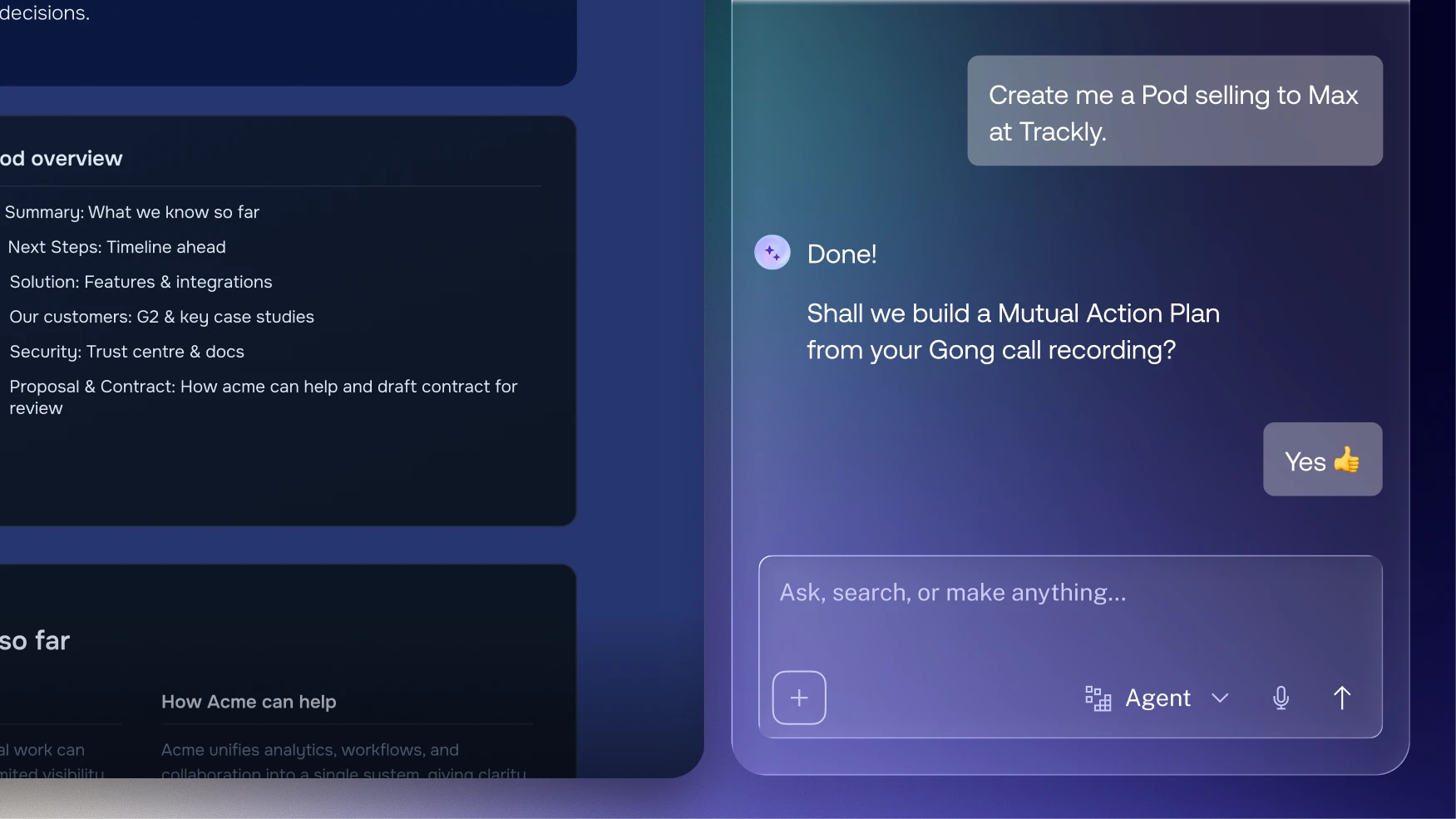
Document generation - Inside any Pod, you can generate structured, persuasive business cases, executive summaries, QBRs, and proposals in seconds. These are informed by the context of your specific deal, not pulled from a generic template.
Stakeholder intelligence - AI builds and maintains your org chart automatically, analysing who's engaging in the Pod, what their role is, and what their influence looks like. It also proactively recommends missing stakeholders - the Economic Buyer you haven't reached yet, the Legal contact you'll need at signature.
Deal intelligence - AI interprets engagement signals across your Pods to predict deal health and guide next steps. It doesn't just show you data, it tells you what to do with it.
How it helps Sales
AI brings back the hours that prep work takes away. Instead of spending an hour building a business case or formatting a proposal, reps can generate a draft in minutes and put their energy into the conversation. Personalisation at scale becomes real, not just a goal.
The stakeholder recommendations mean reps have full visibility over the buying committee before it matters. If a key contact hasn't been engaged and the contract is two weeks out, AI surfaces it.
How it helps Customer Success
For CSMs managing large books of business, AI is a genuine force multiplier. QBR prep that used to take half a day takes minutes. Account summaries are generated from real engagement data. And because AI is tracking signals across every account at once, nothing gets missed.
CSMs can show up to every call more prepared and more strategic, with AI-generated insights ready rather than scrambled notes from the hour before.
FAQs
What does Trumpet AI actually do?
Trumpet AI works across four areas: content tagging and recommendation, document generation (business cases, QBRs, proposals), stakeholder mapping and gap identification, and deal health prediction from engagement signals.
Can Trumpet AI generate a QBR or business case?
Yes. Inside any Pod, you can generate structured documents - business cases, executive summaries, QBRs - informed by your deal context. It takes minutes rather than hours.
How does Trumpet AI help with multithreading?
Trumpet's AI analyses who's engaging in your Pod and automatically surfaces stakeholders you're missing - like an Economic Buyer or Legal contact - so you can engage them before they become a last-minute complication.
Is Trumpet's AI trained on my data?
Trumpet uses engagement data within your Pods and CRM taxonomy to inform recommendations and outputs. It works with your existing context rather than requiring separate training.
How does AI benefit CS teams specifically?
For CSMs, AI accelerates QBR prep, generates account summaries from real engagement data, and tracks signals across all accounts simultaneously - so nothing falls through the cracks in a large book of business.





![How to Get Started with Buyer Enablement [With Examples]](https://cdn.prod.website-files.com/65cf4fecbed2754c2236665d/65cf4fecbed2754c22366bdb_65a5af83e742f76e34ce06f3_Customer%2520Onboarding%2520_%2520Everything%2520you%2520need%2520(2).png)
.png)


.png)


.png)


.png)

.png)

.png)
.png)





