








- Static pricing documents can create unnecessary back-and-forth as buyers explore different scenarios.
- Canvas lets sellers build interactive pricing configurators directly inside a trumpet Pod using natural language.
- Buyers can explore variables such as licence tiers, seat numbers and billing frequency themselves.
- Pricing updates dynamically as options change, rather than requiring multiple versions of the same document.
- The same Canvas approach can be used for ROI calculators, business cases, comparisons and other interactive sales content.
Pricing conversations rarely stay as simple as sending over one quote. "What happens if we add another team?" "What would 100 seats cost?" "What about a different licence tier?" "Can you show us annual vs monthly billing?"
For an Account Executive, every question can mean another pricing document, another version to keep track of and another round of back-and-forth with the buyer.
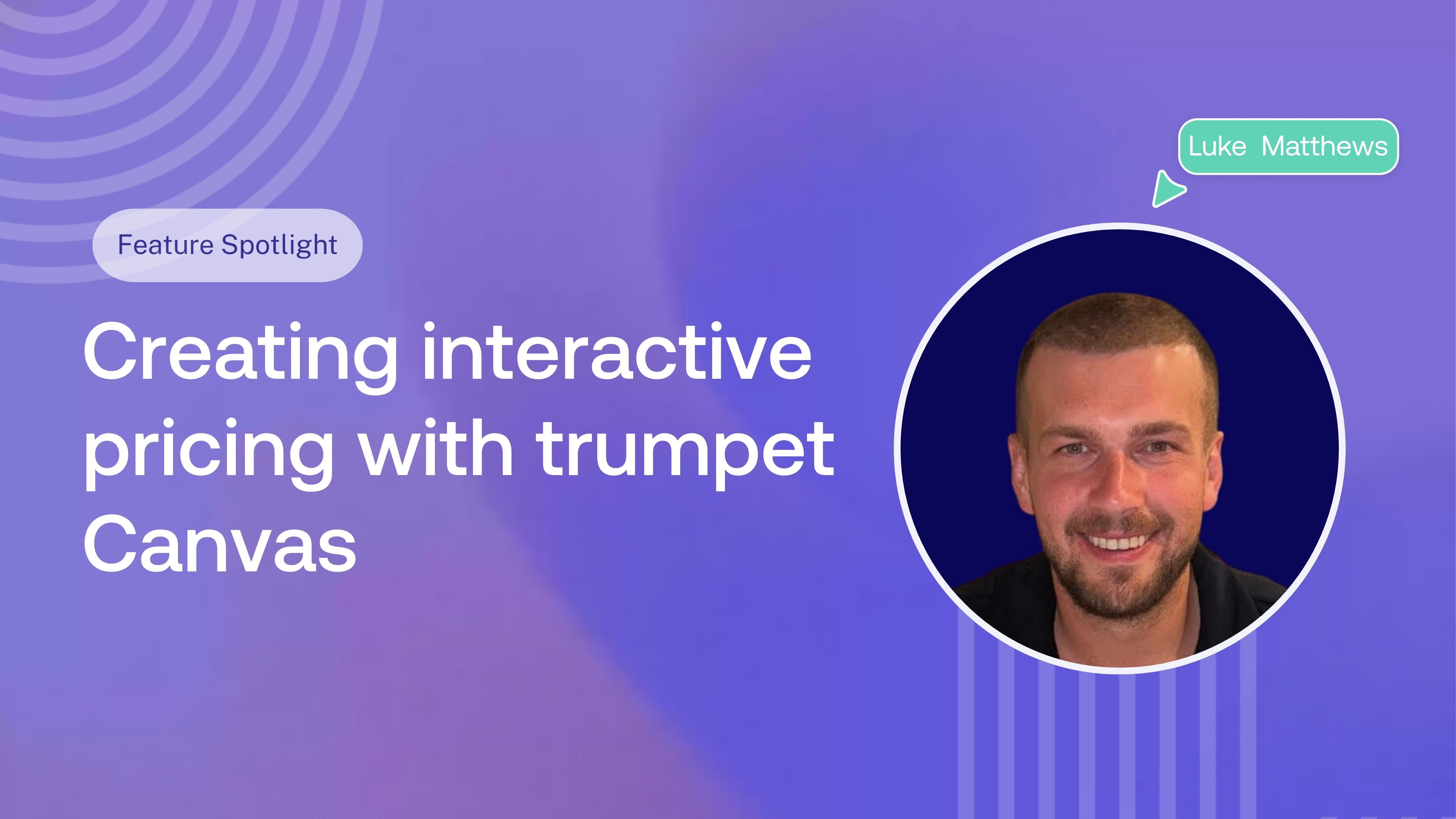
In this Magic Moments episode, Luke Matthews, Account Executive at trumpet, shows how he uses Canvas to turn a static pricing document into an interactive pricing configurator that buyers can explore themselves, directly inside their Pod.
What is trumpet?
trumpet is a buyer enablement platform that helps revenue teams bring the sales process into one personalised, collaborative space.
Teams use trumpet to create Digital Sales Rooms, or Pods as we call them, where buyers can find everything they need throughout the sales process, from proposals and business cases to Mutual Action Plans, pricing, product content and next steps.
Rather than information being spread across email threads, attachments and different tools, the Pod gives the seller, champion and wider buying team one shared place to work from.
What is trumpet Copilot?
trumpet Copilot is an AI assistant that helps sellers build, personalise and maintain their Pods using natural language.
Instead of manually creating and updating every part of a Digital Sales Room, sellers can tell Copilot what they want to do. Copilot can use the context already available to it, including call transcripts, uploaded documents and content from trumpet's CMS, to help build the experience.
That could mean asking Copilot to:
- Build or personalise pages inside a Pod
- Find and add relevant sales content
- Turn call transcripts into next steps
- Create and update Mutual Action Plans
- Summarise information for the buyer
- Work with Canvas to create interactive content such as ROI calculators
Watch the video here:
The problem with static pricing documents
As a deal progresses, buyers naturally want to explore different options before making a decision.
They might want to compare licence tiers, increase or decrease the number of seats, understand different billing frequencies or see how bringing another team into the deal changes the overall cost.
With a traditional pricing document, each new scenario can mean going back to the seller and asking for another version.
As Luke explains:
“A prospect asked to see what it costs with an extra team, different user tier, and I'd end up sending three revised quotes all within the same week.”
It creates extra work for the seller and slows down the buyer at exactly the point when you want to make their decision as easy as possible.
Turning pricing into an interactive buyer experience
Using Canvas, Luke created an interactive pricing configurator that lives directly inside his trumpet Pod.
Rather than coding it or asking a developer to build it, he simply described what he wanted to Copilot.
Canvas then turned that prompt into an interactive experience where the prospect can explore different pricing scenarios in their own time.
For example, buyers can:
- Switch between different licence tiers
- Increase or decrease the number of seats
- Compare different options
- Change billing frequency
- See pricing update based on their selections
Instead of opening several static quotes or asking the AE for another pricing breakdown, buyers can answer many of those initial questions themselves.
Building it with Copilot and Canvas
Canvas is trumpet's natural-language interactive widget builder inside Copilot.
You describe what you want to create, and Canvas can build interactive experiences directly inside your Pod, including pricing configurators, ROI calculators, comparison tools, business cases, onboarding plans and more.
Because Canvas sits within Copilot, it can also draw on the context you're already working with, including uploaded documents, call transcripts and your brand styling.
And you don't have to get everything right with the first prompt. You can continue chatting with Copilot to refine the experience, change the copy, adjust scenarios or update how the widget works.
For Luke, that means taking something that would previously have lived across multiple pricing documents and turning it into one interactive experience for the buyer.
Giving buyers more flexibility
The real benefit isn't simply making pricing look more interactive.
It's giving buyers the flexibility to explore the options that matter to them without needing the seller to manually create a new document every time something changes.
That becomes particularly useful when a champion is sharing pricing internally. Different stakeholders may have different questions around users, teams, tiers or budget, and an interactive configurator gives them one place to explore those scenarios.
The seller spends less time producing slightly different versions of the same quote, while the buyer gets a clearer way to understand their options.
FAQs
What is an interactive pricing configurator?
An interactive pricing configurator lets buyers adjust variables such as licence tier, number of users or billing frequency and see how those choices affect pricing.
What is trumpet Canvas?
Canvas is an interactive widget builder inside trumpet Copilot. Users can describe what they want in natural language and create branded, interactive experiences such as pricing configurators, ROI calculators, comparison tools, onboarding plans and business cases directly inside a Pod.
Do you need to code to create a Canvas widget?
No. Canvas is designed to create interactive widgets from natural-language prompts, so sellers can describe the experience they want without needing to write HTML, CSS or JavaScript themselves.
Can buyers use a pricing configurator themselves?
Yes. Once added to a Pod, buyers can interact with the configurator directly, allowing them to explore different scenarios without needing a new static pricing document for every change.
What else can sales teams build with Canvas?
Canvas can be used to create interactive ROI calculators, competitor comparisons, pricing cards, onboarding Gantt charts, renewal dashboards, quizzes, business cases and other custom buyer experiences.













![How to Get Started with Buyer Enablement [With Examples]](https://cdn.prod.website-files.com/65cf4fecbed2754c2236665d/65cf4fecbed2754c22366bdb_65a5af83e742f76e34ce06f3_Customer%2520Onboarding%2520_%2520Everything%2520you%2520need%2520(2).png)
.png)


.png)


.png)


.png)

.png)

.png)
.png)





