

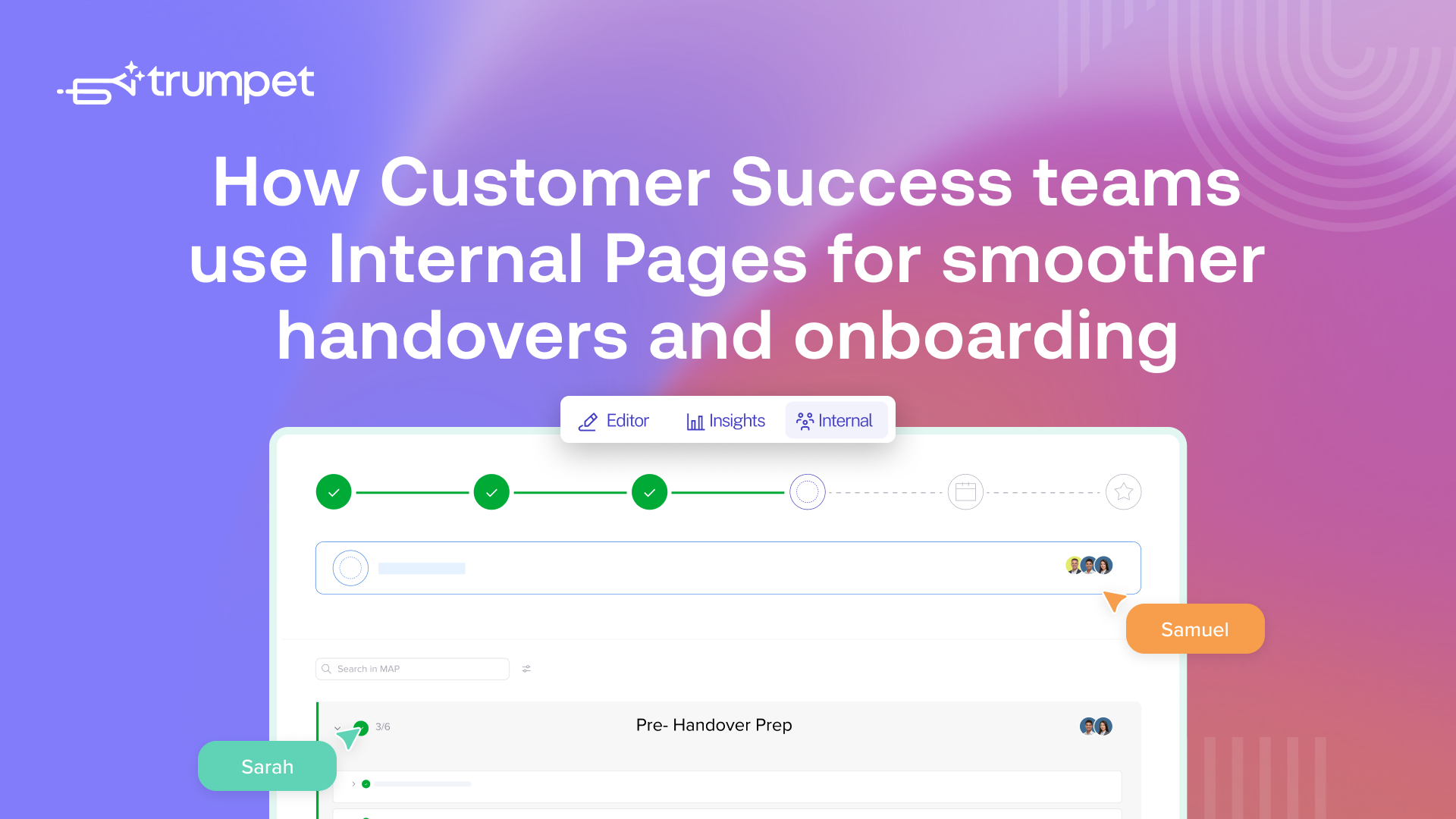
- Internal Pages give CS a private team workspace inside every Pod
- Sales to CS handovers happen inside the Pod, with all context attached
- CS can review deal context, stakeholders, and files before onboarding starts
- The Internal Page becomes a single source of truth for the account, not just the deal
- Sales and CS can collaborate on expansion and renewal conversations without losing context
Internal Pages are a private team workspace that lives inside every Pod, visible only to internal collaborators. Summary, Internal MAP, Org Chart, Files, and Notes, all tied to the account they belong to.
Here is how Customer Success teams are using Internal Pages for cleaner Sales to CS handovers, faster onboarding prep, and a real single source of truth on every account.
See how Anna a Customer Success Manager here at trumpet uses Internal Pages.
Why Customer Success needed this
Sales finishes the deal and CS picks it up. Somewhere between those two moments, context can disappear. Who the real champion is, why the deal almost died in June and which exec is the actual decision maker and which one just turns up to calls.
The first month with their new CS lead often starts with questions they have already answered three times. Internal Pages fix this by giving Sales and CS one shared place to capture context, tied to the Pod the customer is already in.
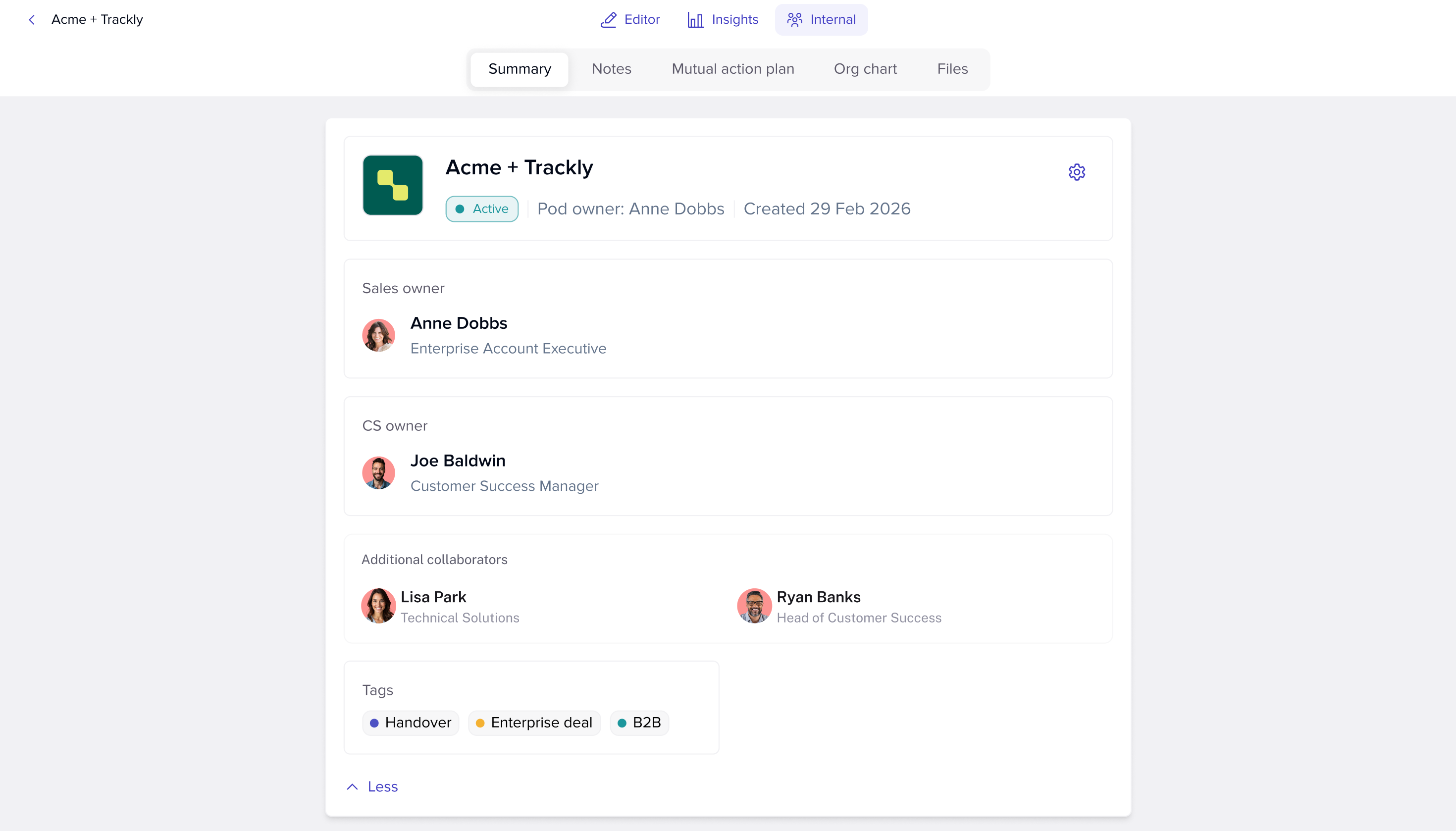
Reviewing deal context before onboarding starts
Before CS even starts onboarding, the Internal Page tells them what they need to know. Open the Pod, open Internal Pages, and the Summary tab has the deal context, stakeholders, owners, and status. The Notes tab has whatever the AE captured during the deal. The Files tab has the strategy docs, security reviews, or commercial paperwork the AE was working with.
That is the start of onboarding done before the kickoff call even goes in the calendar.
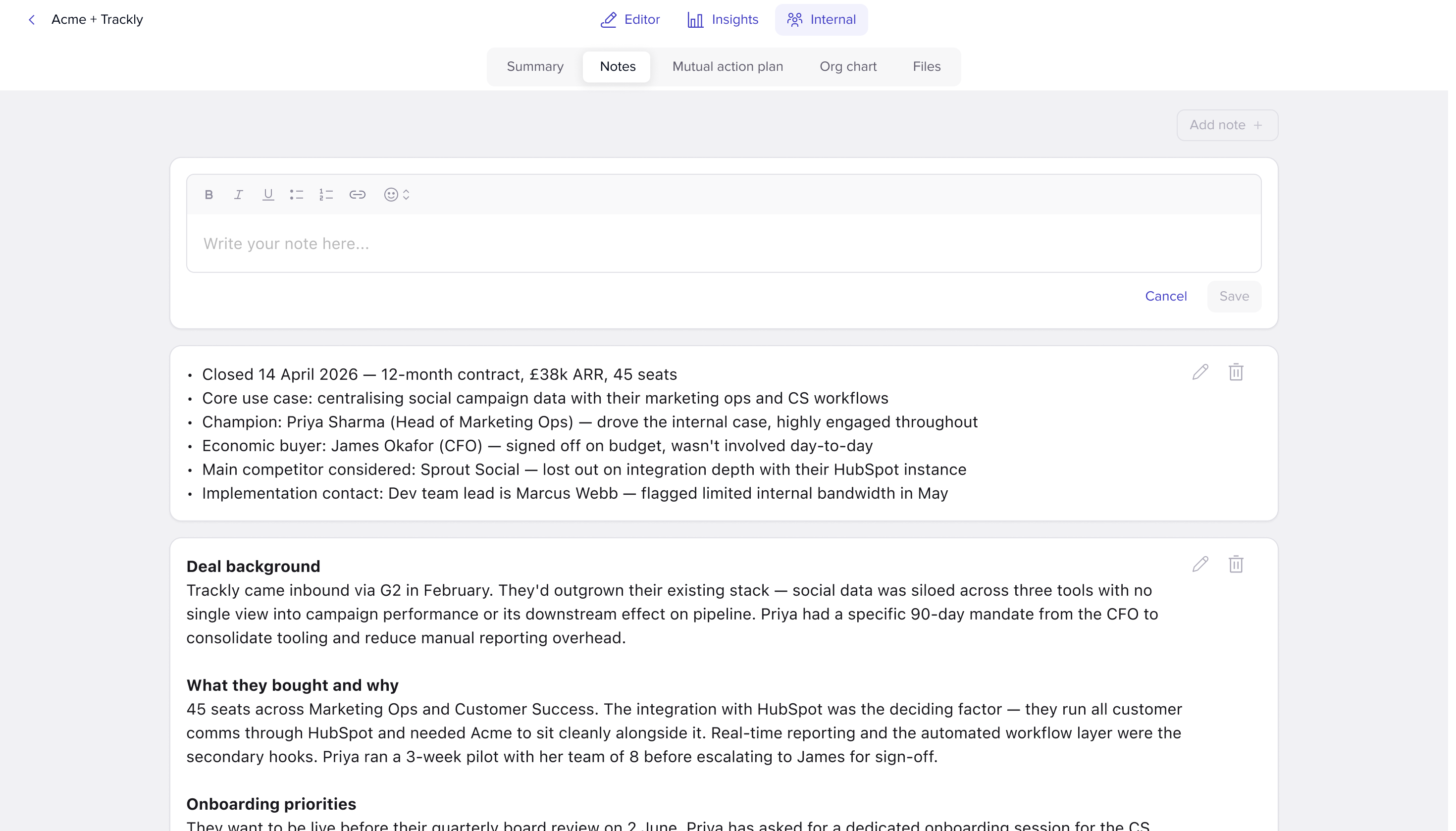
Cleaner Sales to CS handovers
When Sales hands the account over, the work happens inside Internal Pages instead of inside a doc nobody opens twice.
- Sales assigns a CS owner from the Summary tab
- Sales adds context, stakeholders, and any open risks to Notes
- Files like proposals and signed orders live in the same place
- CS reviews everything before stepping in
The handover stops being a one-off conversation and starts being a continuous record. If something changes later, the Internal Page changes with it.
Building a single source of truth for the account
After onboarding, Internal Pages keep doing real work.
- New stakeholders joining the account get added to the Summary
- QBR prep notes go in Notes alongside whatever Sales originally wrote
- Renewal risks and expansion signals get captured as the account evolves
- Files like business cases, success plans, and account reviews all sit in one place
Twelve months in, you have an Internal Page that has grown with the account, not a folder buried in Drive nobody opens.
Collaborating with Sales when they come back in
CS does not always work alone on an account. Expansion conversations, renewals, and strategic check-ins often need Sales back in the loop.
Internal Pages make that easy. Sales can drop into the same Internal Page, see what CS has captured since handover, and add their own context for the next conversation. No re-briefing. No “can you forward me the last QBR notes?”
Why this matters
Customer Success teams are measured on retention, expansion, and the customer experience. All three depend on context not falling through the gaps. Internal Pages give CS one place to keep it, one place to find it, and one place to update it as the account evolves. The customer feels the difference and so does the rest of the team.
You can find out more about how Sales teams use Internal Pages here, or head back to our general Internal Pages overview to explore the full feature breakdown.
.png)

See what your buyers are doing between meetings
Build a Pod, share it with the buying committee and watch the signals roll in. Free to start.
.png)
.png)
.png)

.png)
.png)


![How to Get Started with Buyer Enablement [With Examples]](https://cdn.prod.website-files.com/65cf4fecbed2754c2236665d/65cf4fecbed2754c22366bdb_65a5af83e742f76e34ce06f3_Customer%2520Onboarding%2520_%2520Everything%2520you%2520need%2520(2).png)



.png)

.png)