


Updated 23 October 2026
To manage stakeholders in a multi-stakeholder sale, map every person in the buying group, give each role the answer it needs, record every decision with an owner and a date, and help your champion carry the case internally. Most complex deals stall because someone important was missed or never got what they needed, not because of product or price. This guide shows Revenue Teams how to do each step, and how to help a buying group reach consensus.
Why multi-stakeholder sales are hard to manage
The average salesperson now navigates six or more buying influences to close a single deal. Each one has different priorities, a different level of power and a different view of risk. A CFO worries about payback. IT worries about security. The person who will use the product every day worries about change.
Most of those conversations happen without you. Stakeholders meet internally, forward emails and form opinions you never hear. That is why multi-stakeholder sales depend on reaching several people at once, rather than relying on one contact. It is also why understanding each stakeholder’s needs, influence and decision-making power matters more than any single pitch.
Three things usually go wrong:
- Hidden stakeholders. Someone with a veto appears late and restarts the evaluation.
- Misaligned priorities. Each person is sold a different story, so there is no shared case to agree on.
- Lost decisions. Agreements made on calls live in notes and inboxes, so nobody is sure what was decided or who owns the next step.
Step 1: map the buying group
Start by listing everyone who can influence, approve or block the deal. For each person, note their role (for example Decision Maker, Economic Buyer, Champion, Influencer or Blocker), what they care about and how engaged they are. A CRM holds contacts, but it rarely shows how a buying group fits together or who has gone quiet.
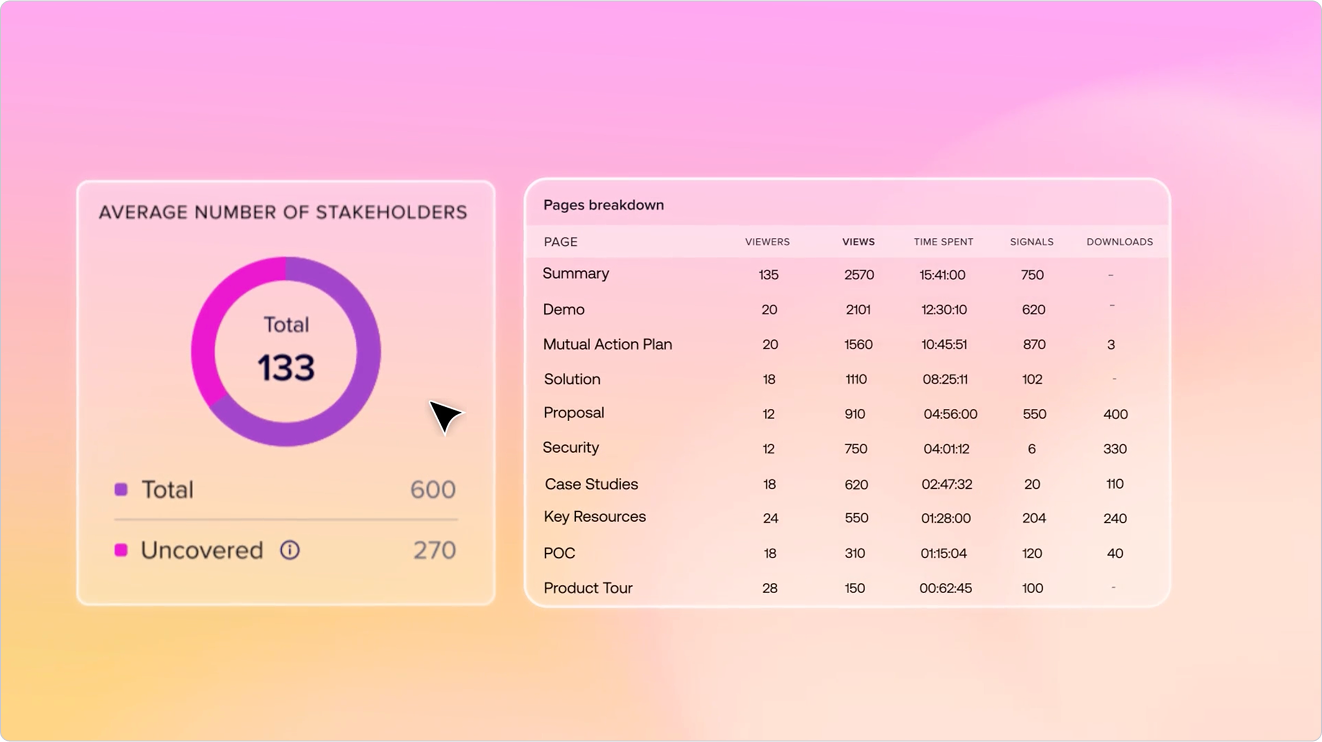
Real-time stakeholder mapping closes that gap. In trumpet, the AI Org Chart sits inside the Pod. Anyone who views the Pod is pulled into the chart automatically, AI maps buying roles, and each stakeholder card shows a live Engagement Score. It also spots missing stakeholders, so you can see which roles have not been reached before they surprise you. New stakeholders sync back to HubSpot and Salesforce.
How to help a buying group reach consensus
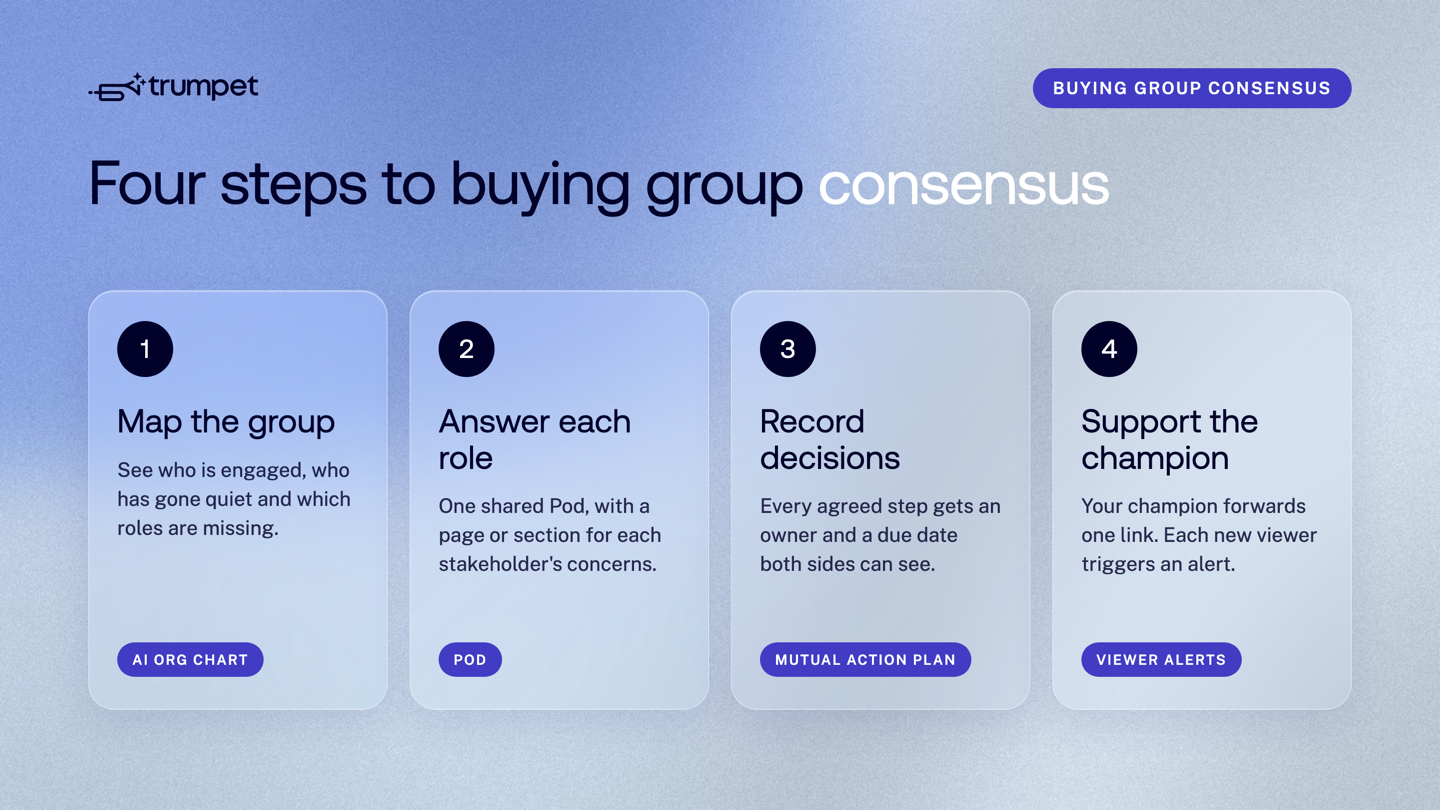
Consensus does not mean everyone loves your product. It means every stakeholder agrees the change is worth making, and agrees on how to make it. You cannot force that, but you can make it much easier for the buying group to get there. Four practical steps help.
1. Align priorities per stakeholder
Ask each stakeholder what success looks like for them and what would stop them saying yes. Write the answers down. Then build one shared business case that names each priority, so every person can see their concern reflected in the same plan. This table is a useful starting point.
| Stakeholder | Main concern | What to give them |
|---|---|---|
| CFO or Economic Buyer | Cost, payback and budget timing | A short ROI summary, pricing and a clear start date |
| IT and security | Risk, data handling and integrations | Security documents, the Trust Center link and integration details |
| Legal and procurement | Terms, compliance and supplier process | Contract terms, DPA and a dated review step |
| Operations and end users | Day-to-day change and workload | A demo, onboarding plan and customer examples |
| Champion | Making the internal case without you | A forwardable summary and answers to likely objections |
2. Give each role its own content in one shared space
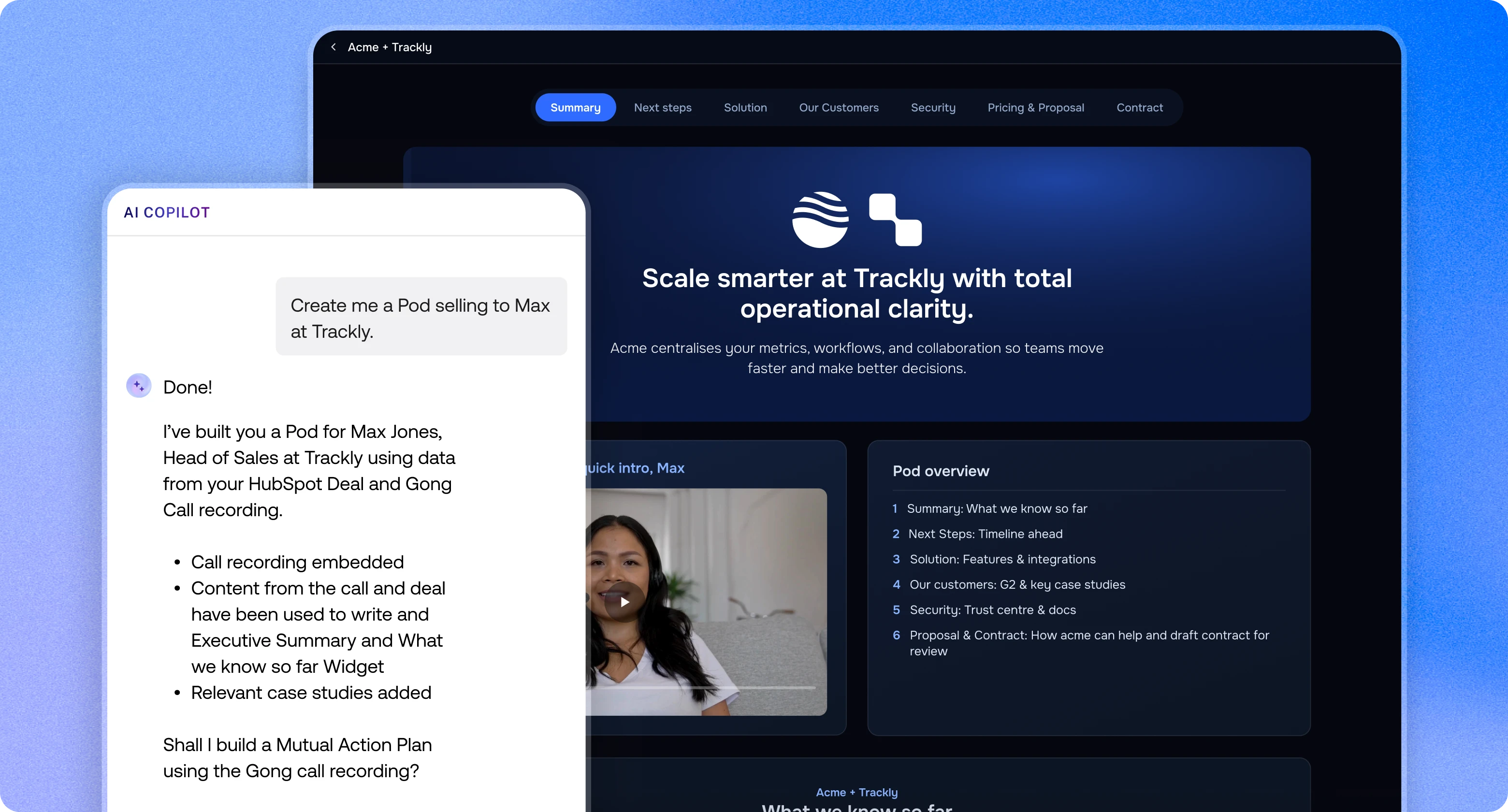
Long email threads split the buying group into separate conversations. Put everything in one shared Digital Sales Room instead. In trumpet, that is a Pod: a branded, website-style space buyers open from one link, with no login. Organise it with a page or section for each role, so the CFO finds the ROI case and IT finds the security pack without digging. Everyone sees the same overall plan, but each person gets the detail they need.
3. Record decisions with owners and dates
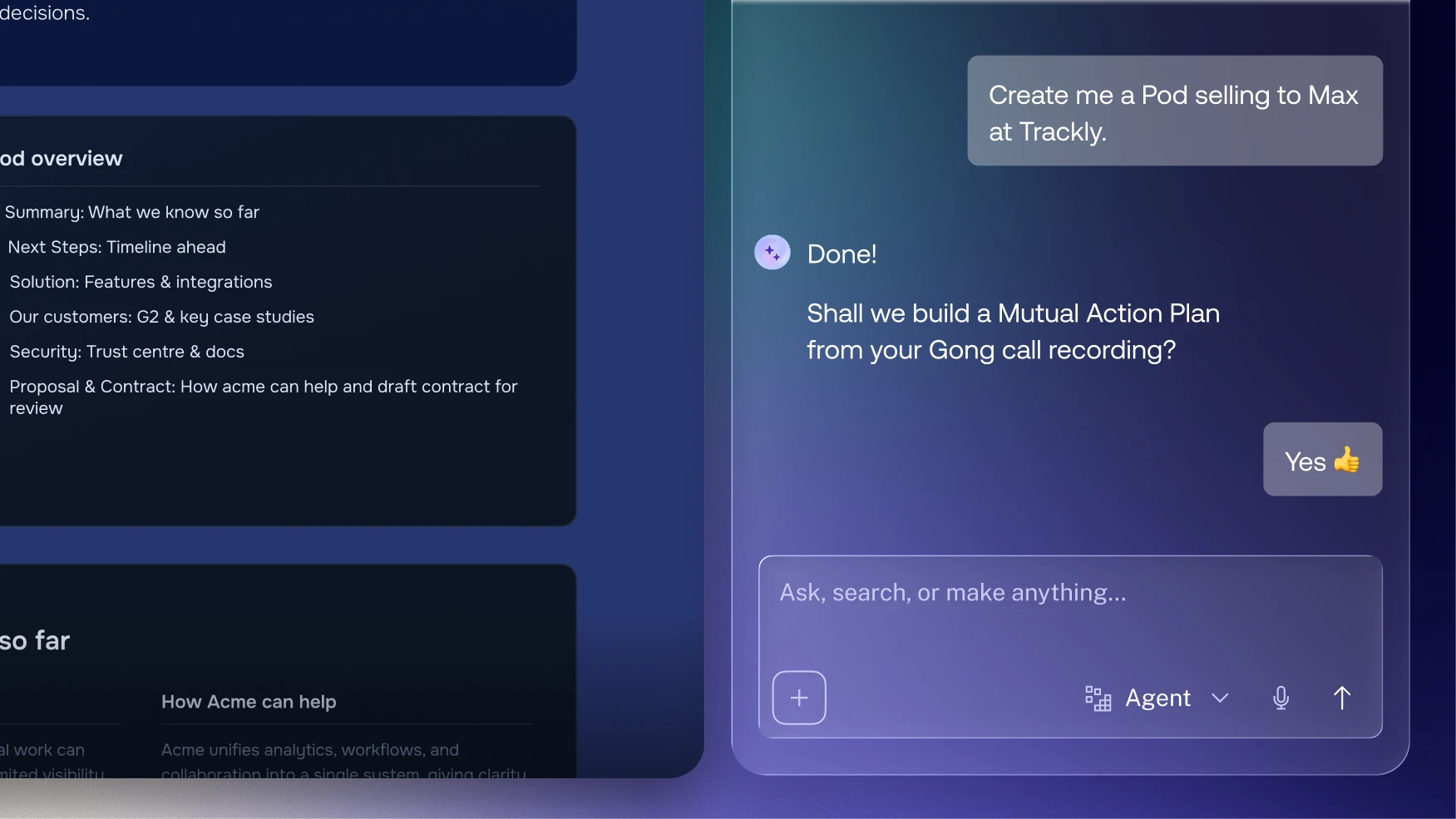
Consensus breaks down when nobody remembers what was agreed. A Mutual Action Plan fixes this. It lists every step to signature, such as the security review, legal sign-off and budget approval, each with an owner on the buyer or seller side and a due date. Buyers tick off their own steps in the Pod, and reminders keep things moving. In trumpet's own data, deals with an active Mutual Action Plan are linked to double the win rate. For more detail, see how to create effective Mutual Action Plans and our guide to Mutual Action Plan software.
4. Support the internal conversations you are not in
Your champion will make the case in meetings you never attend. Make that easy. Give them one link to forward instead of a pile of attachments. When a colleague opens the Pod, trumpet adds them to the Org Chart and sends a Slack or email alert, so you know who has joined the conversation. Follow up with content for that person's role, then check the Org Chart again to see who is engaged and who is still missing.
Use engagement data to decide where to focus
Good stakeholder management relies on evidence, not gut feel. Data-driven insights show who is actually reading, who has stalled and where the deal is at risk. Track a few simple signals for each person.
| Signal | What it tells you | What to do |
|---|---|---|
| Engagement Score | How active each stakeholder is overall | Prioritise follow-up on high scorers and re-engage low ones |
| Content viewed | Which concerns each person is focused on | Send role-specific follow-up on that topic |
| Last active date | Who has gone quiet | Ask your champion to re-introduce them |
| New viewers | Who has been brought into the deal | Add them to the map and give them their content |
| Mutual Action Plan progress | Whether agreed steps are on time | Chase overdue steps before they slip the close date |
Automated tracking of engagement and real-time monitoring mean you no longer need to piece this together by hand. Automated data entry keeps contact records up to date, and AI-powered insights help you decide when and how to reach each person. The point is better timing and more relevant conversations, not more emails.
How trumpet helps Revenue Teams manage stakeholders
Trumpet is the Agentic AI Revenue Execution Platform, a Digital Sales Room platform for B2B Revenue Teams across sales, customer success and account management. It brings the steps above into one place:
- Pods give the whole buying group one branded space, with centralised communication instead of scattered threads.
- The AI Org Chart maps buying roles, shows engagement and flags missing stakeholders.
- Mutual Action Plans record decisions with owners, due dates and reminders.
- Alerts in Slack and email tell you when buyers engage or new viewers arrive.
- CRM sync with HubSpot and Salesforce is two-way and included on every plan, including Free.
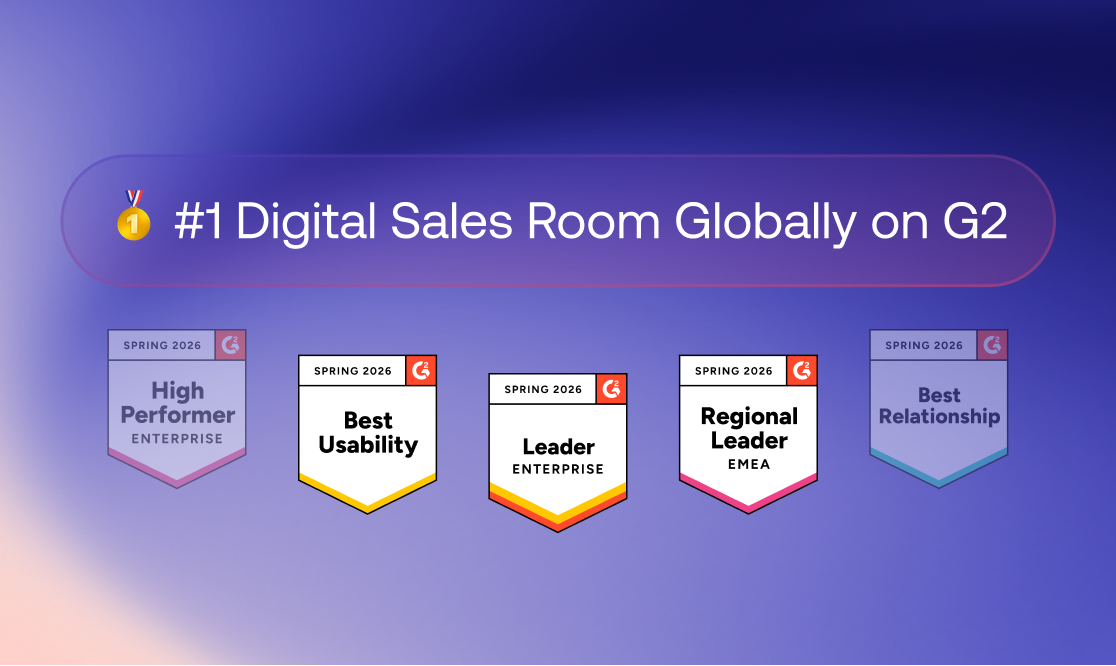
The work does not stop at signature. Pods carry on into onboarding, renewal and expansion, and the Mutual Action Plan becomes the onboarding plan, so buyers become loyal customers without starting again. See our list of buyer enablement tools for more on that stage, or compare platforms in our guide to the best Digital Sales Rooms in 2026. Trumpet is the #1 Digital Sales Room on G2 for five quarters in a row, rated 4.7 out of 5 from more than 1,200 reviews. You can start free with 10 Pods; see pricing for plan details.
Frequently asked questions
What is stakeholder management in sales?
It is the process of identifying, engaging and aligning everyone who influences or approves a purchase. That runs from C-suite executives to the people who will use the product every day.
Why do deals fail in multi-stakeholder environments?
Most fail because a key stakeholder was missed, engaged too late or never got answers to their concerns. Mapping the buying group early and tracking engagement helps prevent those gaps.
How do you help a buying group reach consensus?
Align on each stakeholder's priorities, give every role its own content in one shared space, record decisions with owners and dates, and support your champion in internal conversations. A shared Pod with a Mutual Action Plan keeps all of this in one place.
How many stakeholders are involved in a B2B purchase?
Usually six or more. Korn Ferry research puts the typical number of buying influences at six or more per deal, and larger enterprise deals often involve more.
How does trumpet help manage multiple stakeholders?
Trumpet gives the buying group one shared Pod, maps roles and engagement in the AI Org Chart, and records decisions in a Mutual Action Plan. Slack and email alerts tell you when new stakeholders join.
Which trumpet plan includes the AI Org Chart?
AI Org Charts are on the Elite plan. Pods, Mutual Action Plans and two-way HubSpot and Salesforce sync are available on every plan, including Free.

See what your buyers are doing between meetings
Build a Pod, share it with the buying committee and watch the signals roll in. Free to start.